Advanced Algo Trading 2026 | Codes | Youtube

Hi @deva ,

We don’t have any dump available for download at the moment.

Dear Sir,

How to get expired option data for specific nifty option strike for the given date with 1 min time frame.

Hello sir, how to get the code for Direction option selling algo?

HI @Mihir_Shah ,

We need to follow both steps to get expired options data

Refer this link it gives consolidated data -

Refer this link it gives strike wise data -
Hi @prashantjawale21 ,

We are still working on it . We will update you soon .

Hi @Tradehull_Imran - Can you figure out a way to add websocket (Marketfeed) in Tradehull library? It will be helpful for quick scalping algos.

Thanks.

Hi @Sadha ,

Websocket was already integrated in codebase.

Refer this video for the code reference -

code files : https://drive.google.com/file/d/1OD_t105oPVS5VnLxKv9k6Hp4Fj-uPqrM/view

1 Like

Hello Sir,

With your given guidance I was able to fetch the expired option data explained in the youtube video.

I am working on options backtesting using Tradehull and need some knowledge about historical options data.


My requirement

For any given trading day, I want:

  • 1-minute option data

  • For ATM / OTM strikes

  • For the nearest or next weekly expiry contract

    I was able to download the data and then manipulate them to make data based on the strike selection.


My confusion (2 scenarios)

Scenario 1 (Expiry Day)

Example: 27 Jan 2026 (Tuesday - expiry day)

If I use:
get_expired_option_data(...)

:backhand_index_pointing_right: Will it return data for:

  • 27 Jan 2026 expiry (same day)? :check_mark:
    OR something else?

Scenario 2 (Non-expiry Day)

Example: 29 Jan 2026 (Thursday)

:backhand_index_pointing_right: I want data for:

  • Next expiry (03 Feb 2026)

:backhand_index_pointing_right: Does it return:

  • Previous expiry (27 Jan)?

  • OR next expiry (03 Feb)?

Hi @Mihir_Shah ,

In this function, for the given from_date and end_date, it will return expiry dates within that range—monthly expiries if monthly is selected, or weekly expiries if weekly is selected.

Refer the below codes -

Fetch Expired Option Chart Data

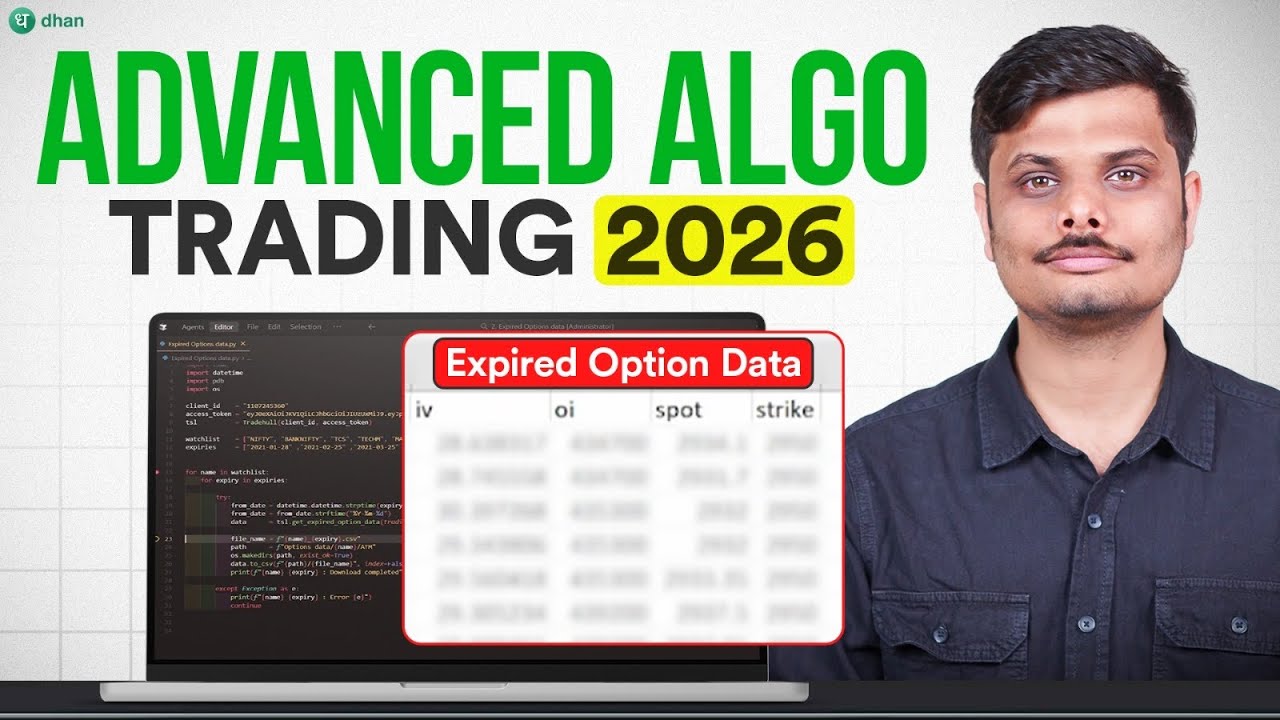
Retrieve minute-wise OHLC, Volume, IV, OI, Spot, and Strike data for expired option contracts (index options only, as supported by DHAN).Get Expired Option Data

  • tsl.get_expired_option_data(tradingsymbol: str,exchange: str,interval: int,expiry_flag: str,expiry_code: int,strike: str = “ATM”,option_type: str = “CALL”,required_data: list = None,from_date: str = “”,to_date: str = “”)
  • Arguments:
    • tradingsymbol (str): The symbol for which historical expired option data is required
      (e.g., "NIFTY", "BANKNIFTY", "RELIANCE").
    • exchange (str): Exchange of the underlying
      Allowed: "NSE", "BSE"
    • interval (int): Candle interval in minutes
      Allowed: 1, 5, 15, 25, 60.
    • expiry_flag (str): The expiry type
      • "MONTH" for monthly contracts
      • "WEEK" for weekly contracts
    • expiry_code (int): Expiry sequence number
      • 1 → Near expiry
      • 2 → Next expiry
      • 3 → Far expiry
    • strike (str): Strike selection mode
      Examples: "ATM", "ATM+3", "ATM-3".
    • option_type (str): "CALL" or "PUT".
    • required_data (list, optional): Which fields to fetch
      Default: ["open","high","low","close","volume","iv","oi","spot","strike"]
    • from_date (str): Start date in YYYY-MM-DD format.
    • to_date (str): End date in YYYY-MM-DD format.
  • Sample Code:

data = tsl.get_expired_option_data(tradingsymbol=“RELIANCE”,exchange=“NSE”,interval=1,expiry_flag=“MONTH”,expiry_code=1,strike=“ATM”,option_type=“CALL”,from_date=“2024-10-10”,to_date=“2024-11-10”)

Hello Sir,

Thanks for the guidance I am able to fetch the expired options data now.

The output is only having datetime,open,high,low,close,volume,iv,oi,spot,strike

How to add expiry date in the output, without the expiry date it is not possible to backtest alogo and manipulate data also on which basis we can save the records that can be used for further

Please Guide.
Thanks

data = tsl.get_historical_data(tradingsymbol=‘NIFTY’, exchange=‘INDEX’, timeframe=“DAY”)

Exception in Getting OHLC data as dhanhq.convert_to_date_time() missing 1 required positional argument: ‘epoch’

can you help ?

Seems like Dhan-Tradehull 3.2.2 is broken
Hi @Hemant_Kumar

we have updated the version use

pip install Dhan-Tradehull==3.2.2

hi @Mihir_Shah

the expiry date is in filename,
check this videoo

so while back testing, we read the filenames, and thus we get expiry.. and particular strike data also to backtest

see this file for backtesting reference

I have wasted 3+ hours and I’ve not been able to pull even a single historical option data point. I keep getting this error message ““errorCode”:“DH-905”,“errorMessage”:“Missing required fields, bad values for parameters etc.

What am I doing wrong?

payload ={

"exchangeSegment": "NSE_FNO",

“interval”: “1”,

“securityId”:13,

“instrument”: “OPTIDX”,

“expiryFlag”: “WEEK”,

“expiryCode”:1,

“strike”: “ATM”,

“drvOptionType”: “CALL”,

“requiredData”: [

“open”,

“high”,

“low”,

“close”,

“volume”

\],

“fromDate”: “2026-04-21”,

“toDate”: “2026-04-21”

}

Hi @gurjota ,

Refer this video for the historical data and the code files -

Code Files -

Getting this error for all tickers I am trying to extract data for

INDIGO 2025-01-30 : Error ‘NoneType’ object has no attribute ‘to_csv’
Exception in get_expired_option_data: ‘Tradehull’ object has no attribute ‘instrument_df’
INDIGO 2025-02-27 : Error ‘NoneType’ object has no attribute ‘to_csv’
Exception in get_expired_option_data: ‘Tradehull’ object has no attribute ‘instrument_df’
INDIGO 2025-03-27 : Error ‘NoneType’ object has no attribute ‘to_csv’
Exception in get_expired_option_data: ‘Tradehull’ object has no attribute ‘instrument_df’
INDIGO 2025-04-24 : Error ‘NoneType’ object has no attribute ‘to_csv’
Exception in get_expired_option_data: ‘Tradehull’ object has no attribute ‘instrument_df’
INDIGO 2025-05-29 : Error ‘NoneType’ object has no attribute ‘to_csv’
Exception in get_expired_option_data: ‘Tradehull’ object has no attribute ‘instrument_df’
INDIGO 2025-06-26 : Error ‘NoneType’ object has no attribute ‘to_csv’
Exception in get_expired_option_data: ‘Tradehull’ object has no attribute ‘instrument_df’
INDIGO 2025-07-31 : Error ‘NoneType’ object has no attribute ‘to_csv’
Exception in get_expired_option_data: ‘Tradehull’ object has no attribute ‘instrument_df’
INDIGO 2025-08-28 : Error ‘NoneType’ object has no attribute ‘to_csv’
Exception in get_expired_option_data: ‘Tradehull’ object has no attribute ‘instrument_df’
INDIGO 2025-09-30 : Error ‘NoneType’ object has no attribute ‘to_csv’
Exception in get_expired_option_data: ‘Tradehull’ object has no attribute ‘instrument_df’
INDIGO 2025-10-28 : Error ‘NoneType’ object has no attribute ‘to_csv’
Exception in get_expired_option_data: ‘Tradehull’ object has no attribute ‘instrument_df’
INDIGO 2025-11-25 : Error ‘NoneType’ object has no attribute ‘to_csv’

I am facing a weird issue with login. The first time I log in using Tradehull(client_code, token_id), it works fine and creates a token file under the dependencies folder. However, the next time, it always tries to renew the token, regardless of whether I provide a new token in the code or not.

Since I do not keep my code running continuously and sometimes log in after 24 hours, the token expires by then. When I try to provide a new token, it still attempts to renew the old token and fails. After that, I have to uninstall everything, clean the files, and reinstall it again.
@Tradehull_Imran

Hi @Sidharth_Jain ,
This is a login issue, Try

  1. Remove the dependencies folder
  2. remove the token from Dhan api panel.
  3. generate new token from dhan panel
  4. paste the token in the code file
  5. and re-run the code.

This will create a fresh login. and mostly it will run the code now

1 Like

This is a login issue, we are checking on it.
till then

  1. Remove the dependencies folder
  2. remove the token from Dhan api panel.
  3. generate new token from dhan panel
  4. paste the token in the code file
  5. and re-run the code.

Here we do not need to uninstall anything, just reset the token

we are checking on it.. and will update once we get a solution