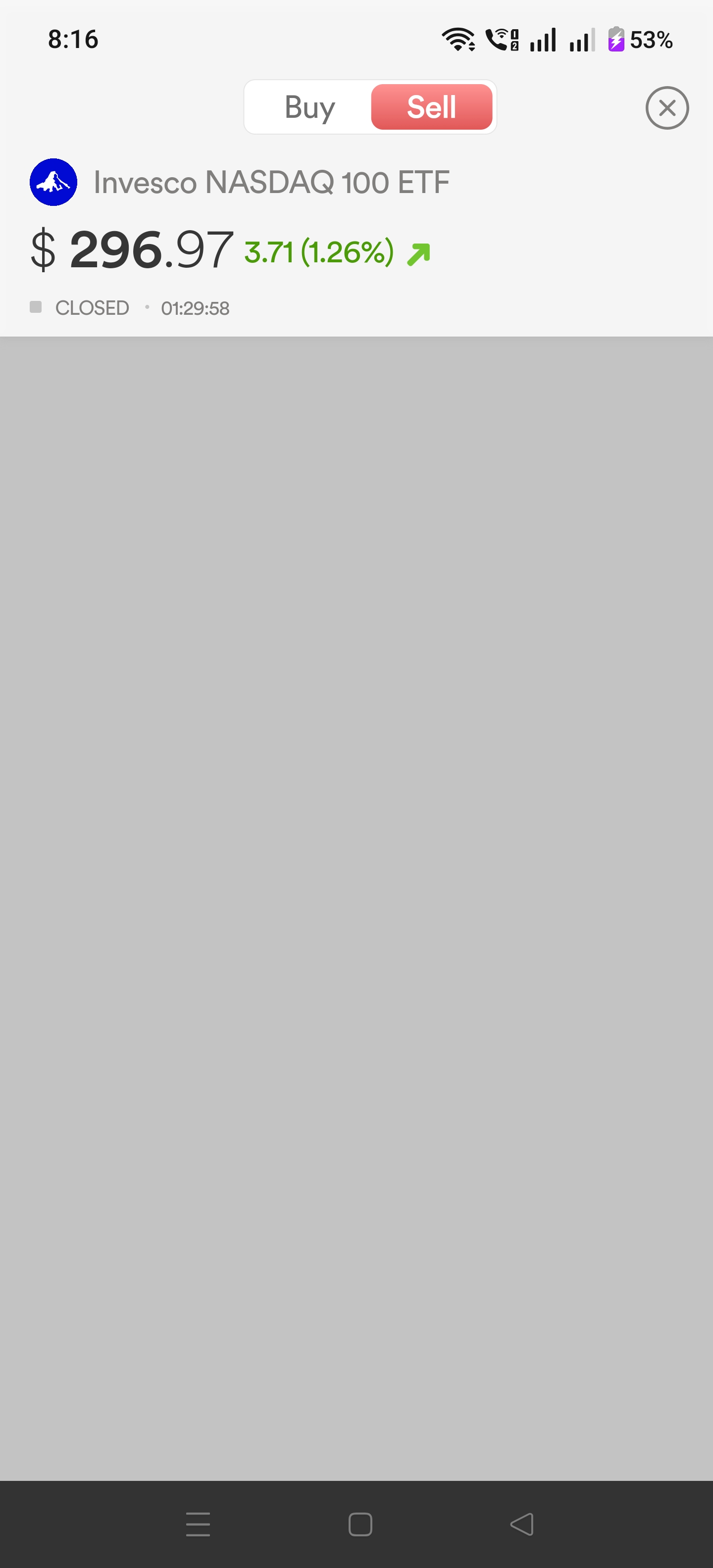
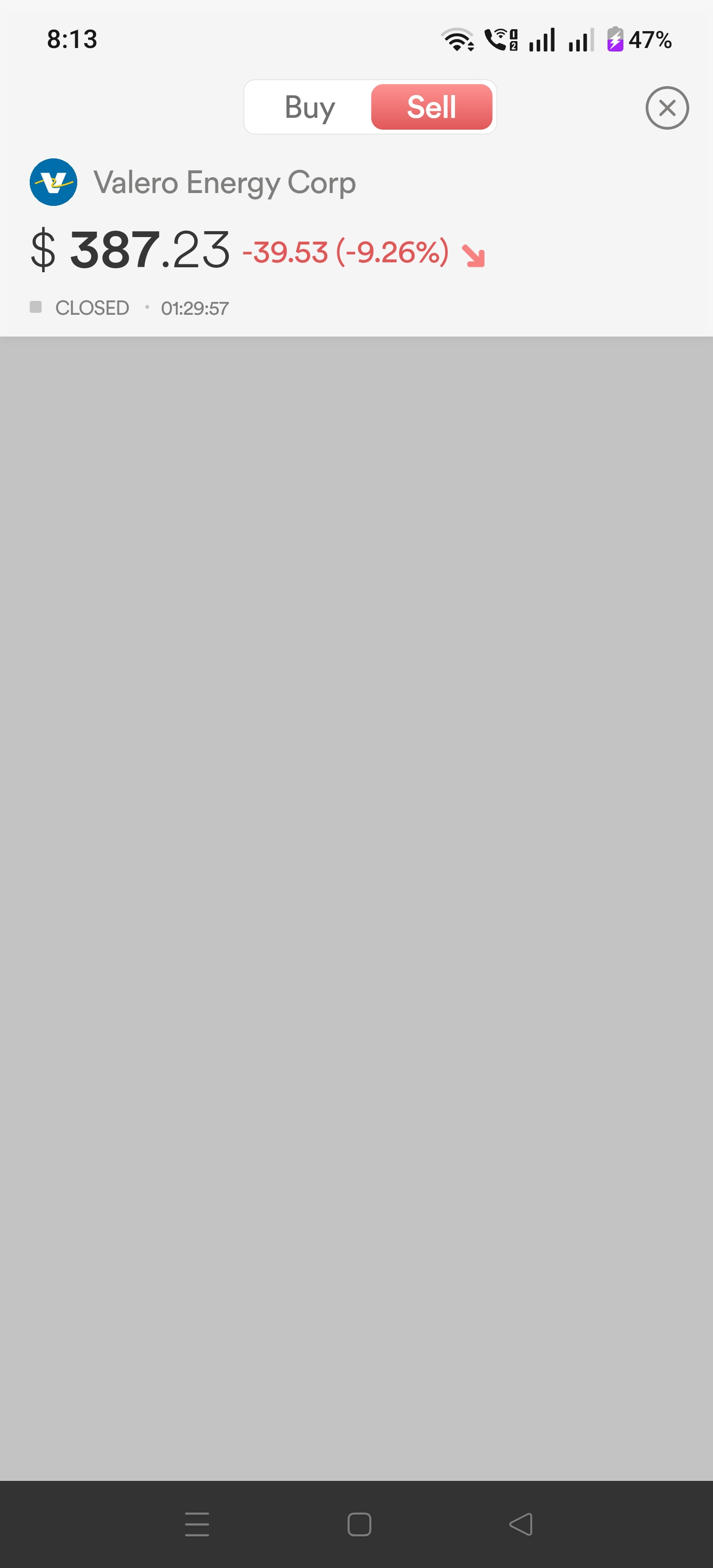
After going to Home Page of US Stocks section in Dhan App, when we click on Portfolio, and click on any stock and choose to SELL the stock from Holding, then we are getting these Blank type screen.
Please look into this issue and do the needful to resolve the same at the earliest.
We’ve checked, and everything seems to be working fine at our end. We request you to check if any app update is available and update it to the latest version.
If you continue to face the issue, please write to us at help@dhan.co, and our team will be happy to assist you.
The problem comes when you filter / sort the Portfolio stocks on “Price” filter.
The sort / filter options are “Name | P&L | %P&L | Price”
You need to sort the Portfolio stocks on “Price” filter, only then you will be able to see this issue.
We are using DHAN App Version 1.1.11, this the latest version available ob Google Play Store.
We also tried to check this issue via Apple iPhone DHAN App also, and by sorting the Portfolio Stocks on “Price” filter, and faced the same issue on iOS version also.
Also tried to uninstall / Install and logout / Re-Login.