This post will act as a central place to share all Python codes, resources, and useful links related to our YouTube videos on Algo, API, and AI-based trading.
All strategy implementations, API examples, and updated files will be added here as new videos are released.
If anyone is trying these strategies or codes and faces issues, questions can be asked directly in this thread, and users can also share improvements, variations, results, or suggest what should be built next so everyone in the community can learn and benefit together.
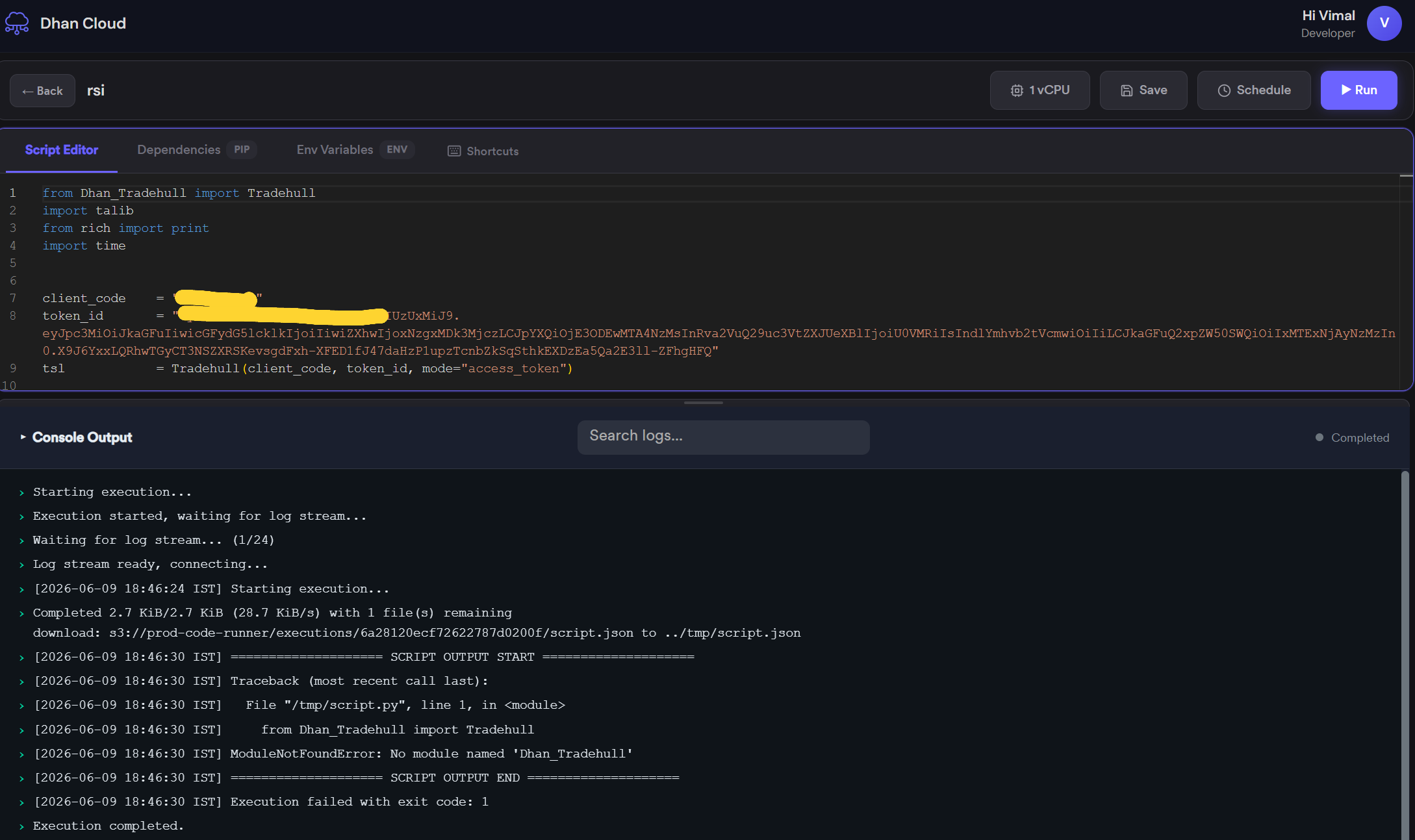
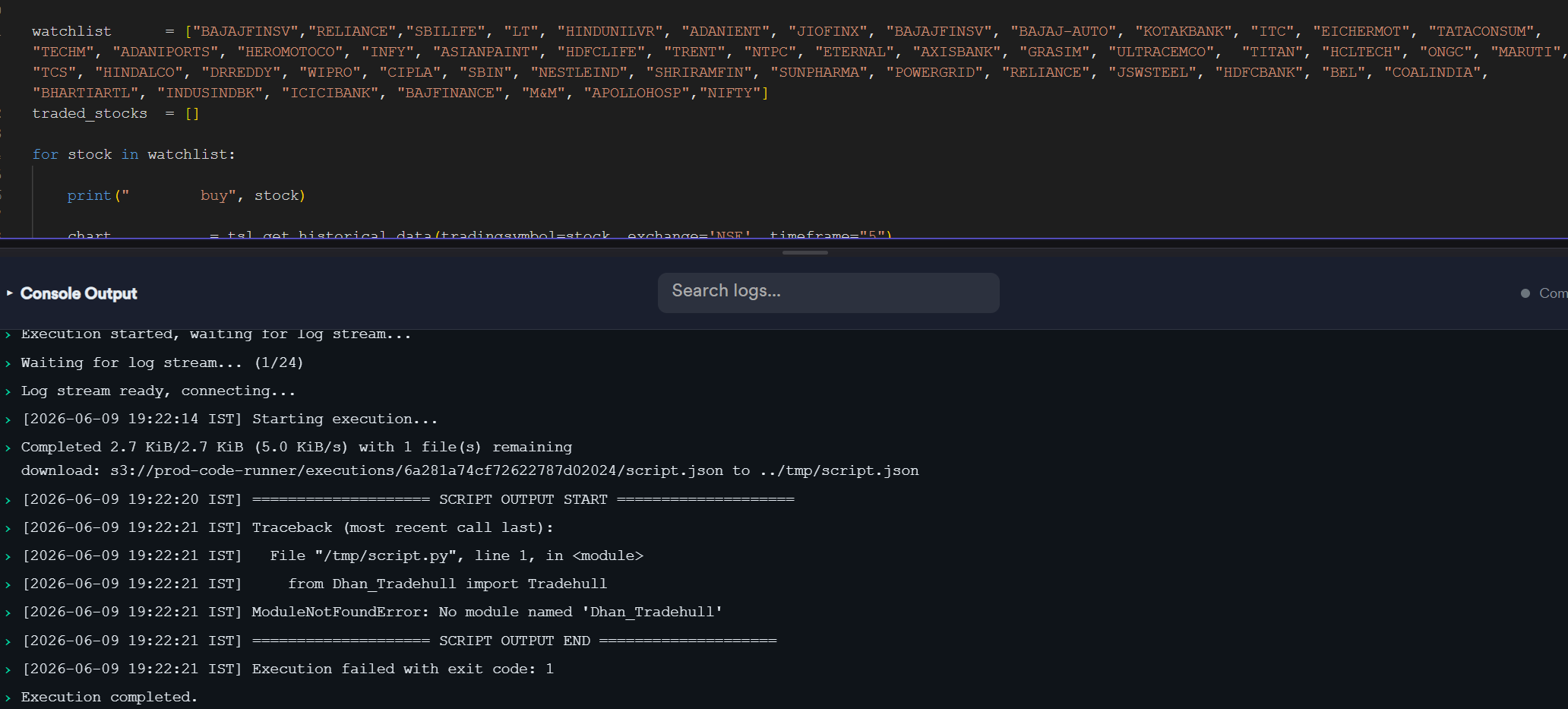
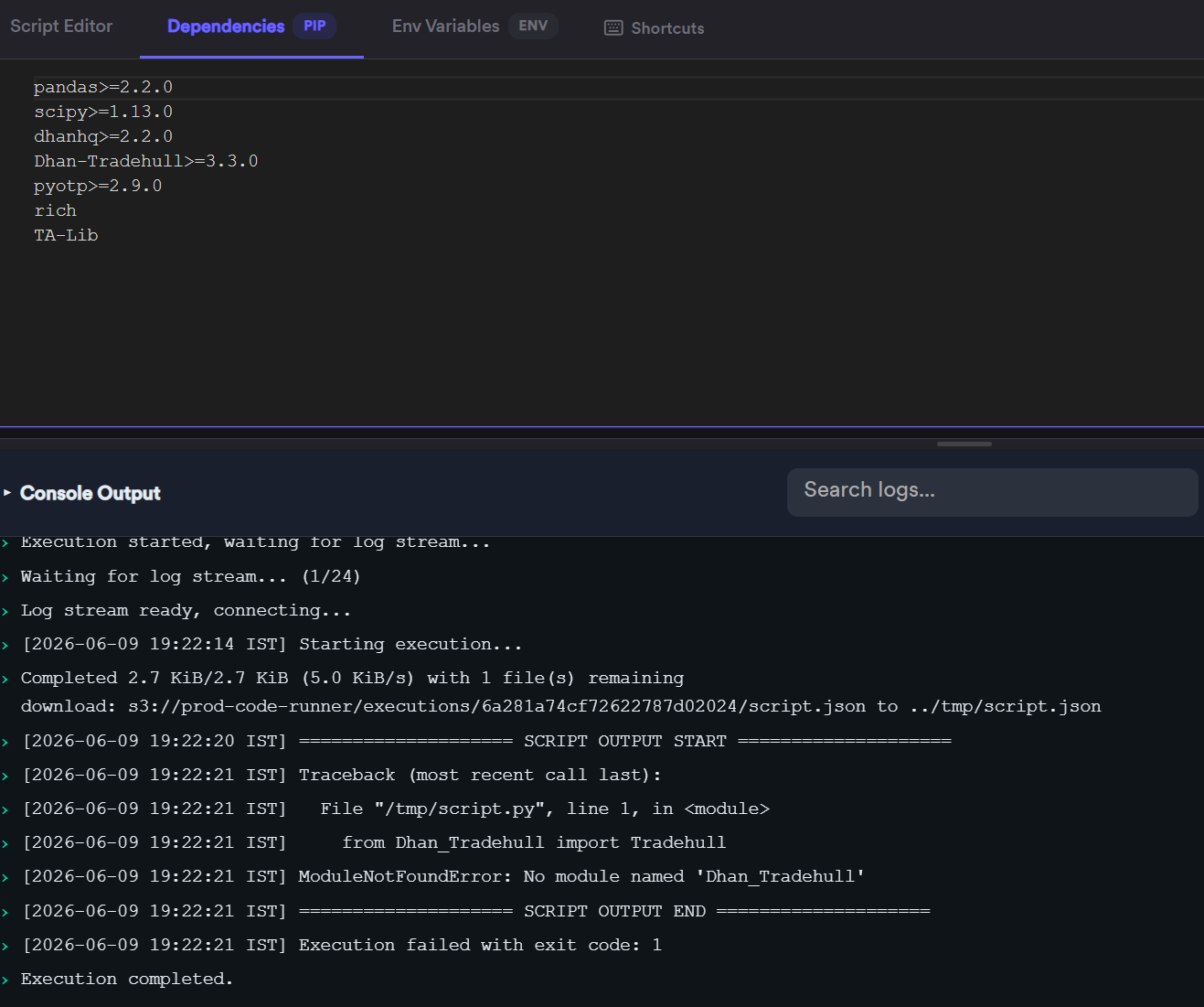
Hello sir, i am getting this popup when going to save my code in dhan cloud :Security violation in requirements.txt: line 3: package ‘Dhan-Tradehull’ is not in the approved package list. Contact support to request a new package
Could you please confirm sir?, whether this problem has been resolved or not as i am getting same error while saving the code: Security violation in requirements.txt: line 3: package ‘Dhan-Tradehull’ is not in the approved package list. Contact support to request a new package
My question is in DhanHQ - Developer & API Console we have provision to schedule start time, but I could not find any end time. So how this will calculate billings? Or is it required to stop algo manually?
It is still not working, whether this problem is resolved or not, or i am doing something wrong. I am getting same error: while saving the code: Security violation in requirements.txt: line 3: package ‘Dhan-Tradehull’ is not in the approved package list. Contact support to request a new package
sir shall i switch to cursor as sublimetext was very light weighted. any benefit from cursor . next question is sir maine ek swing trading strategies banai hai mein chahta hoon ki wo daily track karta rahe position ko let say maine 5 days back liya tha ek condition ke basis pe and 5 days baad wo condition exit trigger ho gayi to kya mein GTT order place karoon ya normal cnc order python. but kya sell karte samay authorisation issue aayega kya sir. ya kin baton ka dhyan rakhna hoga apart from normal algo conditon. kindly guide on order related matter.
Hi @ROCKY2
Yes its now far better to switch to cursor instead of sublime, as cursor as AI support.
On cursor nearly 60-70% of the code efforts will be reduced.
we can use Dhan Forever orders to trade swing, and for exit sell orders yes the authorization shall be activated