Auto SL and Target From Chart
Hi @Rajiv_Verma, welcome to MadeForTrade!
You can do this using Super Orders at the time of order placement. Once you select Super Order, the system automatically sets the target and stop-loss based on the default percentage (for example 2 percent or the % you’ve configured).
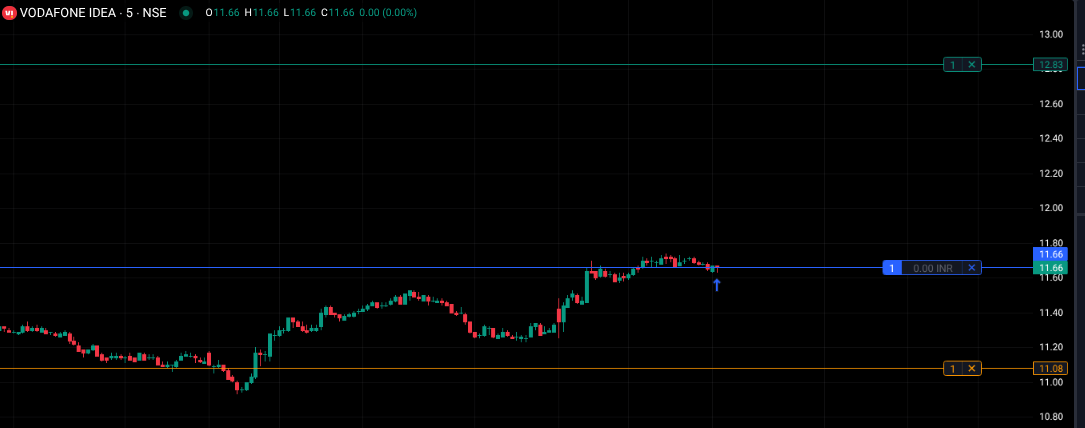
After placing the order, you can directly drag the target and stop-loss lines on the chart to your desired levels, similar to drawing support or resistance.
Please make sure Instant Order Placement from chart settings is enabled to allow direct modification on charts–screenshot below for reference.
1 Like