If we show symbol value it show the full name, which hide candles in mobile devices
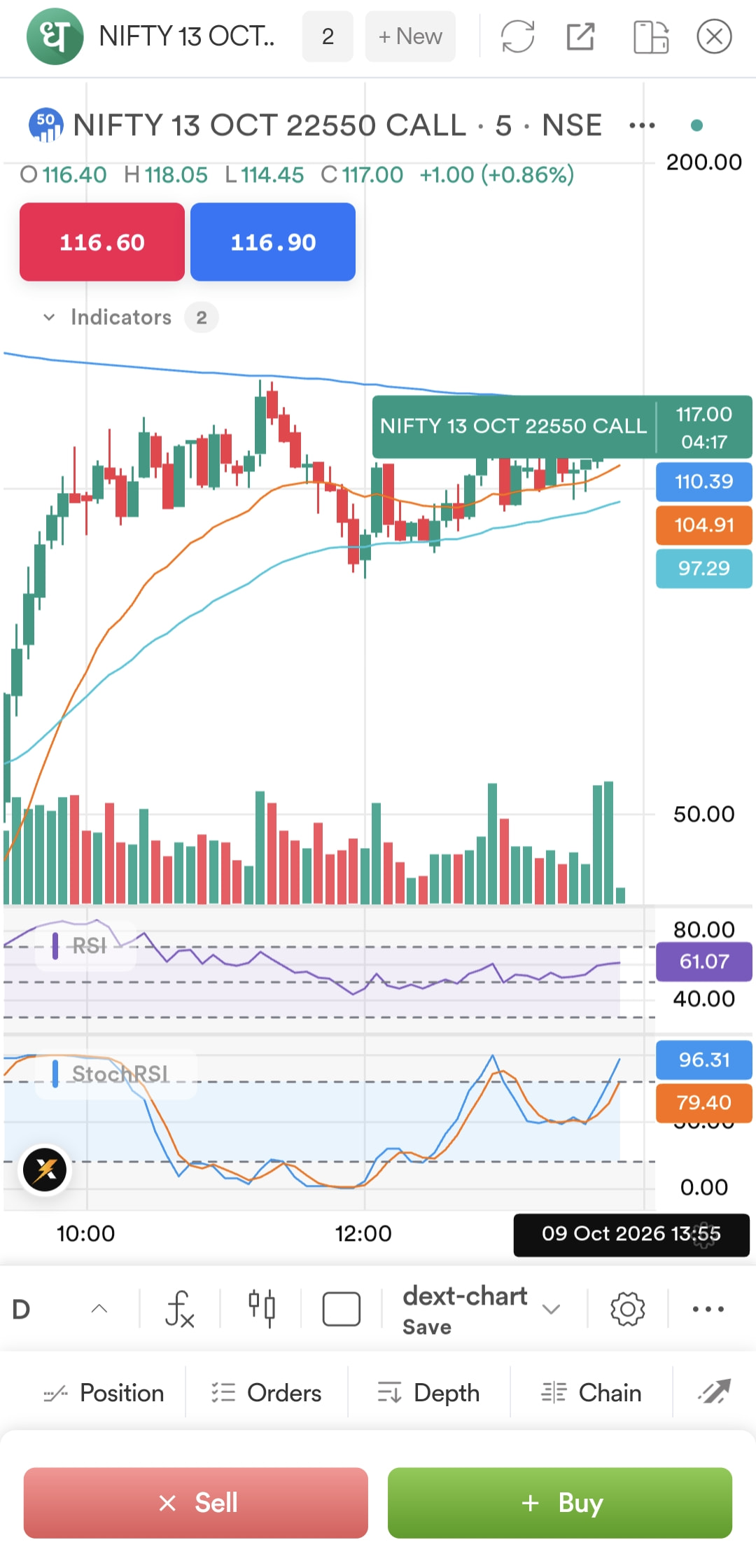
If we show symbol value it show the full name, which hide candles in mobile devices
Hey @onkar,
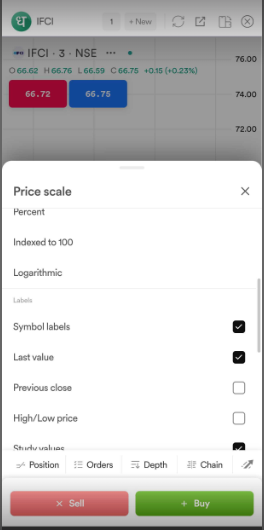
We request you to tap on Settings at the bottom of the price scale and disable Symbol Labels.
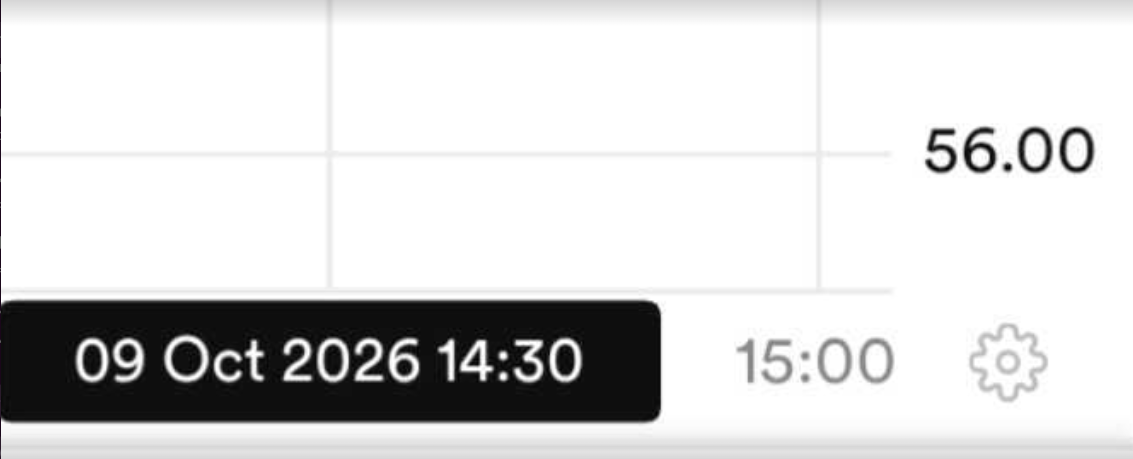
I have been using the DEXT charts in the Dhan app and have noticed a few technical issues and areas for improvement. Please find my observations below:
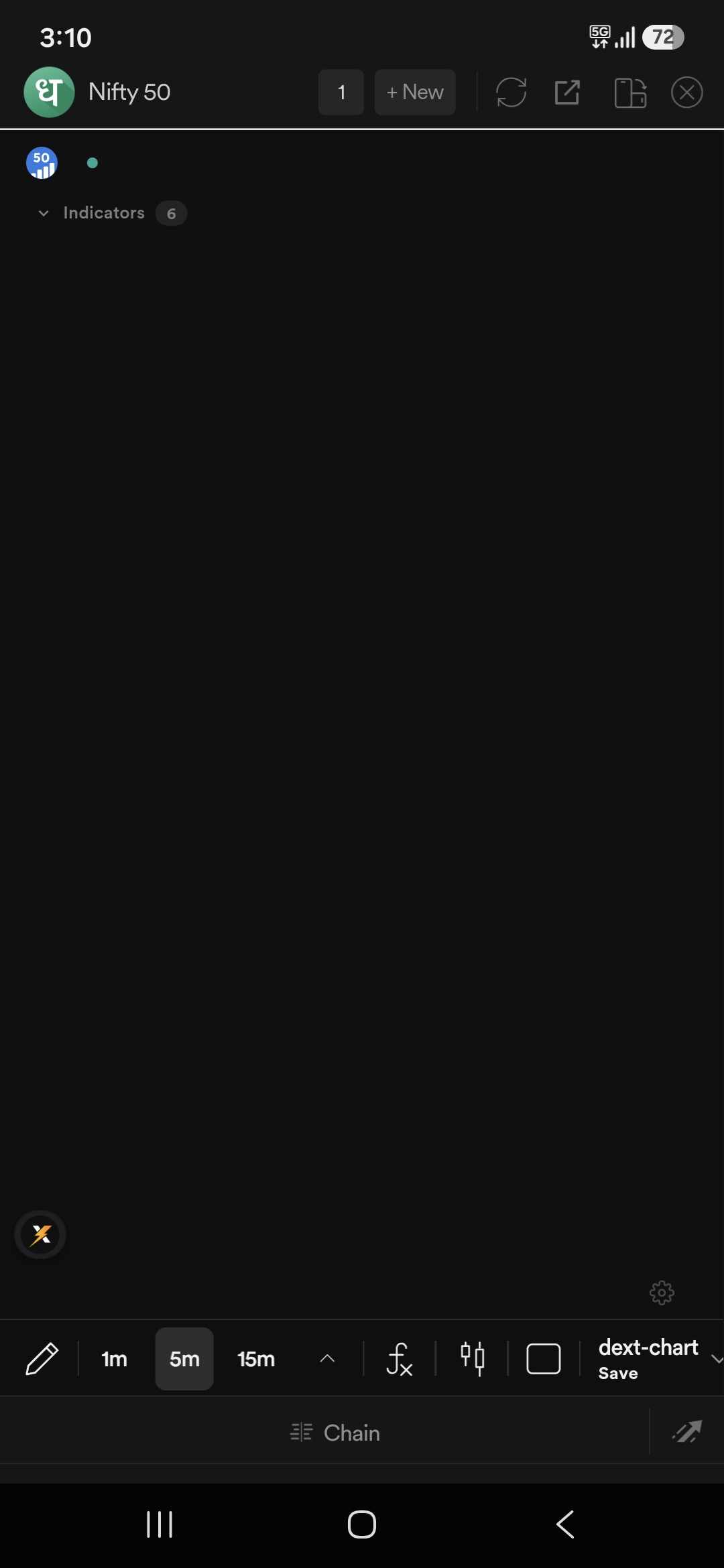
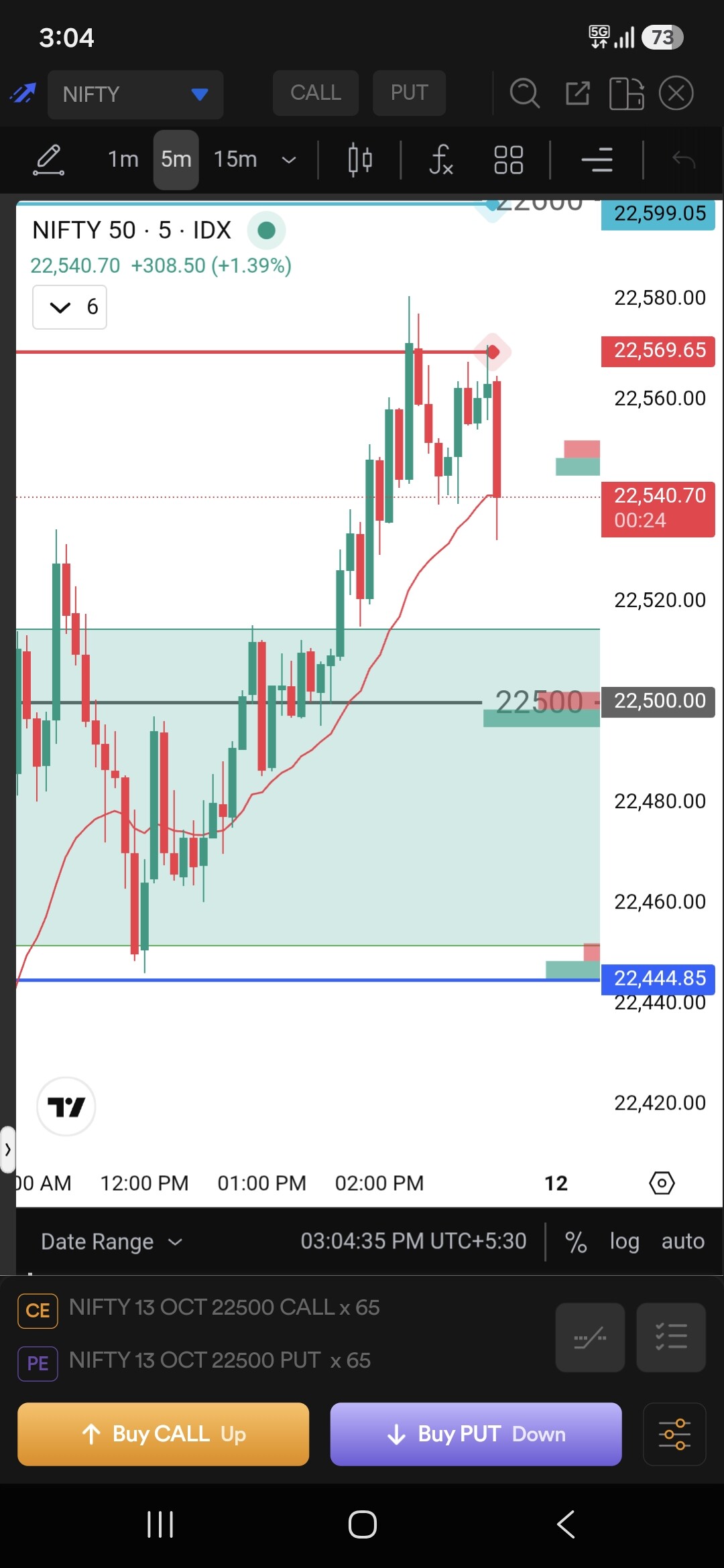
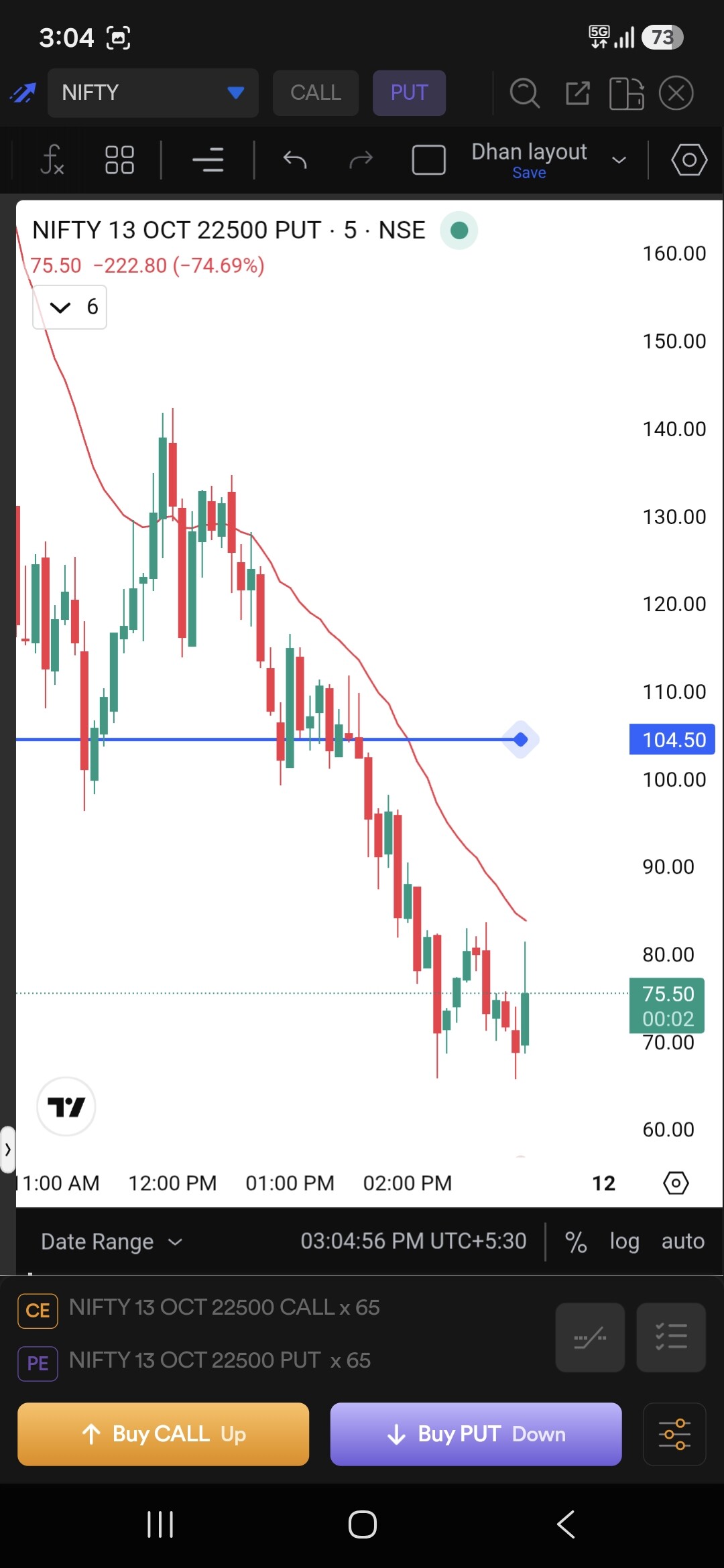
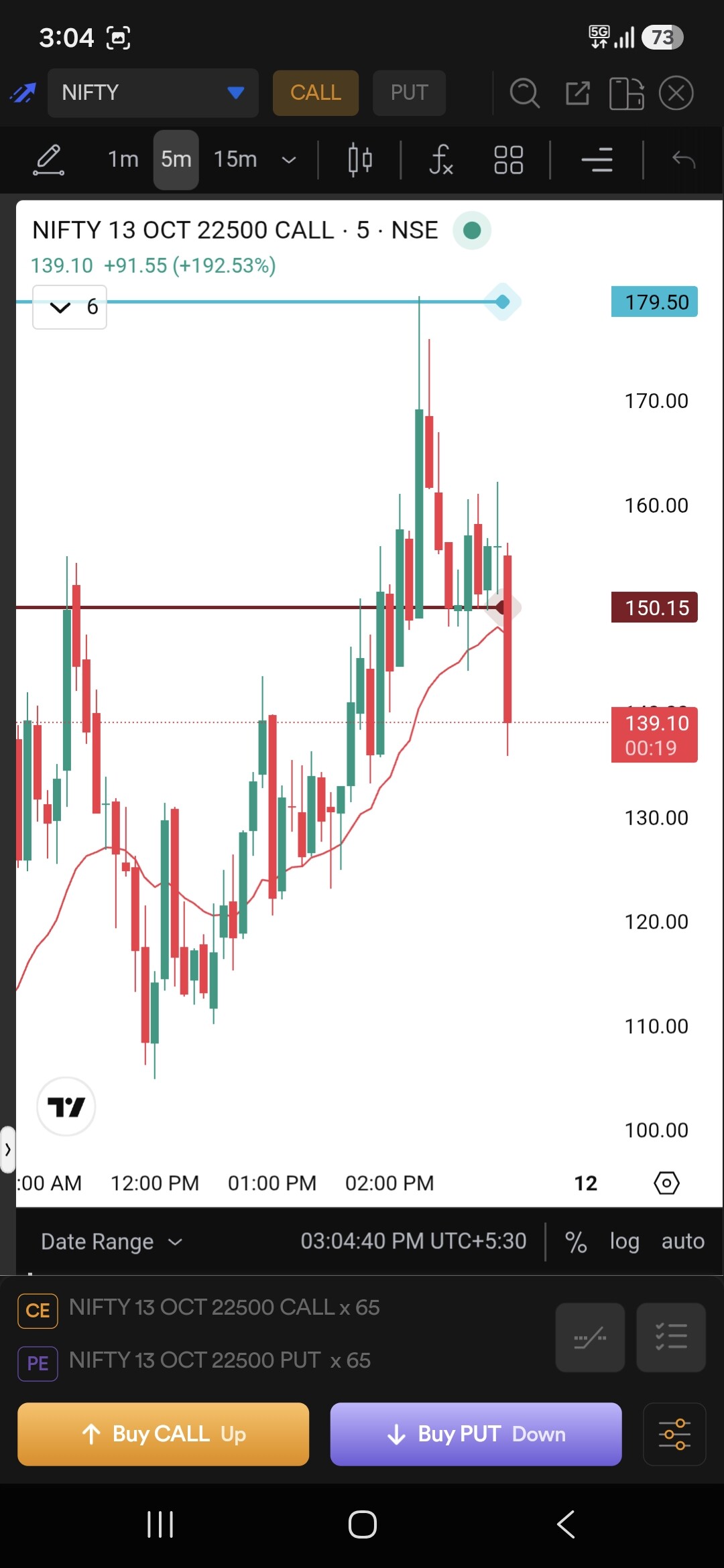
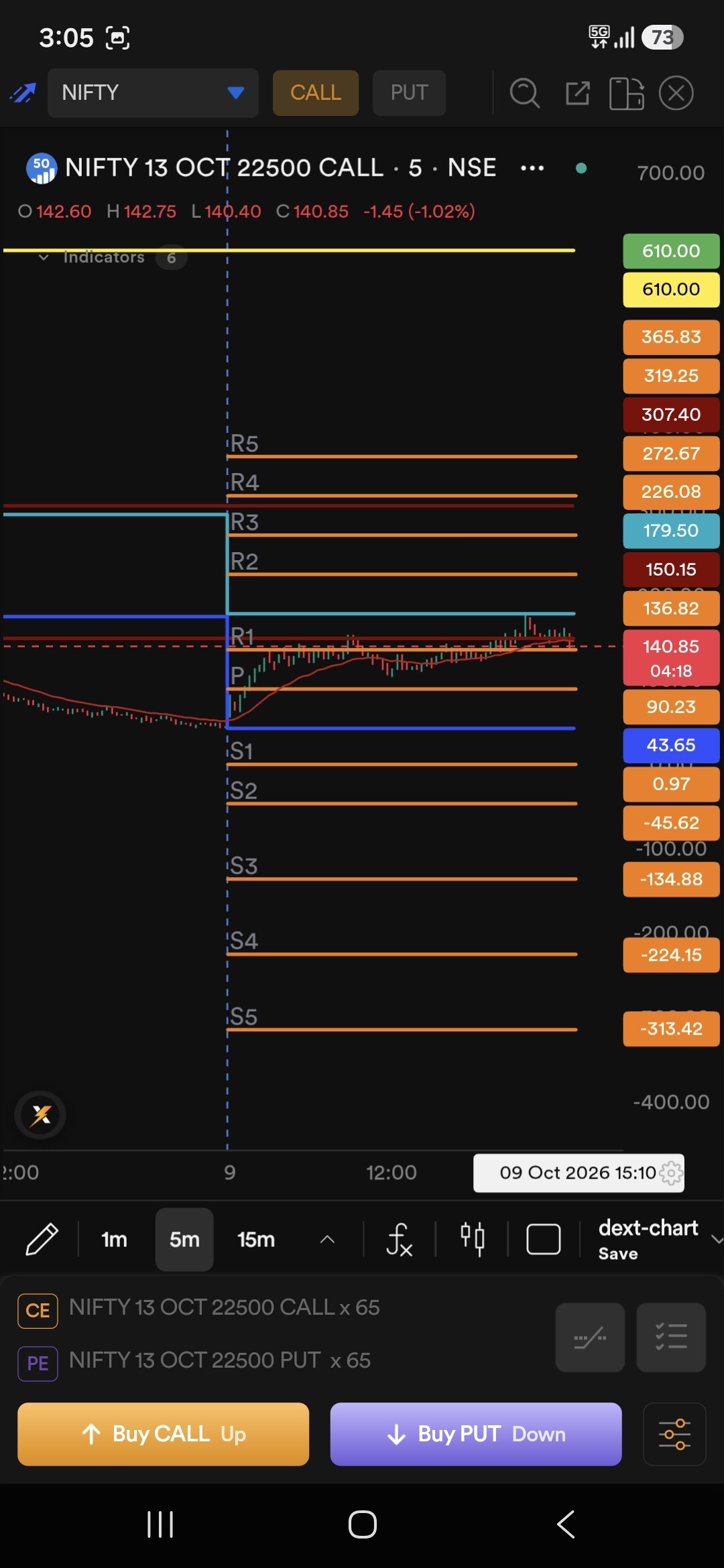
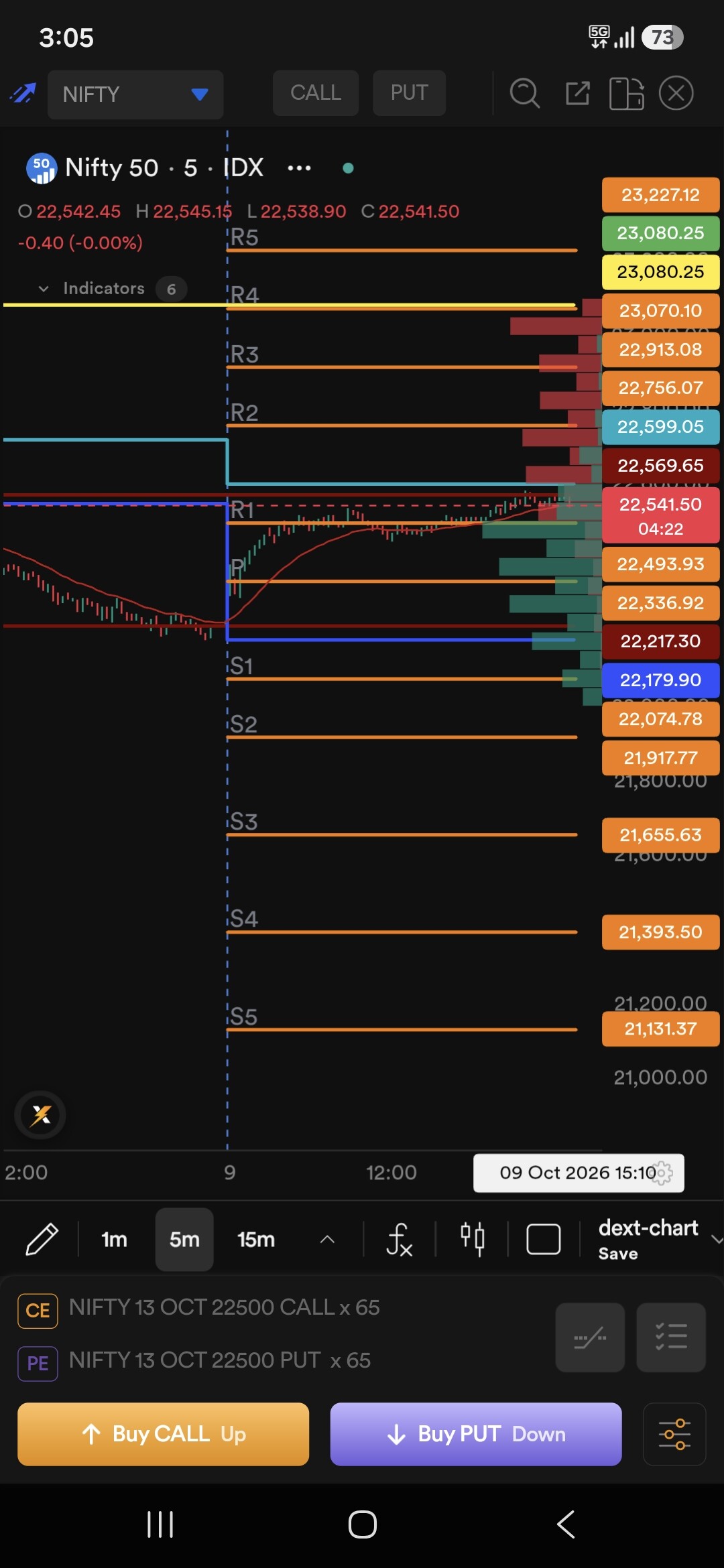
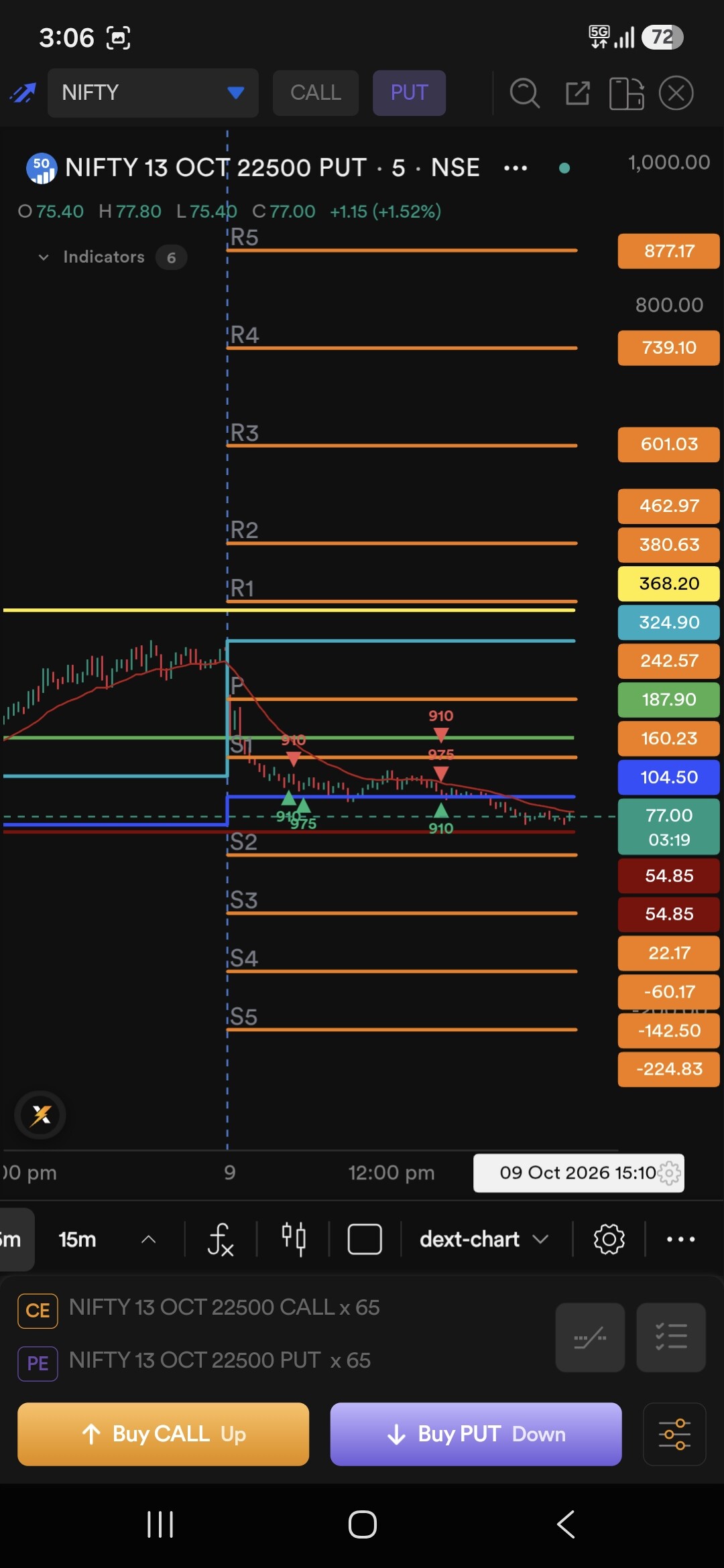
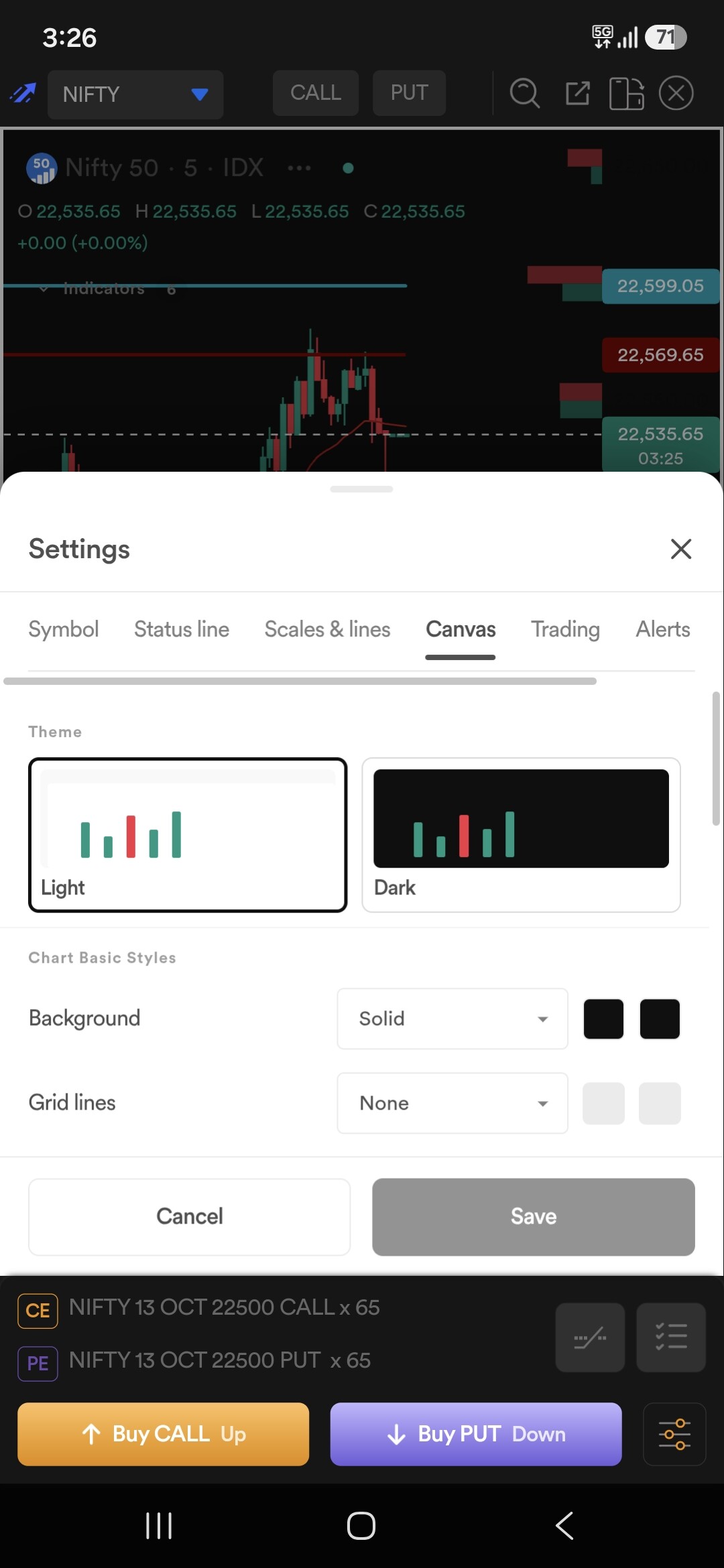
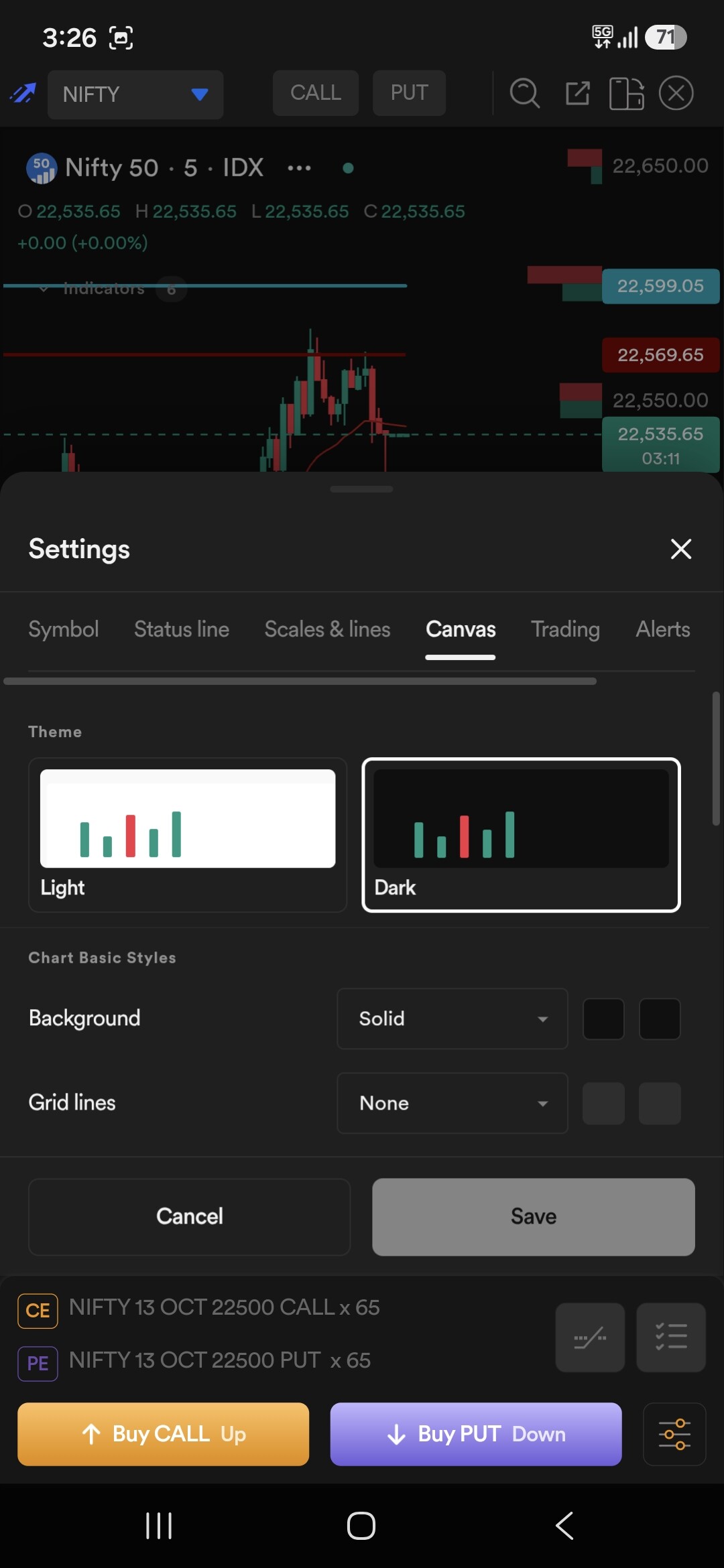
Please look into these issues, especially the drawing ergonomics and zoom stability, as they heavily impact fast-paced scalping.
The Chart loading issue is very common
Even some time load differnt layout all candle stick deappeared, after that have to reset the chart to fix this behavour should be correct.
Hello @Dhan Team, is anyone looking into the Dhan app’s Dext chart issues? Specifically, the Scalper zoom glitch and the flawed drawing tool UX are making it impossible to use Dext charts right now. Please look into this.
Hello,
Thank you all for highlighting the issues. We will look into it and fix it quickly.
Zoom reset issue has been fixed. You can try on call and put or any other scrip. It will stay same as per zoom you have applied for the current scrip
Hi @Riken_Mehta, the charts look good now, but the scalper is still broken. Can you check how TradingView handles it and use that as a reference to fix it?
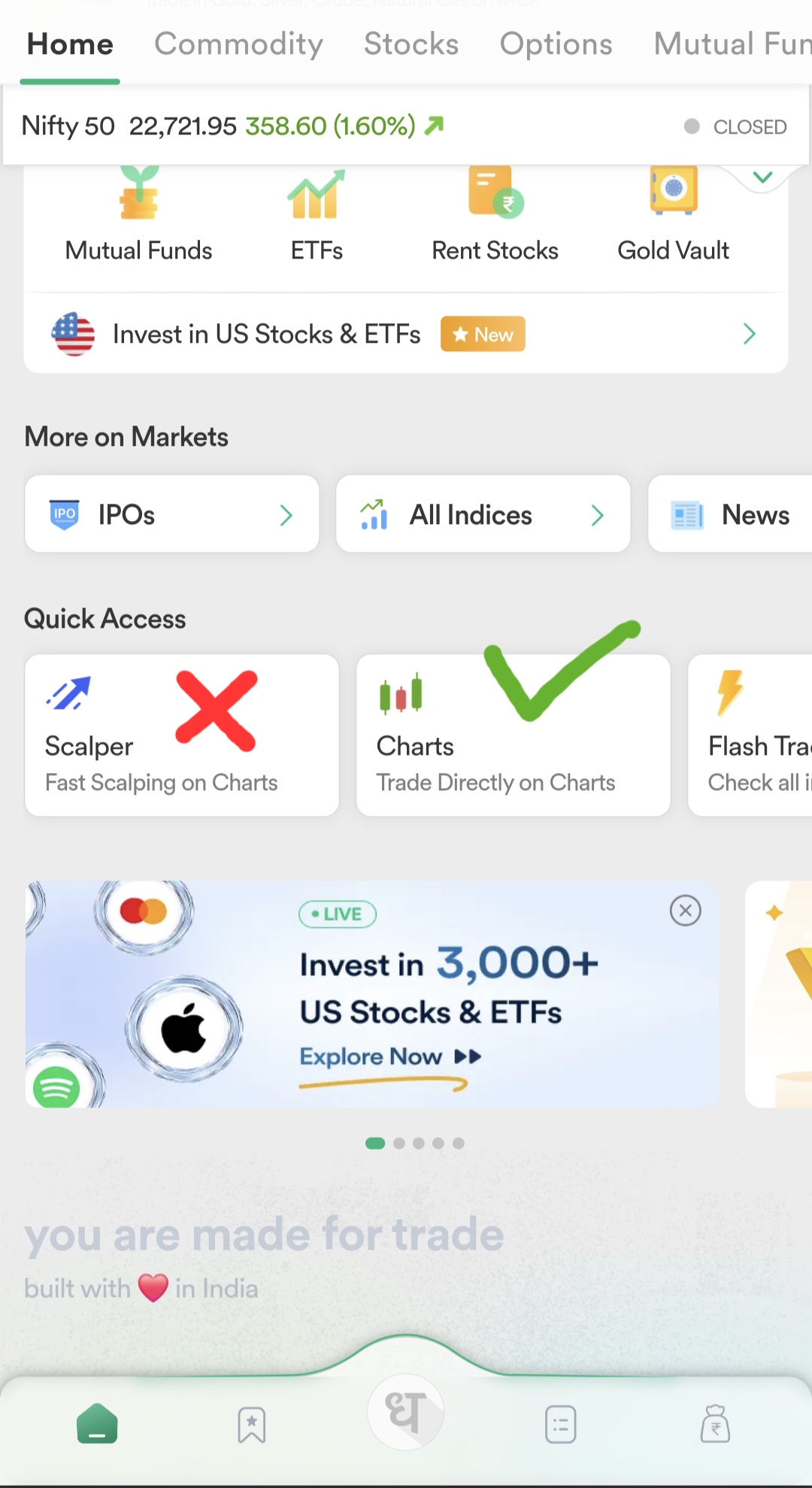
Could you also compare the ease of drawing trendlines and other drawings between candle highs and lows on TradingView versus DEXT charts? I find the process seamless on TradingView but quite inconvenient on DEXT.
Fixing this charting issue would be a fantastic update!
hi,
can you check scalper zoom now? it will save your zoomed chart so every chart on scalper will open with your desired zoom. please let us know if you are still facing issue.
yes trendlines and other drawings we will fix it for mobile and try to make it smooth. one suggestion you can use magnet meanwhile to connect candle highs and lows. will work on improving the experience on Dext. thank you for your valuable feedback.
Hi @Riken_Mehta, I’m still experiencing this issue.
Hi @tarunjaiswal can you come on a call so we can debug and fix it? Let us know your preferred time
@Riken_Mehta, I am available for the next hour if you would like to connect now.
hello sir, please connect on the link shared with you via email
I didn’t receive any mail.
Hi @tarunjaiswal ,
As discussed over the video meet, we’re checking this and will keep you updated.
Hi @tarunjaiswal ,
As discussed over the call, both Scalper zoom in/out and cross-hair have been optimised. Please check it once.
Hi @Mrunmayi_Vaity I am still seeing the same problem on my end.
we will look into it and if needed we will connect again tomorrow.
Hi @Riken_Mehta I noticed a zoom-out glitch that specifically occurs when using the Pivot Points indicator. When I disable the indicator, the issue resolves and everything works fine. Could you please test this on your end with the Pivot Point indicator enabled?