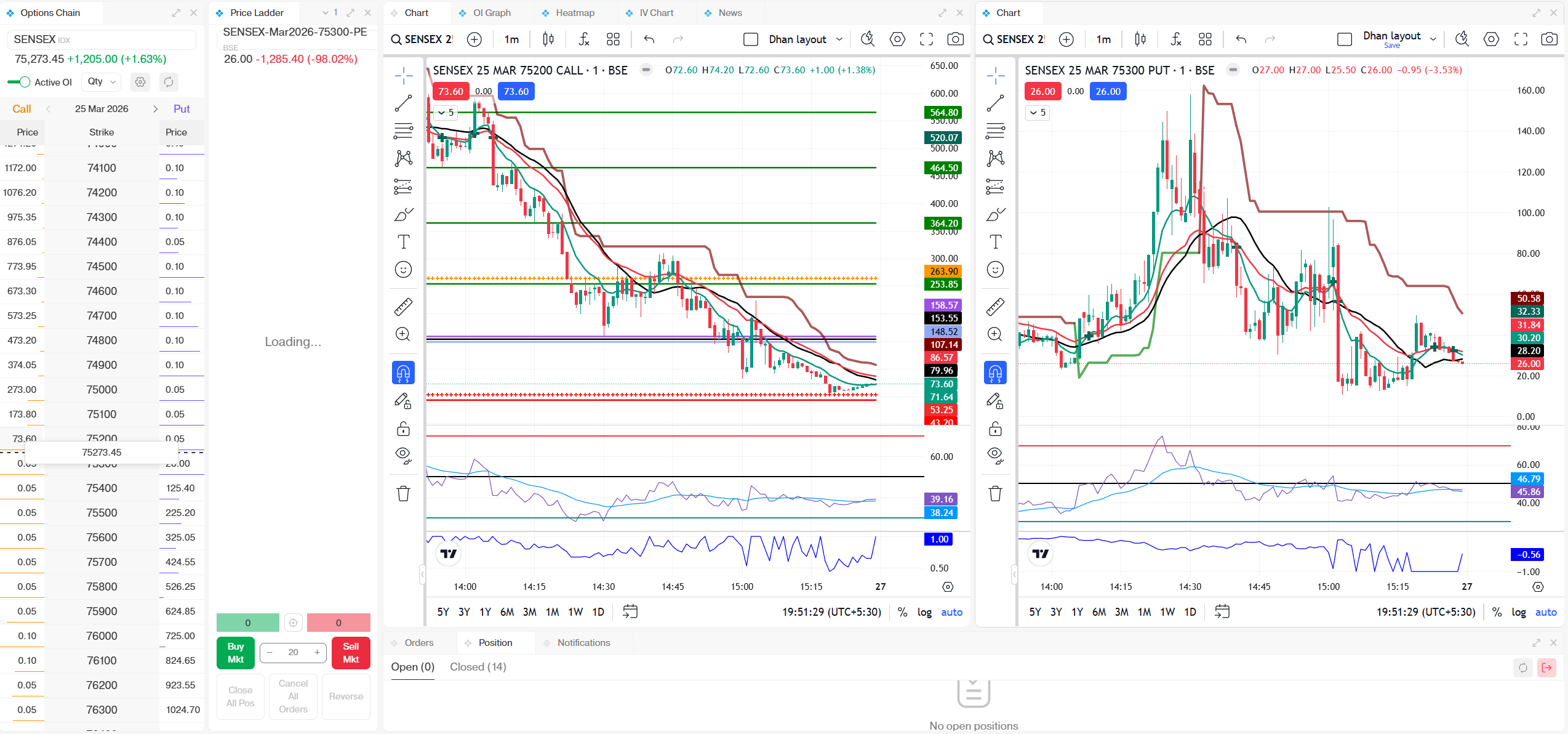
It’s been less than a week since we launched DEXT T3, and already 10,000+ users have explored it.
With so many things you can do on DEXT T3, we’ve been receiving a lot of questions on how to use it effectively. While we’ve created detailed walkthrough videos, we’ve also introduced shorter, quick-explainers to help you understand specific features faster—based on your exact doubts.
Here’s the playlist containing all the videos:
We’ll keep adding new videos here as we roll out more updates to the platform. Also, a series of strategy-focused videos by Himanshu Sir is coming up soon.
If you have any ideas or suggestions on topics you’d like us to cover, feel free to share—we’d love to explore them.
I am one of those happy 10,000+ users of DEXT T3. Two suggestions:
White Space - there is just too much white space in the Watchlist - maybe because there is a hard stop for customizing the width of the columns in DEXT T3. In TV we can keep the columns as small as we want
We can open 3 instances of Chart but only one instance of Watchlist. If we can open 3 instances of Watchlist also then we can connect each Watchlist using Color Coding you have provided. Now when we use the drop down for Watchlist - it changes the Chart that is color coded not the Chart that is opened.
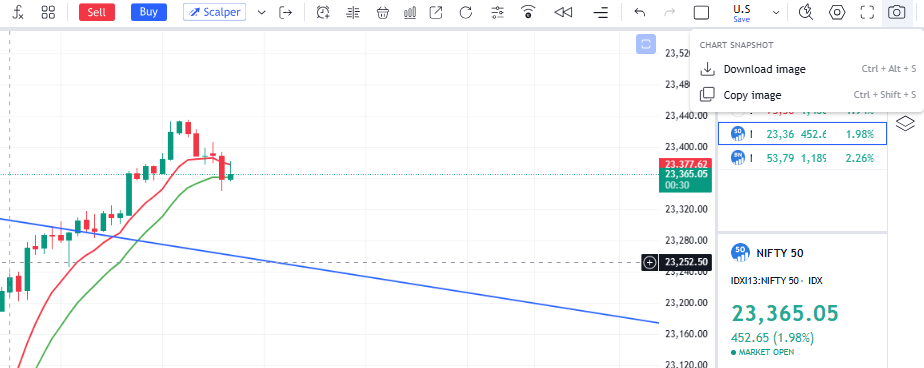
Hey Akash! This happened to me as well. The best 100% working solution is to click on the Camera Icon at the top right corner of your chart. It will open a menu where you can select ‘Download Image’ or ‘Copy Image’. This should bypass the clipboard issue you’re facing. Hope this helps!
why don’t you launch more custom columns like OHLC in the option chain? I shared this feedback when I met the team in Mumbai but don’t see any progress. As my feedbacks are not being considered at all, i stopped reviewing dhan products.
No worries, Akash! Since the shortcut and copy features are acting up, the most reliable way is to just Download the chart.
Just click the Camera Icon and select ‘Download Image’. It saves the chart directly to your PC, and it’s the only way that never fails. Hope this helps you out!