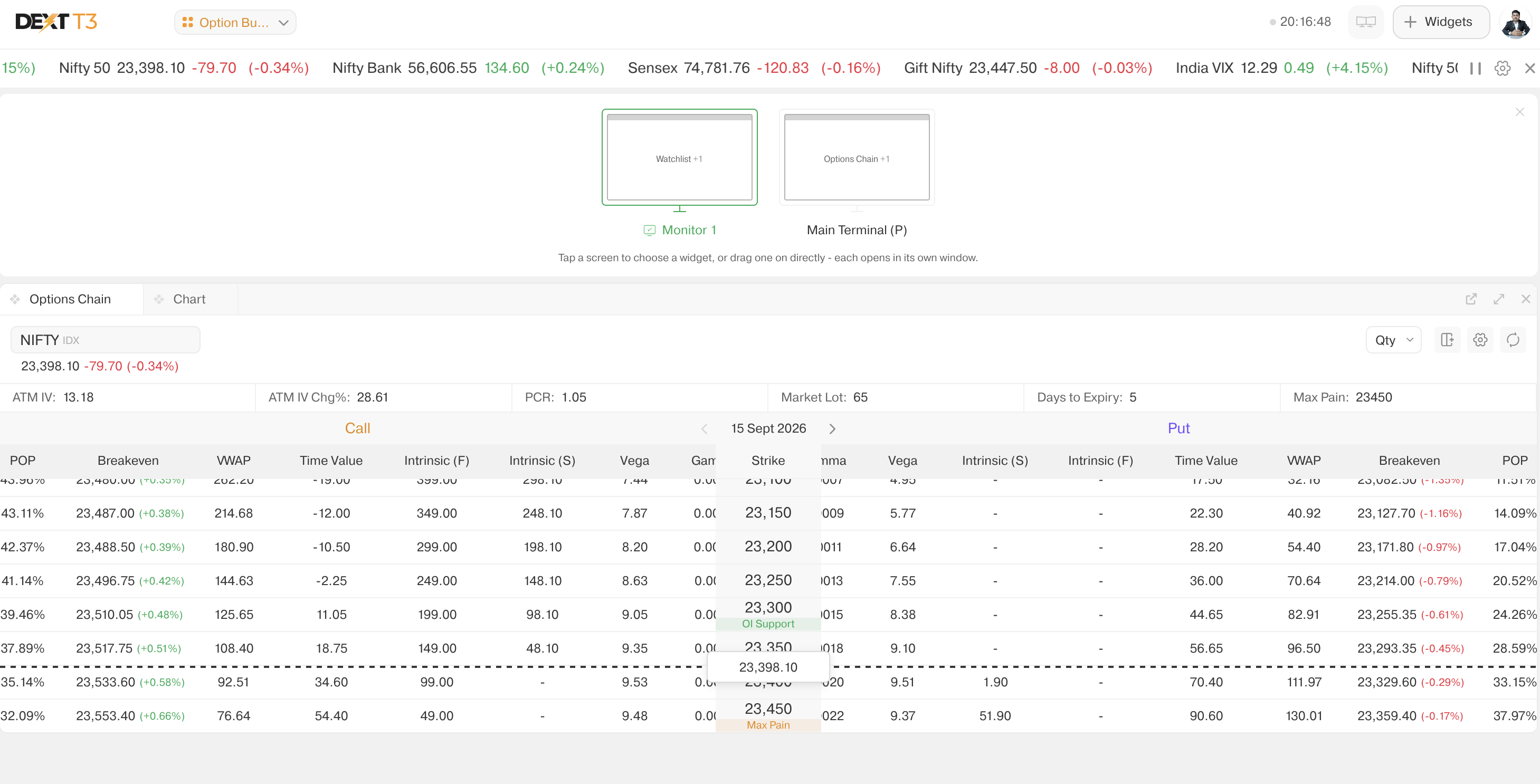
As we all know, DEXT T3 is upgrading day by day with new and useful features.
Today, I explored the “SCREENS” feature, which allows us to create a multiple-monitor setup and manage different screens efficiently.
But here’s the interesting part…
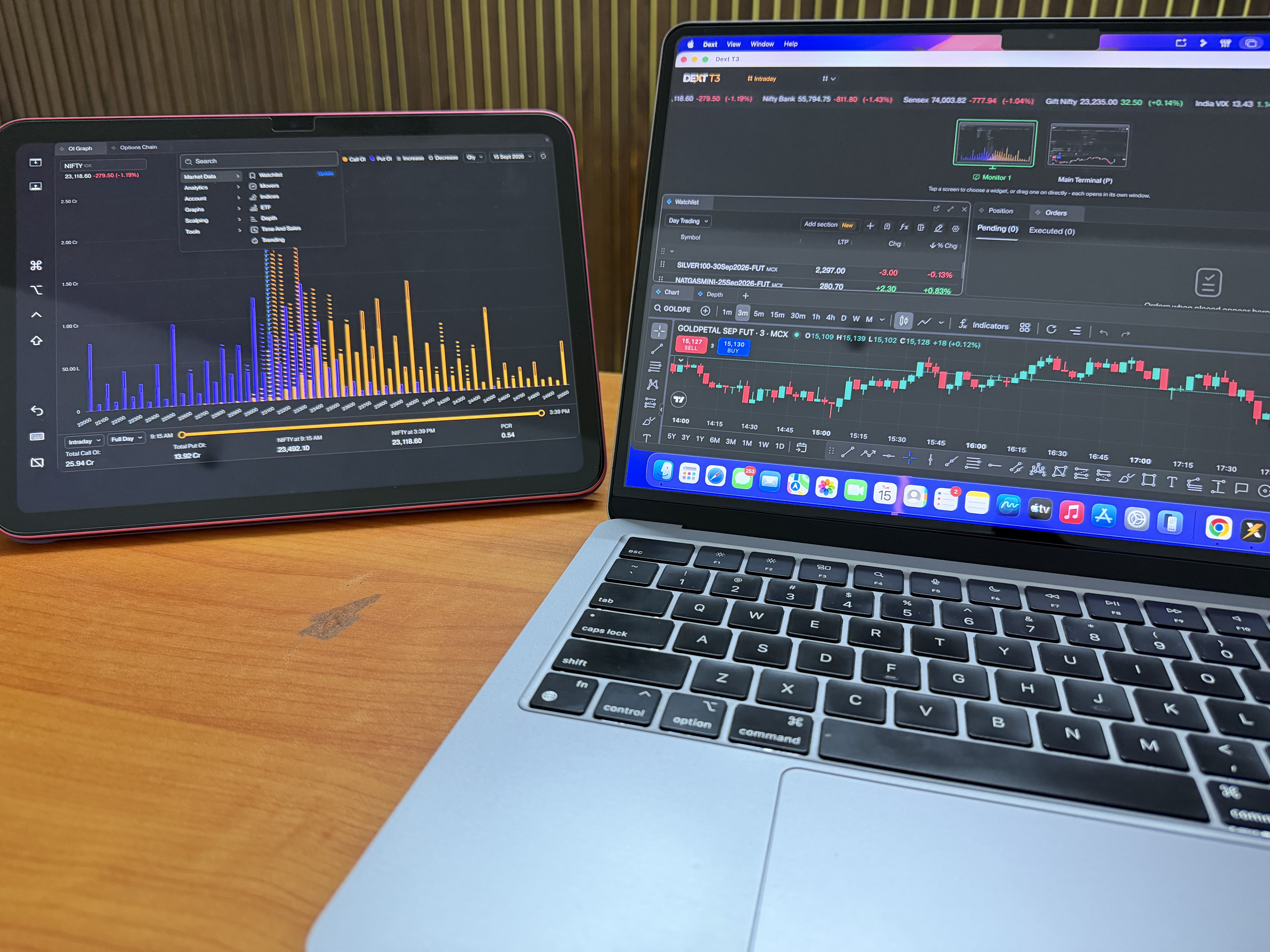
Today, I connected my MacBook + iPad wirelessly and used them together as a multi-screen setup.
The wireless setup worked really well and smoothly, making it much easier to manage charts, scanners, and other trading tools across different screens.
If you’re using DEXT T3, definitely try out SCREENS and explore how it can improve your workspace!
DEXT T3 → SCREENS → Multiple Monitors → Wireless Setup
Thanks to Team Dhan
What setup are you using for your trading workspace?
Absolutely! This is what makes DEXT T3 exciting — it keeps evolving based on how traders actually work. The wireless MacBook + iPad setup was a pleasant surprise for me too! Looking forward to exploring more such features and setups.
Mera ek request/suggestion hai: Kya aap platform par ek aisa native feature la sakte hain jisse Desktop, Mobile aur Tablet ko aapas mein wirelessly connect karke direct ek multi-screen trading setup banaya ja sake?
Agar mobile aur tablet ko wirelessly desktop screen extension ya dedicated charting window ki tarah use karne ka option mil jaye, toh yeh hum sabhi traders ke trading workflow ke liye ek bada game-changer hoga!
We understand your requirement for a wireless connection between devices. We’ve noted your suggestion and will work towards making your trading experience even better.
You can check on Dhan WiFi for seamless order placement between your web chart and Dhan App in mobile/tablet. Refer our Youtube video click here.

 But here’s the interesting part…