Congratulations to be in top 10 brokers in india
You are doing amezing job
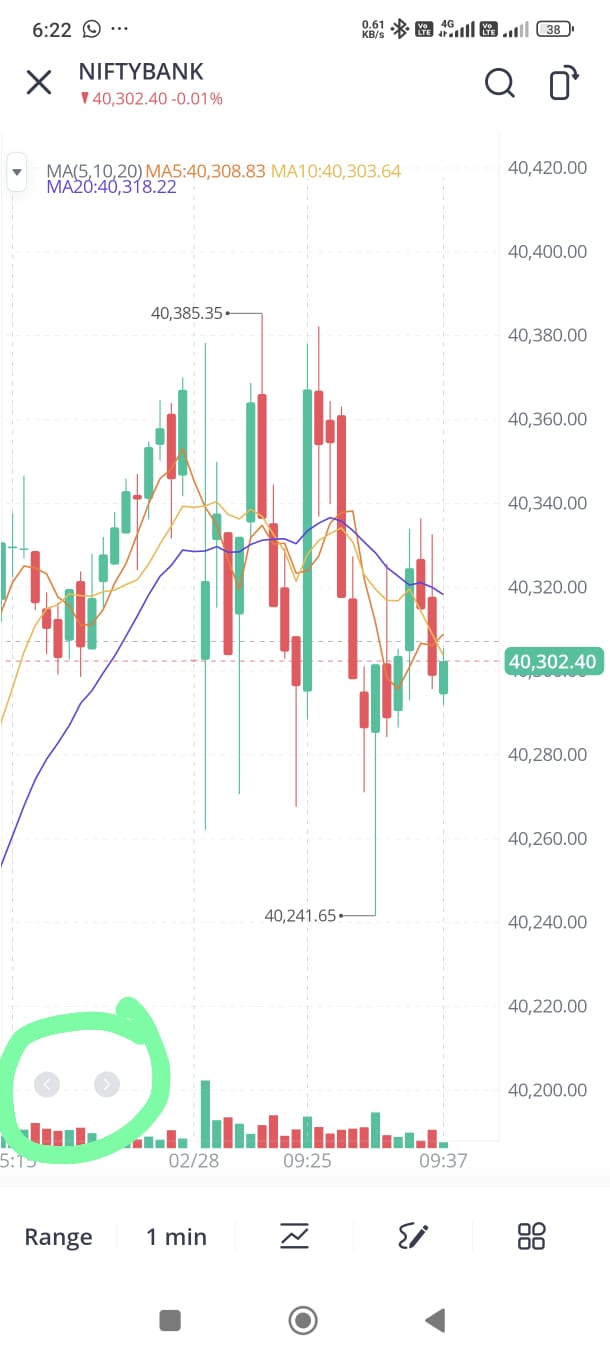
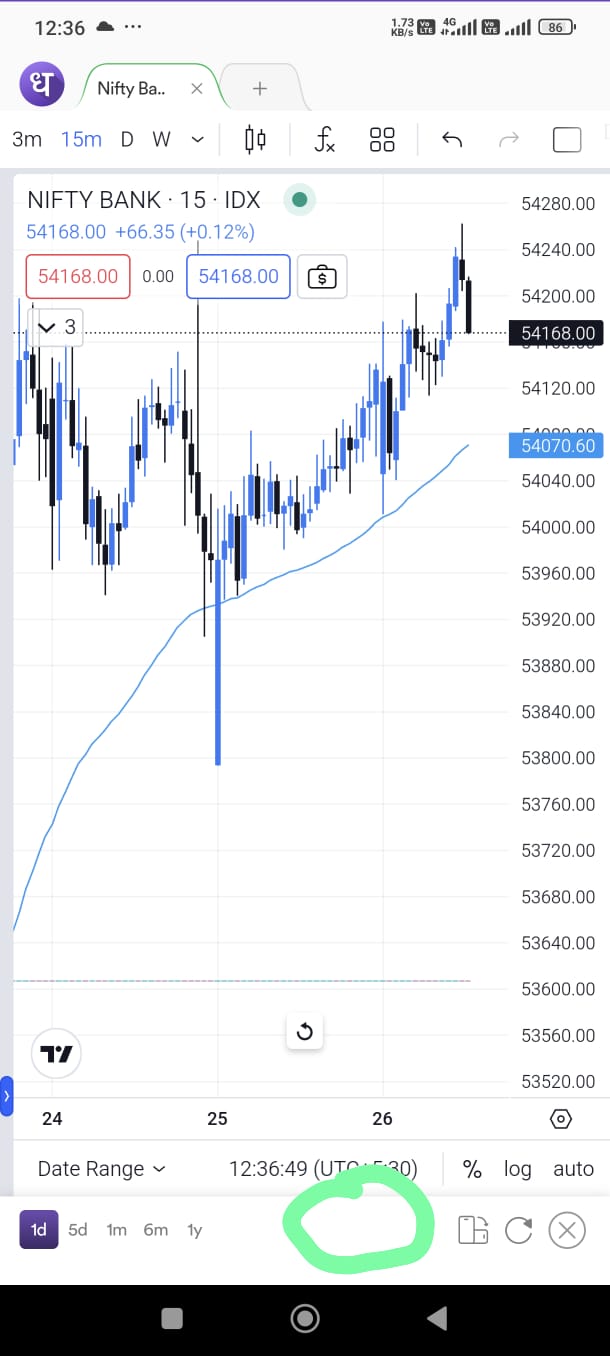
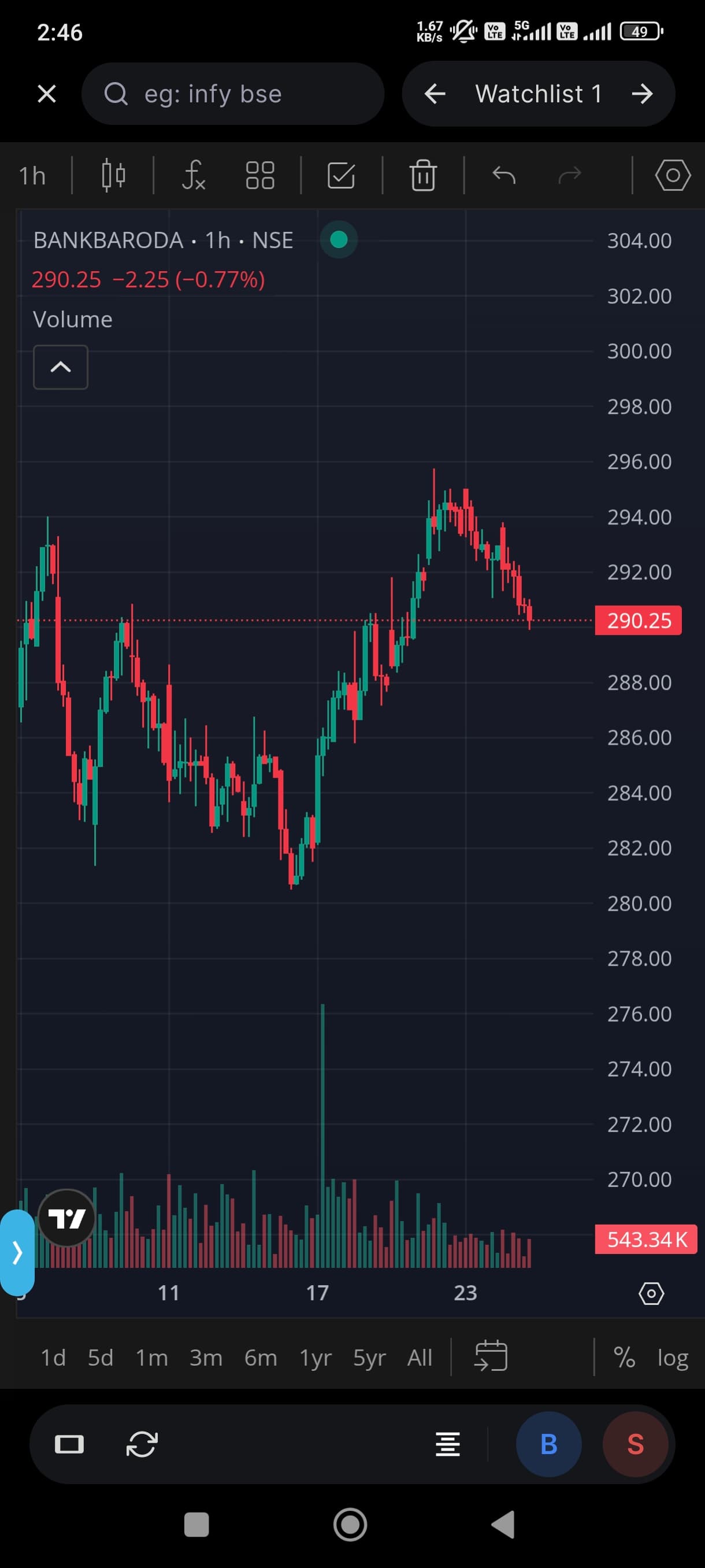
As you provide best in class 100×10 watchlist.traking 100 charts takes too much time so if something you can do in charts like one click to change chart directly from chart is really appreciated..for reference you can look at webull app which provides one click for next chart ,( in watchlist) without going back
![Screenshot_2024-09-25-18-15-09-259_com.dhan.live|224x500]
(upload://7E8YnEnXDFrqbaql1cAaSDpTaJs.jpeg)
@dark.lord94 This is interesting, will discuss with our team.
The reason we are bit skeptical of adding too much details on charts specifically is most of the data is streamed and we want to ensure that charting data (ticks) + candle sticks (across all time frames) and orders data is available to you the fastest.
By not you know we love to keep things fast for our traders, be it data or speed of execution. That takes highest priority for us when add new features.. avoiding overload.
Zerodha is already done it for switching charts in one click i have suggested this feature in 2024 please build it for the traders who looks charts a lot , you have already done Good things for watching and orders type
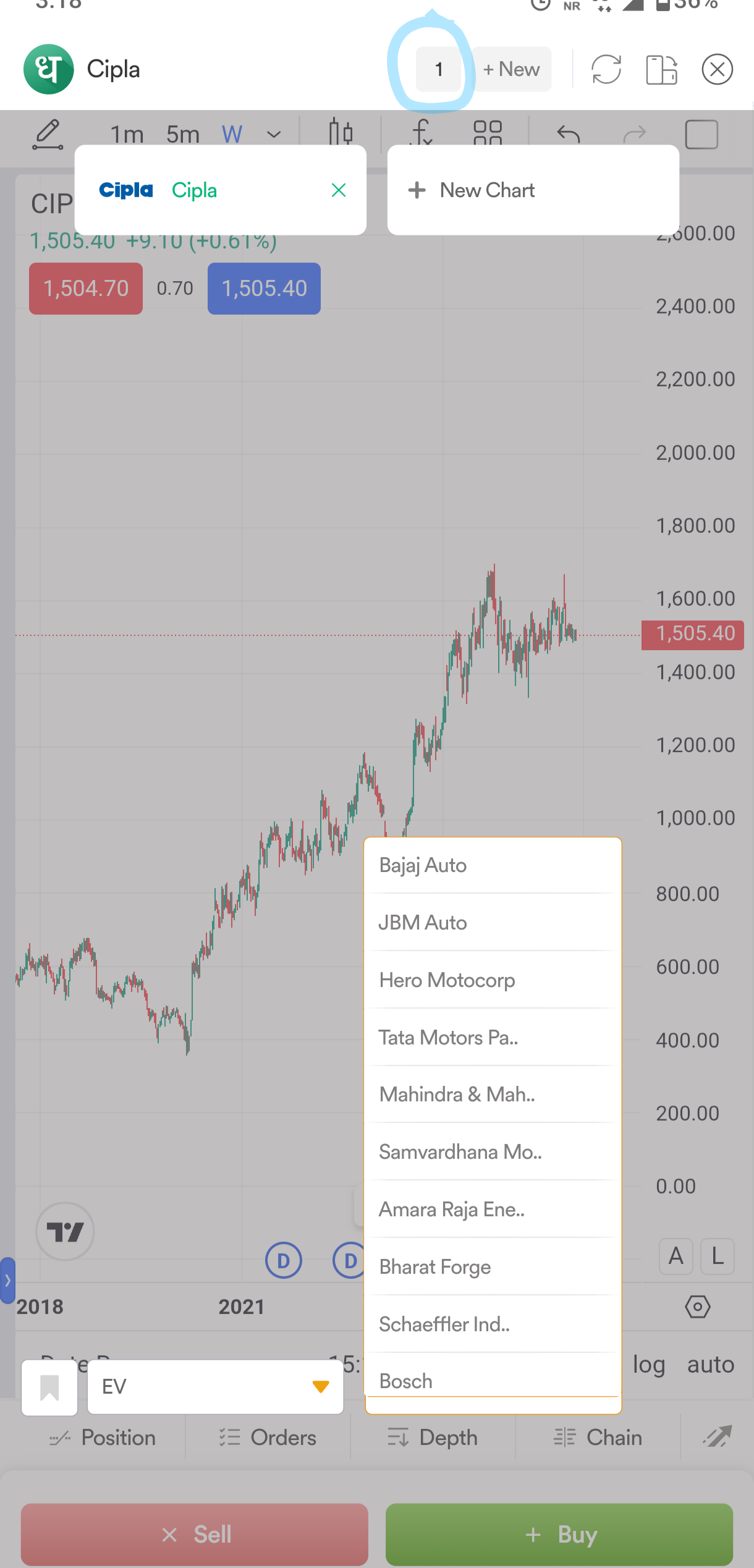
Hi, @dark.lord94 , we do have this feature available. Just click on the Number of Charts icon, and on the bottom left you’ll find the Watchlist option. In the first tab, you can select the watchlist name, and in the second tab, choose the stocks you want to load.
Please find the attached screenshot for reference.