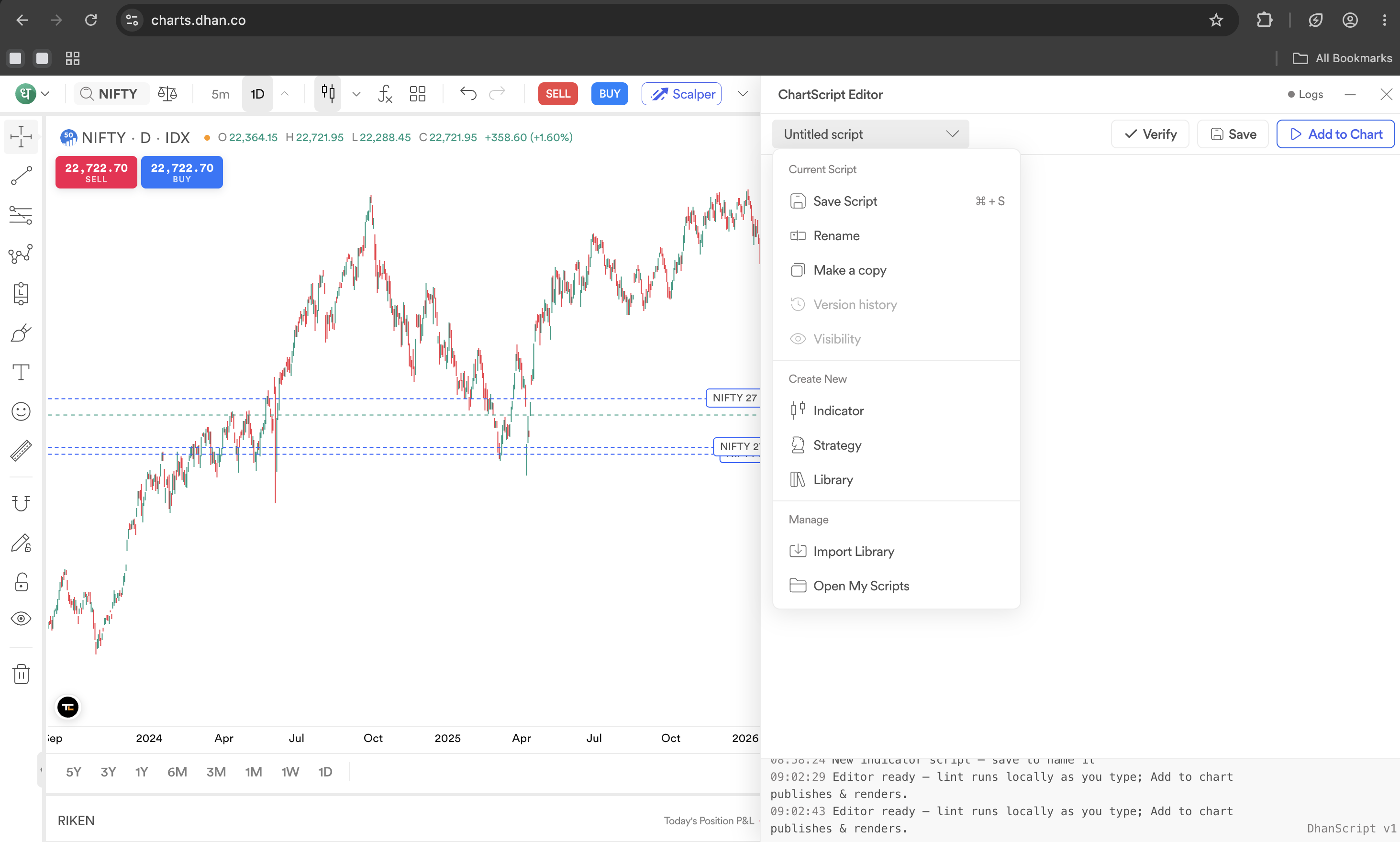
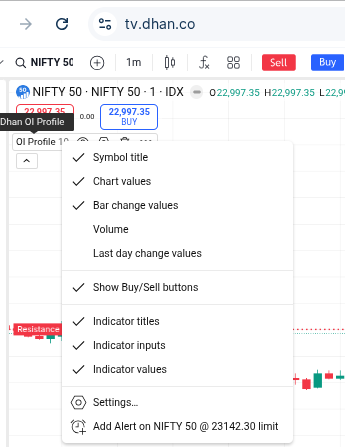
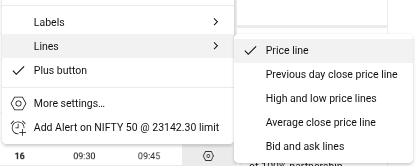
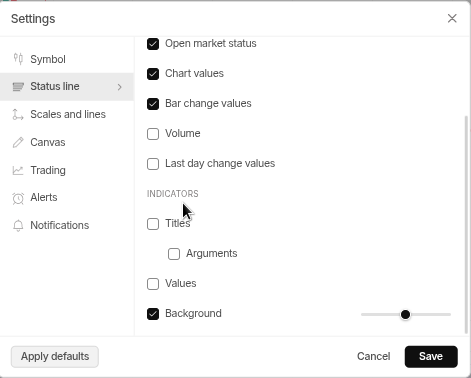
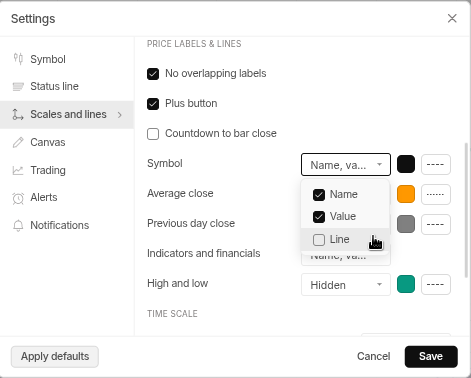
I’m exploring custom indicators in DEXT T3, particularly on Order Flow charts. I noticed the “My scripts” option in the indicator menu, but couldn’t find where to create, edit or publish a script.
Could someone clarify:
Is custom scripting currently available? If yes, how do I access the editor?
Which scripting language is supported, and is there any documentation or sample code?
Can custom scripts access order-flow data, such as per-price buy/sell volume and delta, or only standard OHLCV data?
Can these indicators run directly on the Order Flow chart?
Would appreciate guidance from anyone who has tried this or from the Dhan team. Thanks!
Yes it is available for scripting. You can login via https://login.dhan.co/?location=TC_CHARTS and once you login, there is a chartscript editor on the right side bottom corner. Once you click on it, on top there is a dropdown to create custom indicator.
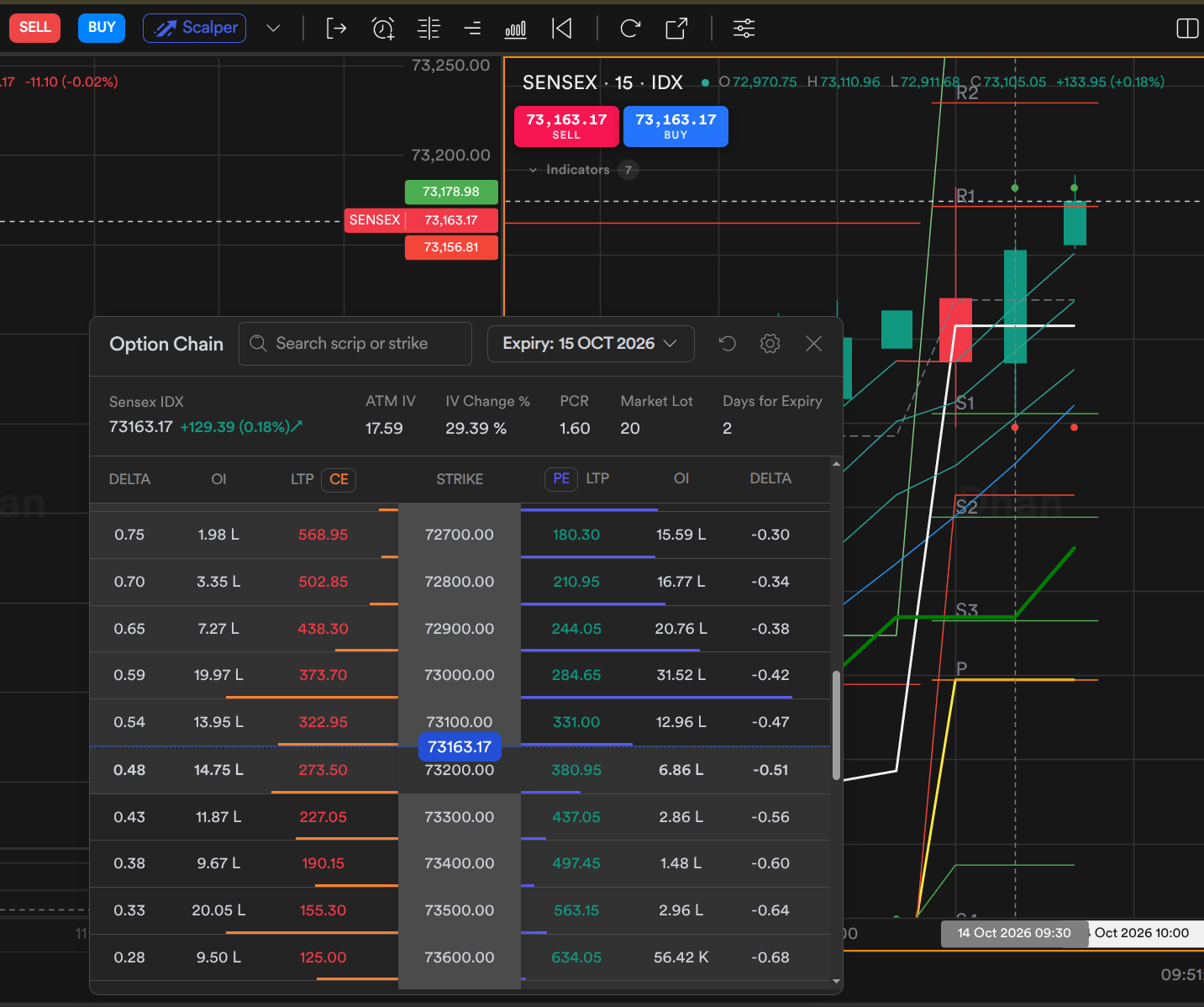
where we can access complete documentation of dhanscripts v1 @Riken_Mehta and try to fix the option chain prices and respective parameters are not updating in live need to manually press refresh to update as its new feature i think this is a bug.
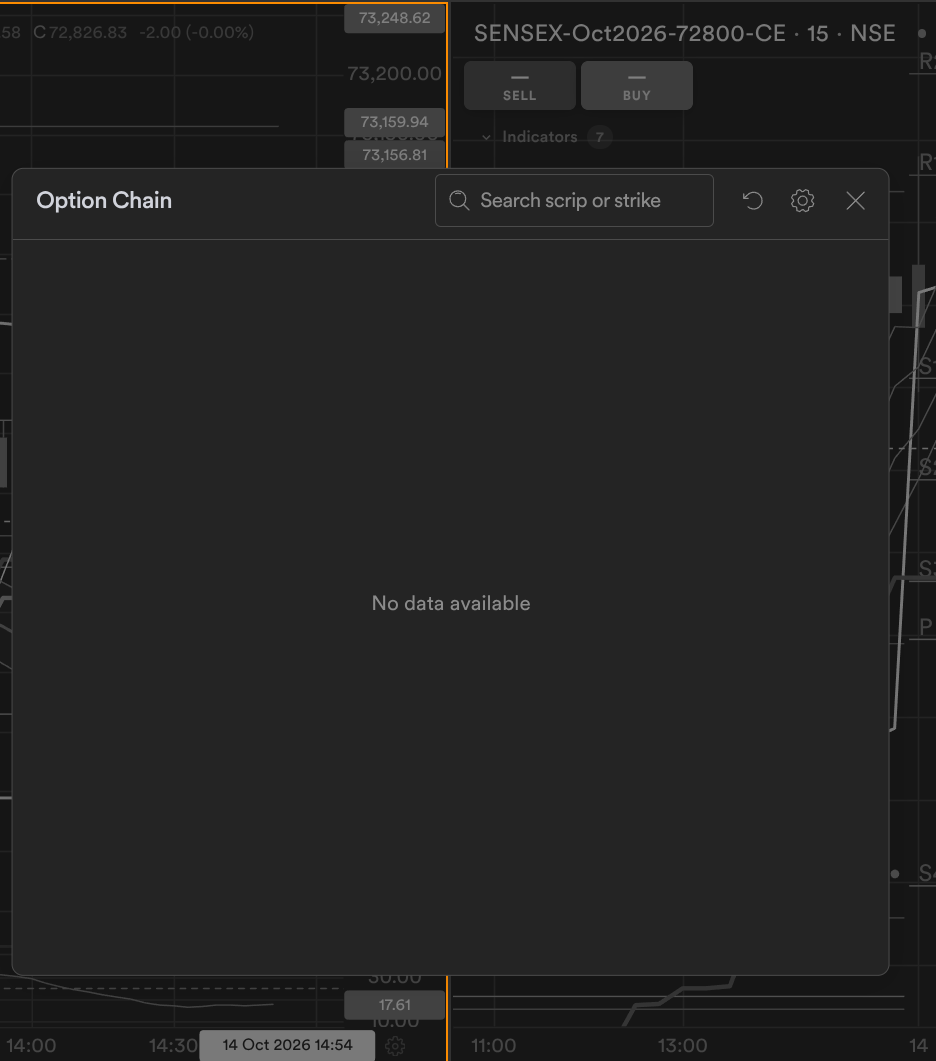
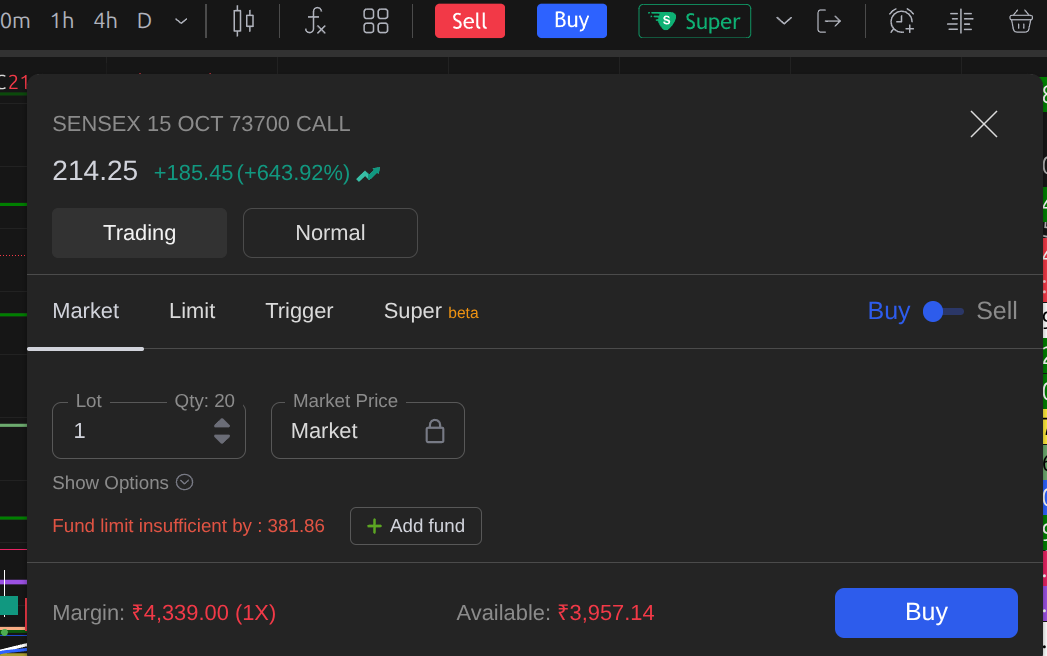
@Riken_Mehta one more bug i am trying to load sensex option into dext charts but getting blank with buffering i tried layout remove reapplied and relogin not worked as you seen in image even option chain window also going blank. Another issue is i build a custome script but seeing indicator values unable to extend next candle in live market may be today launch several things looking busy for you so check scripts functioning also once, thank you
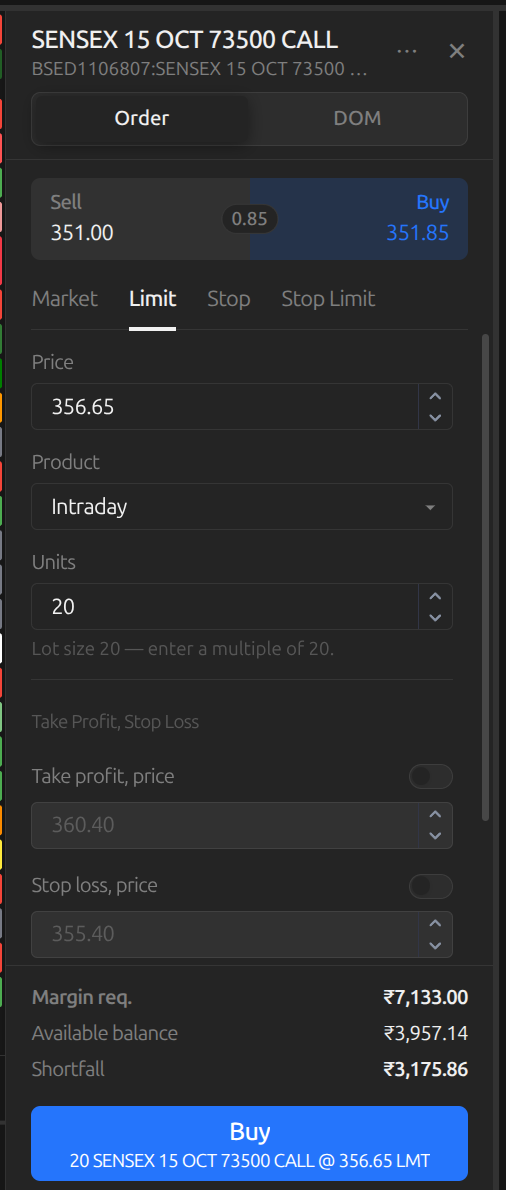
@Mrunmayi_Vaity madam can u add trade button to see dedicated market depth and possible bring dedicated floating order window like in tradingview. In present style dext chart buy and sell generate both order window and dom cluster together each time unlock and resetting to cluster window together back or repressing buy or sell so please if possible separate both dom and order , try to fix make them work individually .
Great to have you back on the community after a while! Hope things have been good.
Following our conversation done on call, we understand your requirement for OI data in the ChartScript Editor on charts.dhan.co. We’ll be rolling out this enhancement in a phased manner.
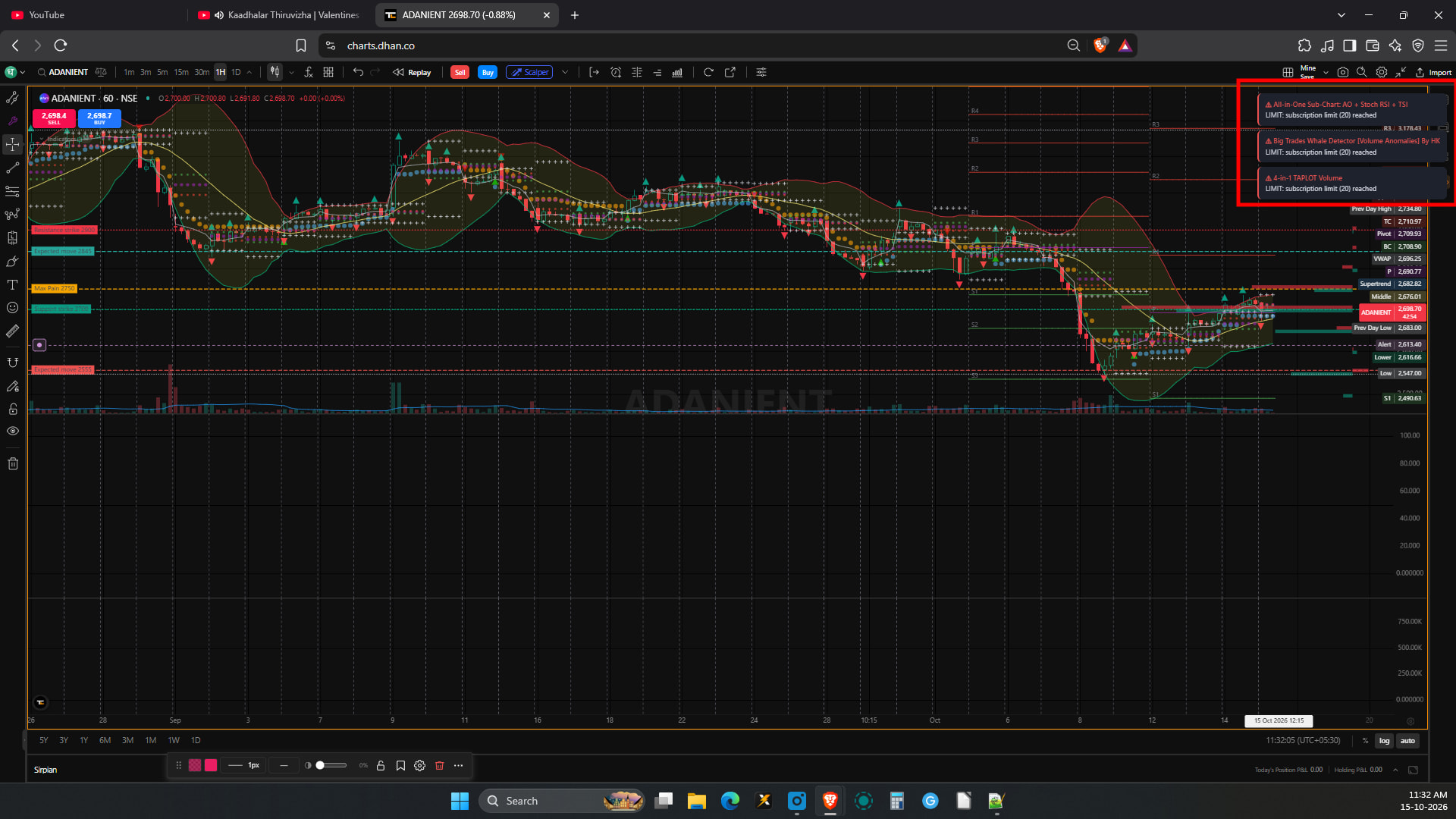
I have ported Custom indicators from Trading view and have them on my Chart currently, but ever time I do any change on my chart like changing symbols, changing timeframes, I am getting this error popup on my chart.. what does it mean, what am i suppose to do with this.. Do let me know..
Is it pinescript from trading view?
I have copy and pasted same code from pinescript and it is working as it should.
Need confirmation from your side. please reply.