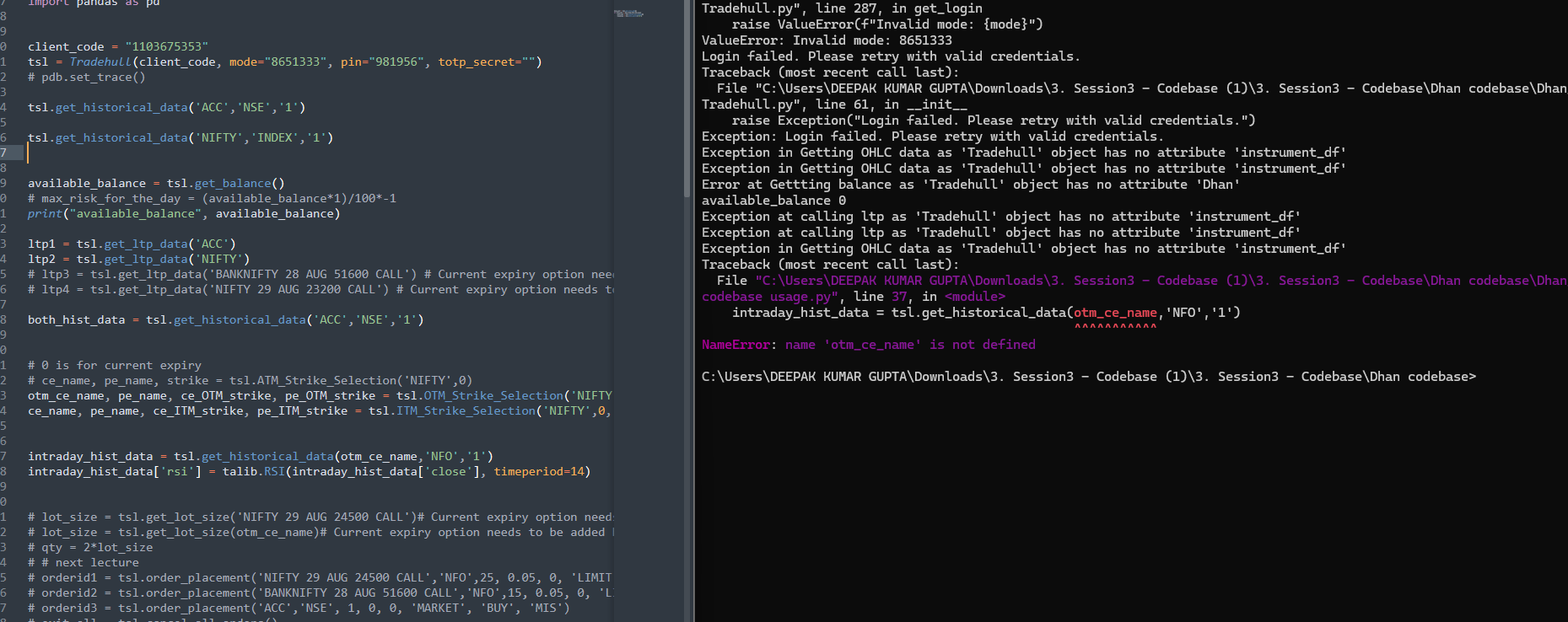
Hi @Deepak_Gupta ,
Steps to Get TOTP Key in Dhan
- Log in to your Dhan web account
- Go to your Profile section and open Get Trading & Data APIs
- Click on “Set-up TOTP” under Optional Settings
- Verify using the OTP sent to your registered email/mobile number and scan the QR code using an authenticator app.
- Before entering the 6-digit TOTP code, copy the TOTP key/secret keydisplayed during the setup and save it securely for future use.
- Enter the 6-digit code generated by the authenticator app to complete the TOTP setup.
Refer this updated version of that code -
https://drive.google.com/drive/folders/1mEKdz2WggCeb_AAqHCbBXVWECx9e4vpj?usp=drive_link