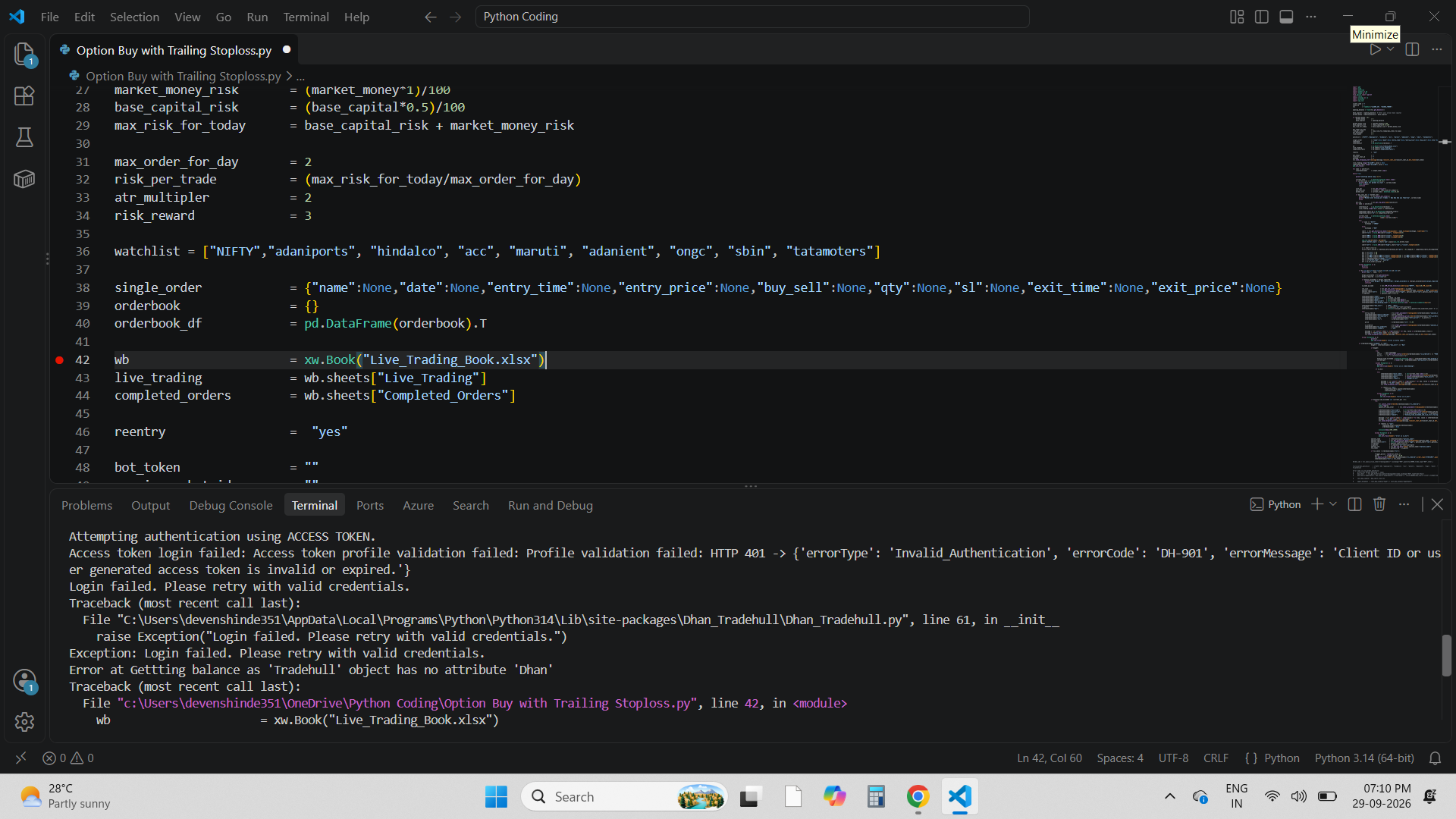
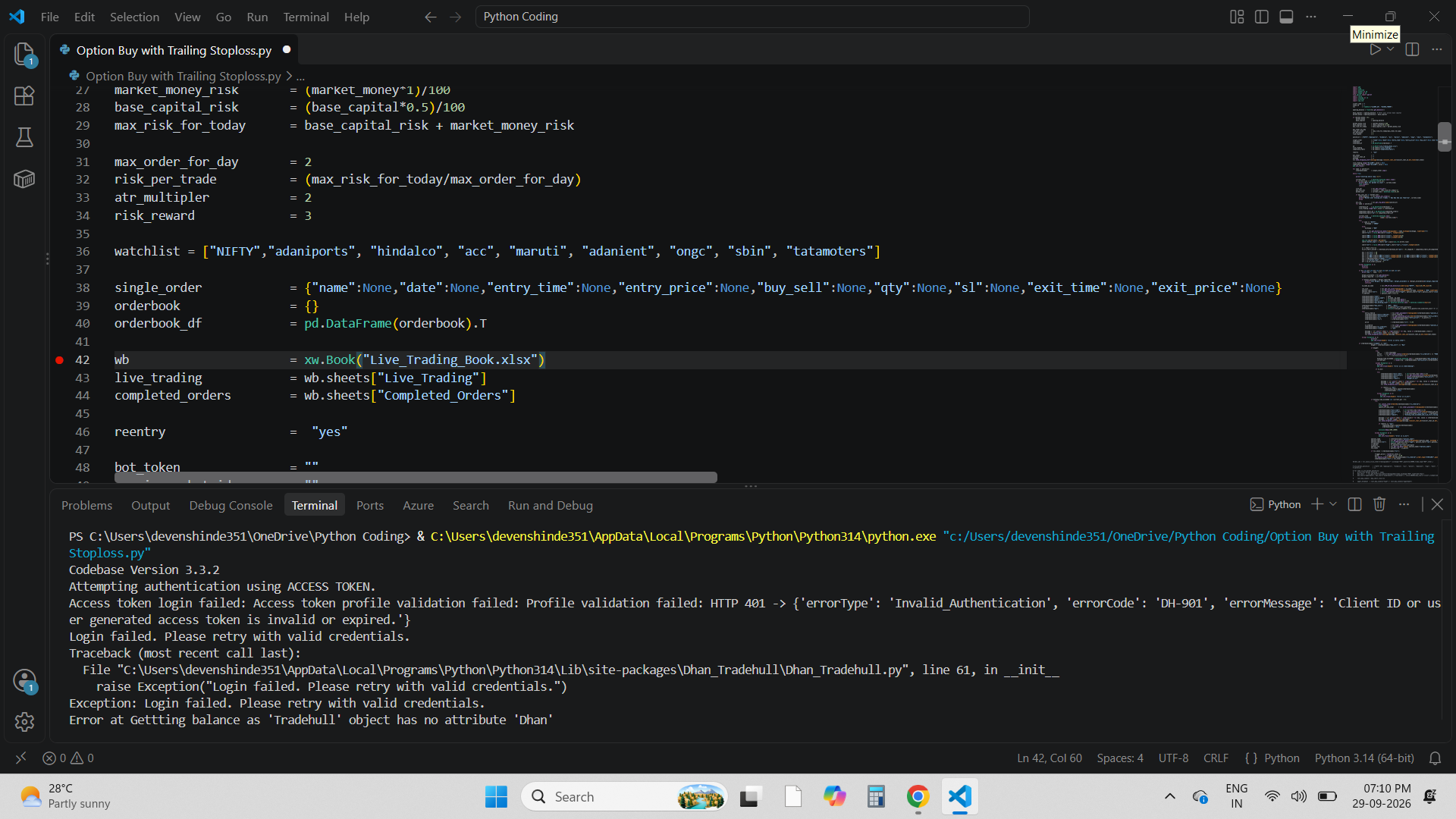
Imran Ali Sir Ji namste, please guide me to solve below problems, Imran Sir I have taken Dhan Data API Subscription and every 24 hrs i am refresing it though i am getting login failed issue and algo not connecting excel workbook, please guide me

Excel Book issue

Login Failed 1

Hi @Dev28 ,

Instead of generating and updating the access token every day, you can use this PIN + TOTP login method. It automatically generates a fresh access token, so you don’t need to update it daily. Check the Client ID, PIN, and TOTP secret carefully, and make sure there are no leading or trailing spaces.

from Dhan_Tradehull import Tradehull

client_code = "123456578"
pin = "258536"
totp_secret = "CK32EV76JP3RZQZPFSGPIGXYFXOHBKHD"

tsl = Tradehull(ClientCode=client_code,mode="pin_totp",pin=pin,totp_secret=totp_secret)

Steps to Set Up / Get TOTP Key in Dhan

  1. Log in to your Dhan web account
  2. Go to your Profile section and open Get Trading & Data APIs
  3. Click on “Set-up TOTP” under Optional Settings
  4. Verify using the OTP sent to your registered email/mobile number and scan the QR code using an authenticator app.
  5. Before entering the 6-digit TOTP code, copy the TOTP key/secret keydisplayed during the setup and save it securely for future use.
  6. Enter the 6-digit code generated by the authenticator app to complete the TOTP setup.