Hi @Tradehull_Imran,
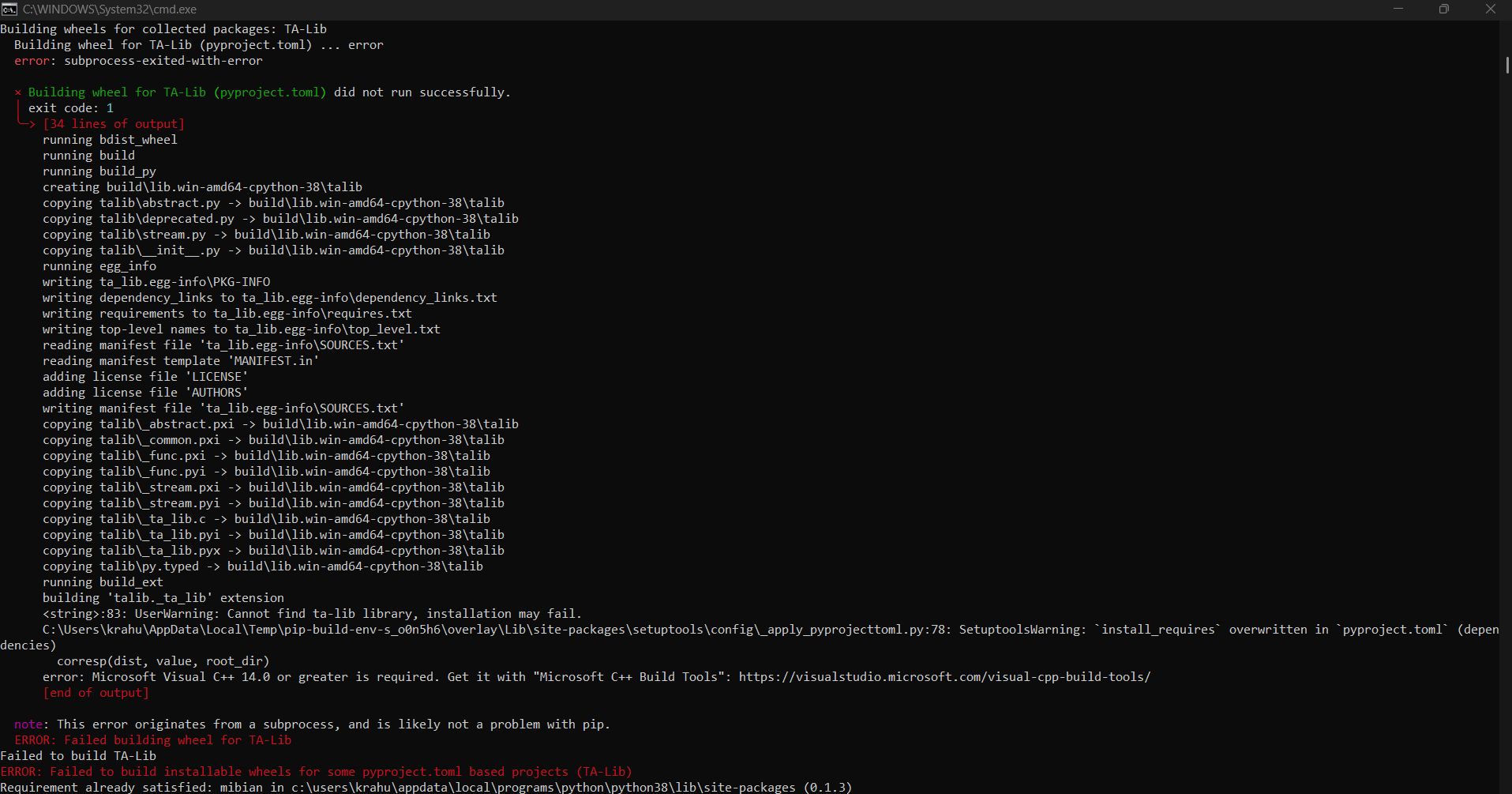
I have been following your videos and as instructed have been doing the steps until the I encountered an error. I am wondering if you could provide any suggestions to resolve the same?
I tried running multiple times but it gives the same error, despite it saying “Requirement already satisfied”.
I look forward to your valuable input on this matter.
Thanks,
Rahul Keshri
Hi @krahulkeshri ,
The Python is currently 3.8, so TA-Lib is trying to build manually and asking for Microsoft C++ Build Tools.
Please update Python first, then install TA-Lib directly.
Step 1: Uninstall old Python 3.8
Go to:
Control Panel / Apps & Features → Python 3.8 → Uninstall
Or from CMD:
winget uninstall -e --id Python.Python.3.8
Step 2: Install latest Python
Install Python 3.11:
winget install -e --id Python.Python.3.11
After installation, close CMD and open CMD again.
Step 3: Check Python version
python --version
It should show Python 3.11.
Also check pip:
pip --version
Step 4: Upgrade pip
python -m pip install --upgrade pip setuptools wheel
Step 5: Install TA-Lib
pip install numpy
pip install TA-Lib
Step 6: Test TA-Lib
python -c "import talib; print(talib.__version__)"
If the version prints without error, TA-Lib is installed successfully.
Now you can run your project normally:
python your_file_name.py
Thanks for the prompt response, it started to work.
1 Like
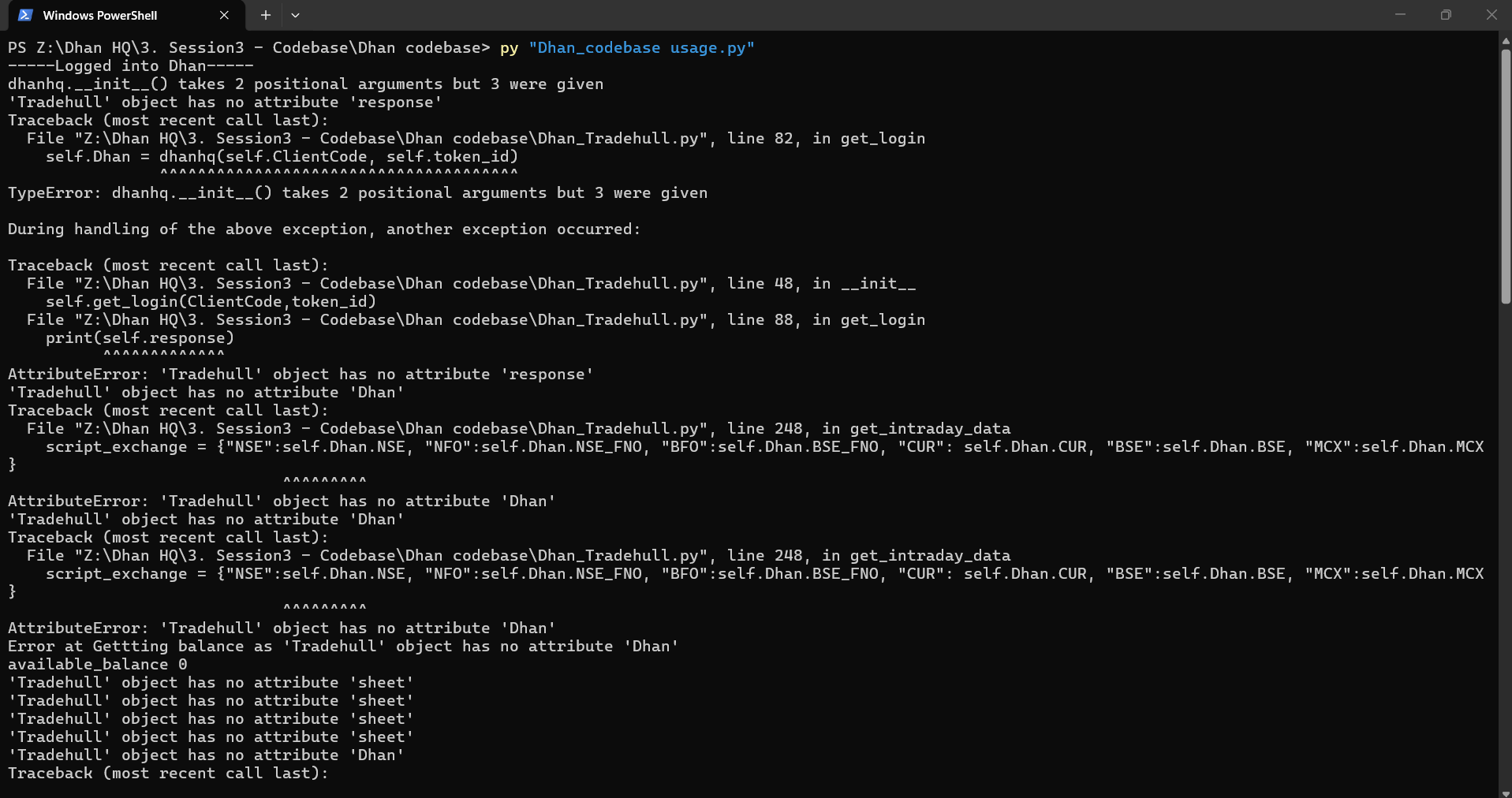
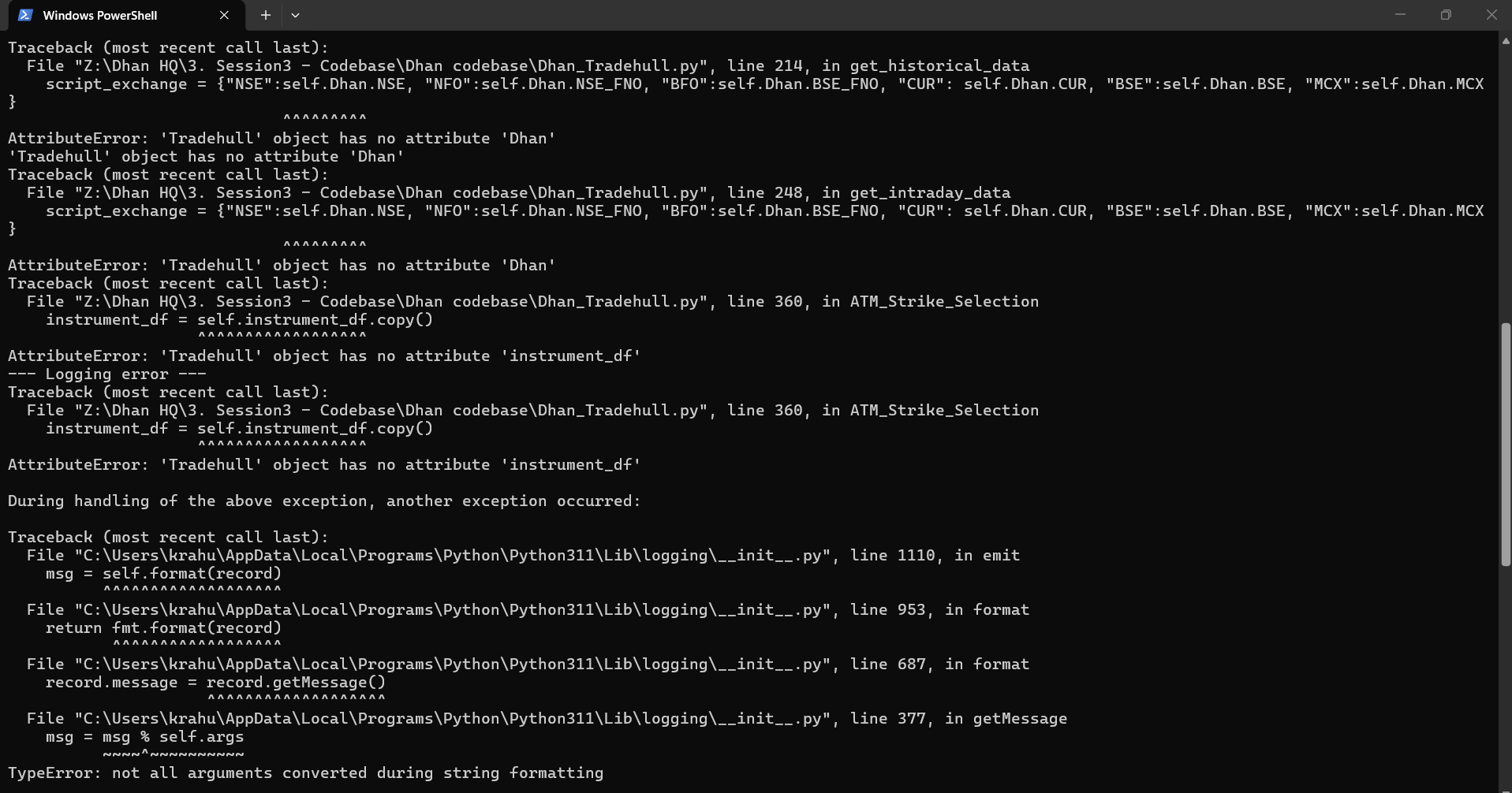
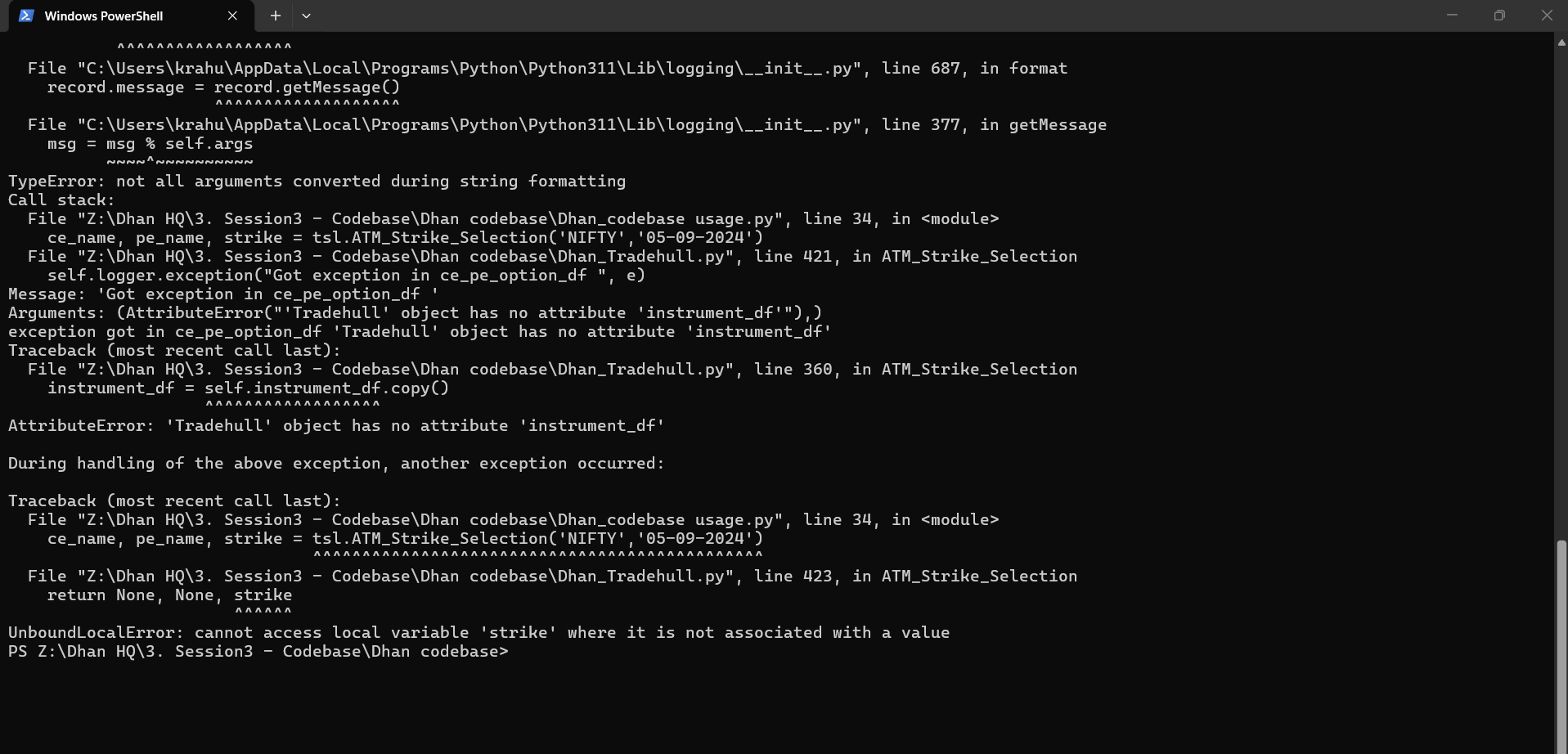
@Tradehull_Imran I encounted another error when i run ‘Dhan_Codebase usage.py’
Could you please guide in this regards?
Thank
Hi @krahulkeshri ,
The code has been updated. Kindly use the latest version of the code.
Refer the link -
1 Like
Hi @Tradehull_Imran ,
Thanks for all the support in such a short time, i really appreciate it!
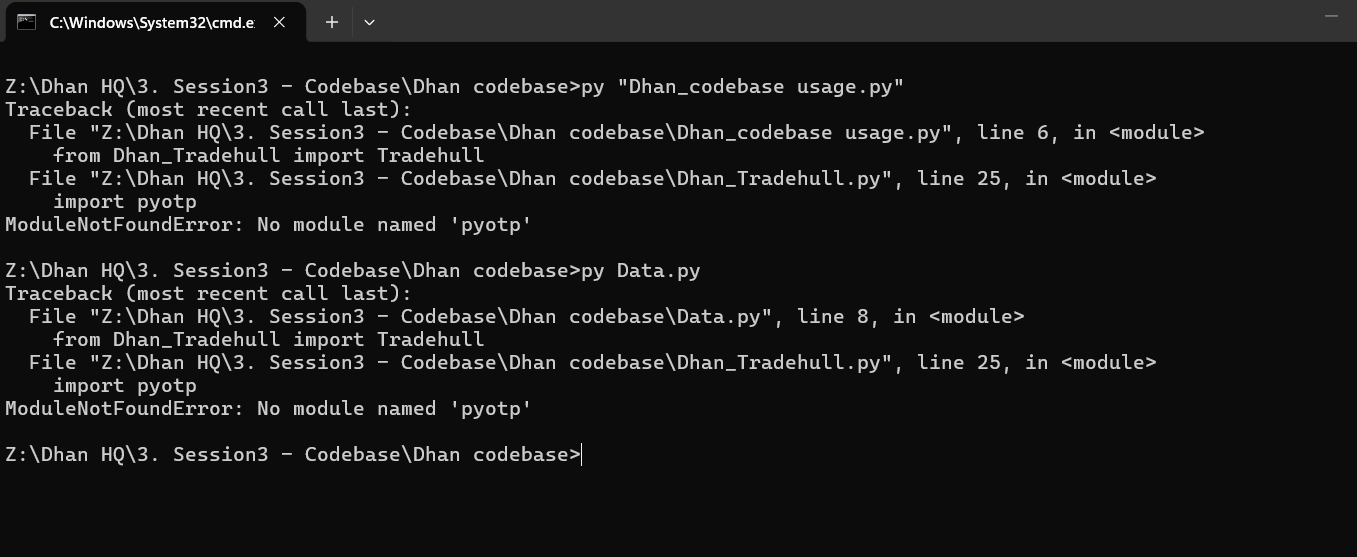
I downloaded the updated file. Edited both the python file ‘Dhan Usage’ and ‘Data” with my client id and API key, saved both of them and when i run the file it gives an error as below.
Hi @krahulkeshri ,
This is a module error.
Do run the command on the cmd -
pip install pyotp
1 Like