Over the last year we did multiple Dhan Meet & Greet events where we met with traders. A common insight that we got from them was that they were struggling to stay disciplined while trading. We wanted to build something to enable these users to be better traders and that led to the introduction of Trader Controls.
Just to recall- With Trader Controls you can
Set Alert for Over-Trading
Set Alert for Heavy Losses
Keep your Trade Buddy or Mentor informed of your daily P&L
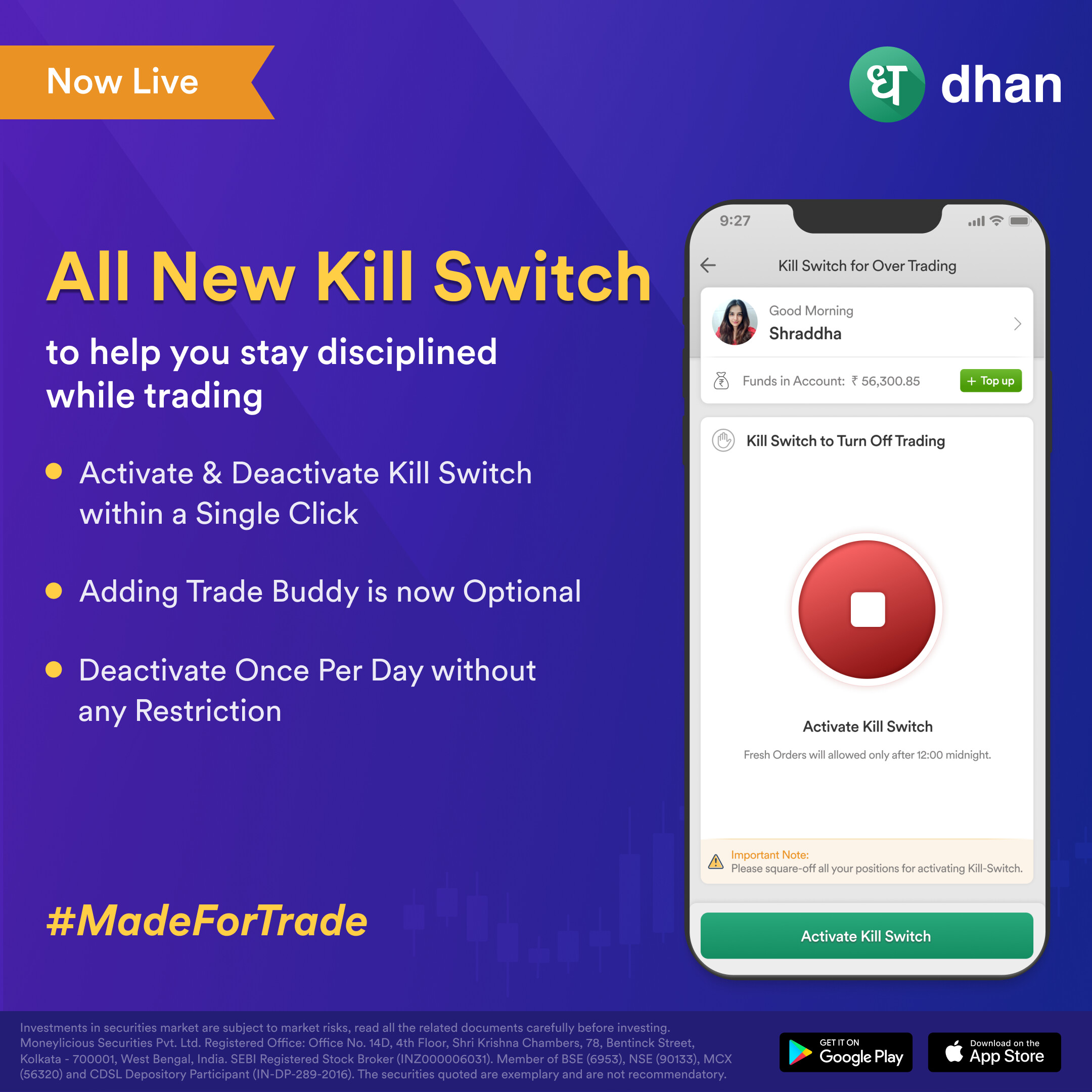
While these Trader Controls are extensively being used by our traders, we received some feedback from them on removing the dependence of Kill Switch on Trade Buddy.
Respecting that opinion, we decided to introduce an all new functionality if you’re someone who already uses or wants to use Kill Switch.
You can now activate & deactivate Kill Switch within a single click without the need for a trade buddy attached to your account. However it is important to note that we still want to make sure you trade with discipline and that’s why you can deactivate your Kill Switch ONLY ONCE per day post activation. In case you have exceeded the above defined limit, your account will be locked and you will not be able to place any fresh orders till the end of the day.
With this update, we hope that you can make the best use of Kill Switch & other Trader Controls to curb overtrading. As always, we promise to listen to you and deliver the best trading experience on Dhan.
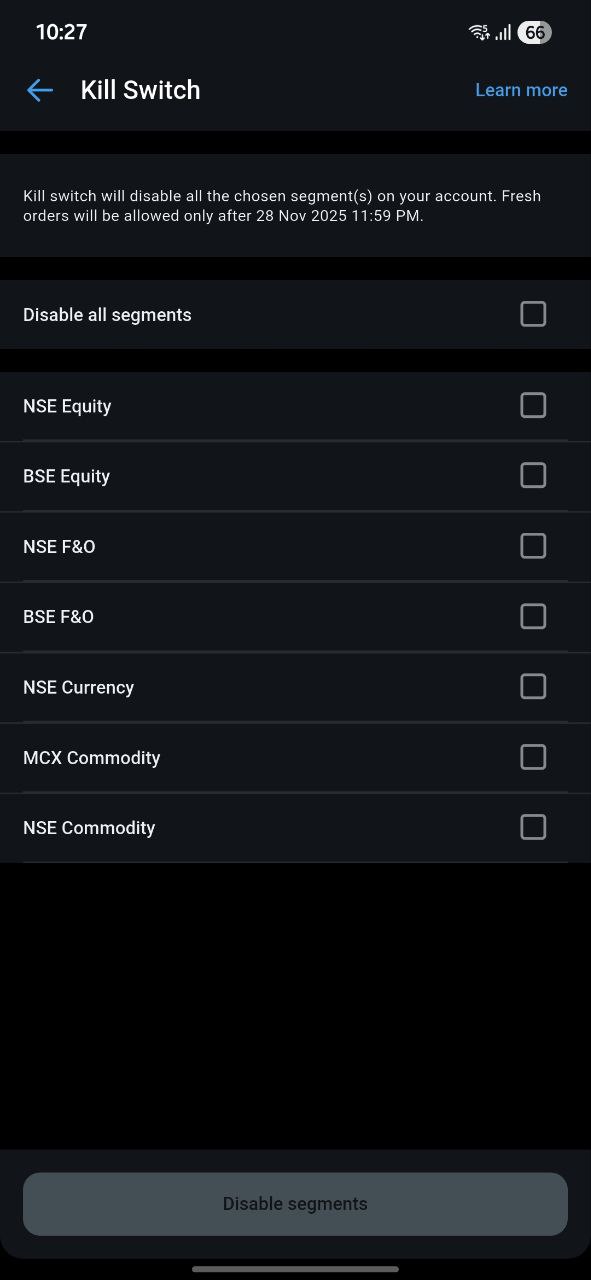
Please bring kill switch for individual segments like here.
For traders, once we are done with FnO, if we want to take any shares on delivery, the kill switch activation stop us for further trading for the day.
Individual segment kill switch solves this issue. @PravinJ@Pranita
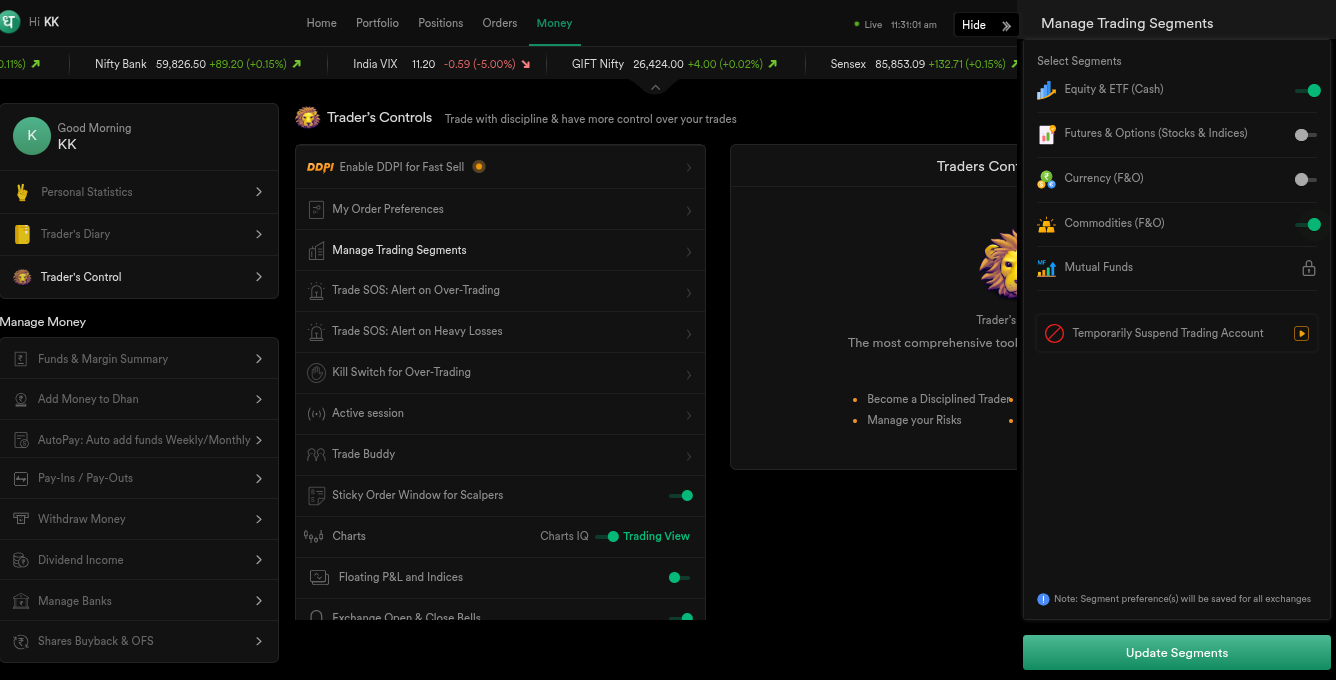
Hi @specter, we have manage trading segments feature under traders control, from where you can disable a particular segment. PFA screenshot below for reference.
I’m not asking trading segments deactivation.
I was asking individual kill switch for each segment which works only for the day.
Request you to kindly have a look in the screenshot I shared above.
@specter Kill Switch @ Dhan is designed to help you become a disciplined trader and avoid over-trading. When your daily stop-loss is hit or your personal risk rules say you should stop, but you still feel tempted to continue trading, Kill Switch helps here. It instantly stops all trading for the day, across every segment.
If you don’t want to block all segments and only wish to restrict specific ones, that’s exactly what Manage Trading Segments is for. The feature you’re asking about is already covered under Manage Trading Segments and works exactly as you intend.
Now, I understand you are asking to have segment wise Kill Switch, which in-turn defeats the purpose of enabling Kill Switch. But for you, Manage Trading Segments will perfectly work & serve your use-case. As you can enable the particular segment next day, when you wish to trade again.
Understood. Thanks for the explanation.
So once I disable the particular segment for the day, I can’t reactivate it the same day again?
Because if I can, that defeats the purpose as the monkey mind tells to reactivate the segment during the day for trading.