I have a suggestion for the DEXT T3 terminal. Can you please provide a native Volume Profile indicator?
Why this is needed: Current volume bars only show volume for a specific time. But for active trading and scalping, we need to see volume at specific price levels. This helps us find the POC (Point of Control) and Value Areas where the most trading is happening.
Key Features Requested:
Session Volume: To see the volume profile for the whole day.
Many traders use other platforms just for this one feature. If Dhan provides it natively in T3, it would be a huge help for our analysis.
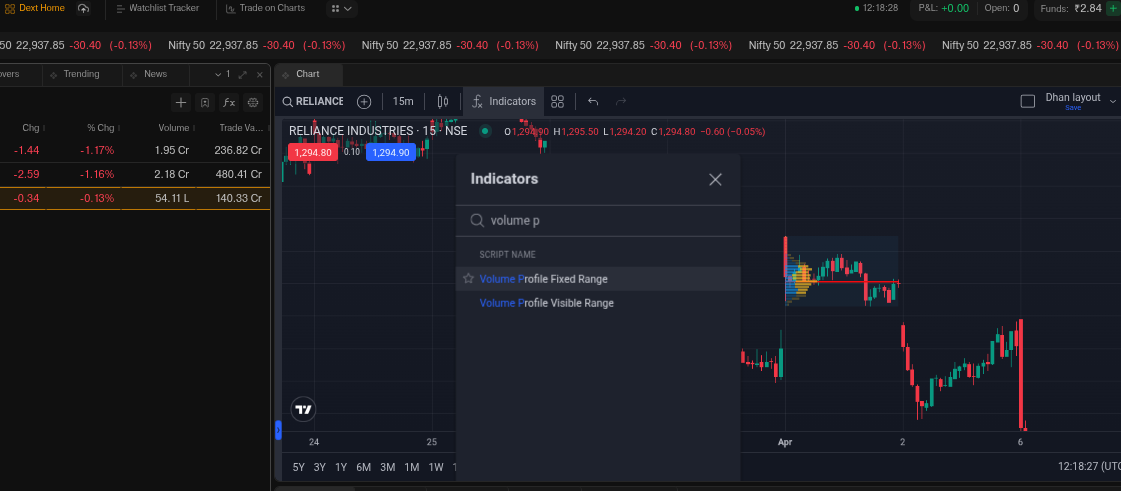
Hi @shri, we do have volume profile for fixed range which you can set for the session along with POC line and values. PFA screenshot for reference. If you are referring to something else then do let us know.
Thanks for the response. However, the Fixed Range Volume Profile requires me to manually select the range for every single chart and every new day.
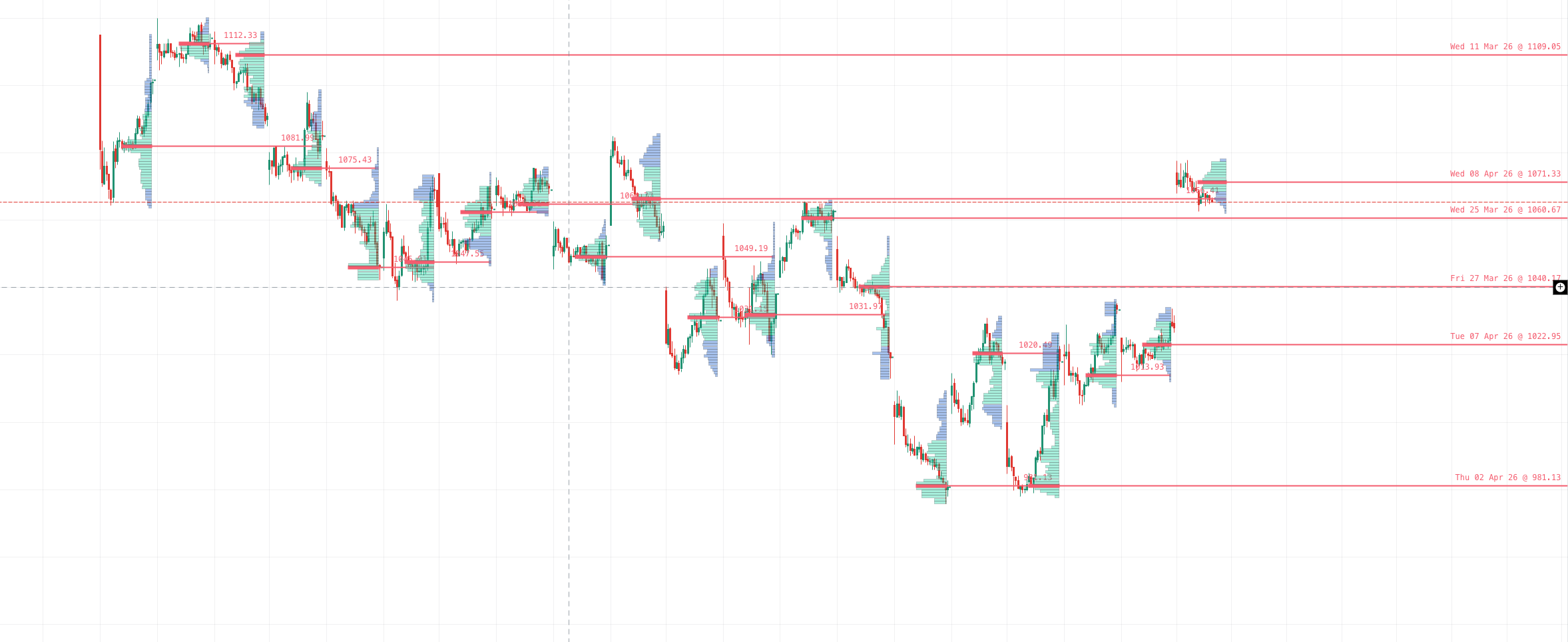
What I am looking for is the Session Volume Profile (SVP) indicator. This should automatically create a new volume profile for every trading session (daily) as the day progresses, showing the POC, VAH, and VAL for each individual day without manual intervention.
Could you please confirm if the Session Volume Profile (SVP) or Session Volume Profile HD is available in the indicators list on tv.dhan.co dext? If not, I request you to add this standard TradingView feature to help intraday traders
You asked for a native Session Volume Profile indicator just over a month ago. Order Flow on DEXT T3 went live today and ships exactly that, natively built on a custom trade-level data pipeline, with session Volume Profile sitting alongside the chart and High Volume Nodes, Low Volume Nodes and Value Area boundaries visible at a glance.
To try it: open dext.dhan.co, add the Order Flow widget, pick your instrument and timeframe.