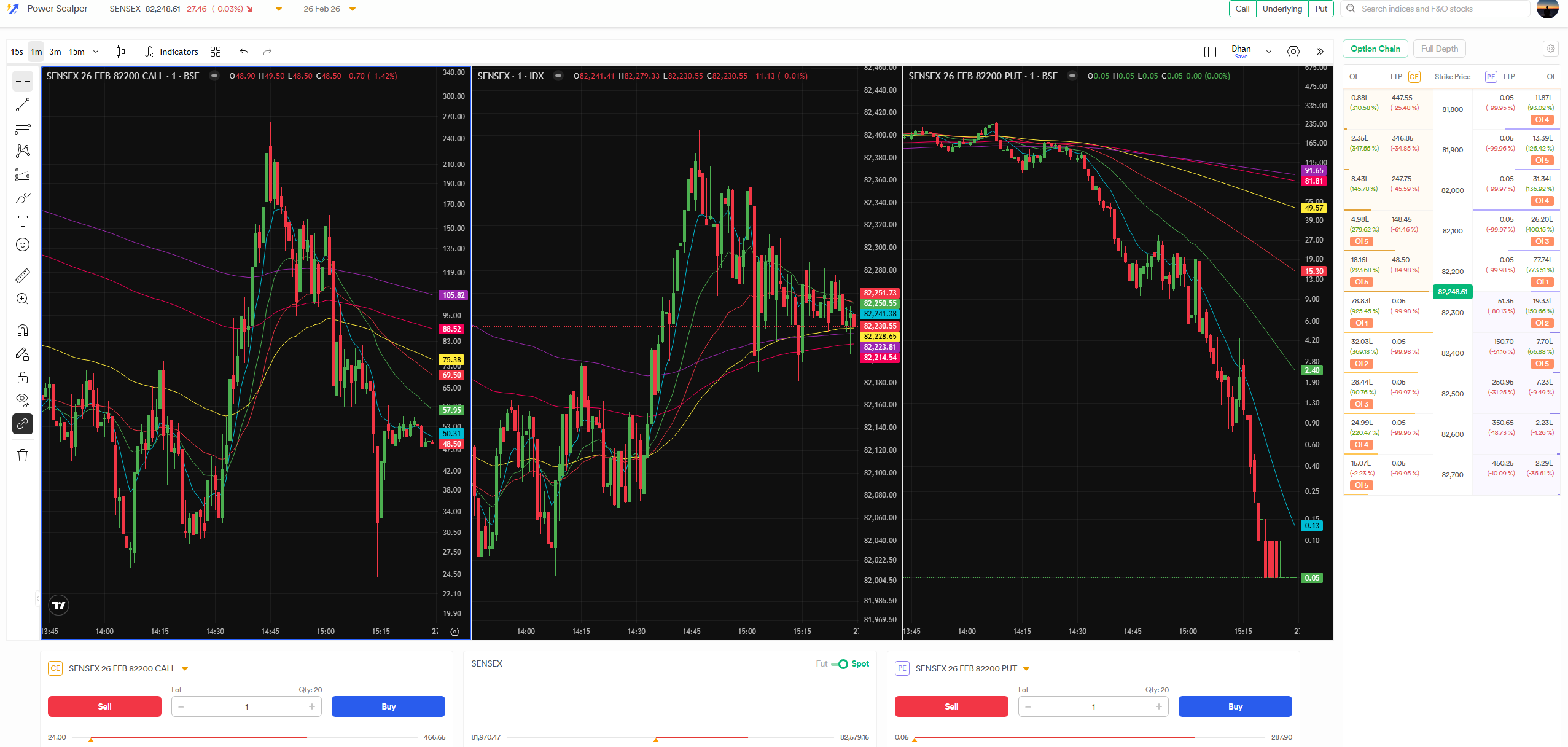
Drop down seems to be broken and doesn’t auto scroll to ATM
(MUTE THE VIDEO WHILE WATCHING TO SAVE YOUR EARS)
What’s with the YOU NEED MOUSE FOR EVERYTHING ATTITUDE while designing your UI? Why there are no keyboard shortcuts to buy/sell options?
Buy CE = Shift + Up arrow ; Sell CE = Shift + Left arrow ; Buy PE = Shift + Down arrow; Sell PE = Shift + Right arrow. Also if a user would like different key combination then that should be possible/customisable to improve his/her scalping speed/execution.
Found another issue with OC on Power Scalper: Save Settings is not saving the settings and getting reset after F5/refreshing tab https://youtu.be/h7CVHbJ2lp4
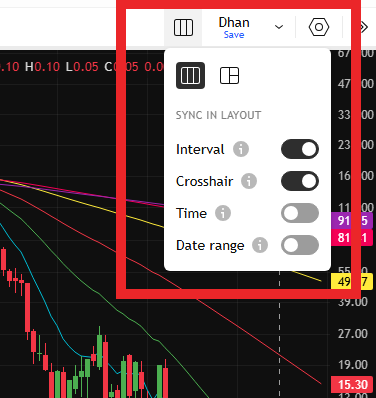
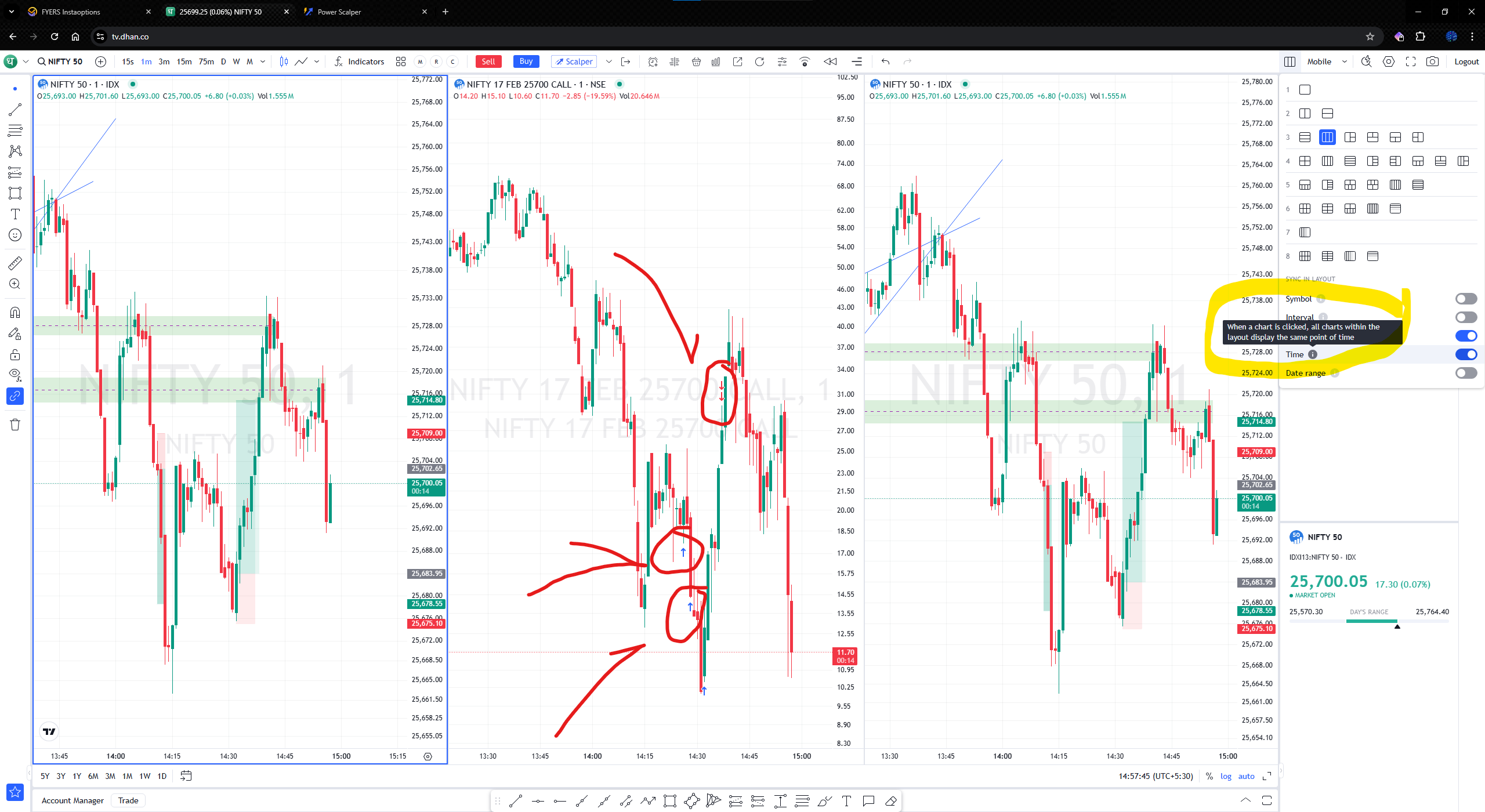
Time Interval sync is not available to sync all charts while changing time frame
Hi @VSDTheTrendSailor, thank you for sharing the detailed feedback and the video.
We’ve noted the points you’ve highlighted around the dropdown behaviour, keyboard shortcuts, settings not being retained, and chart time-interval syncing. Our team will work towards optimising these areas and improving the overall power scalper experience.
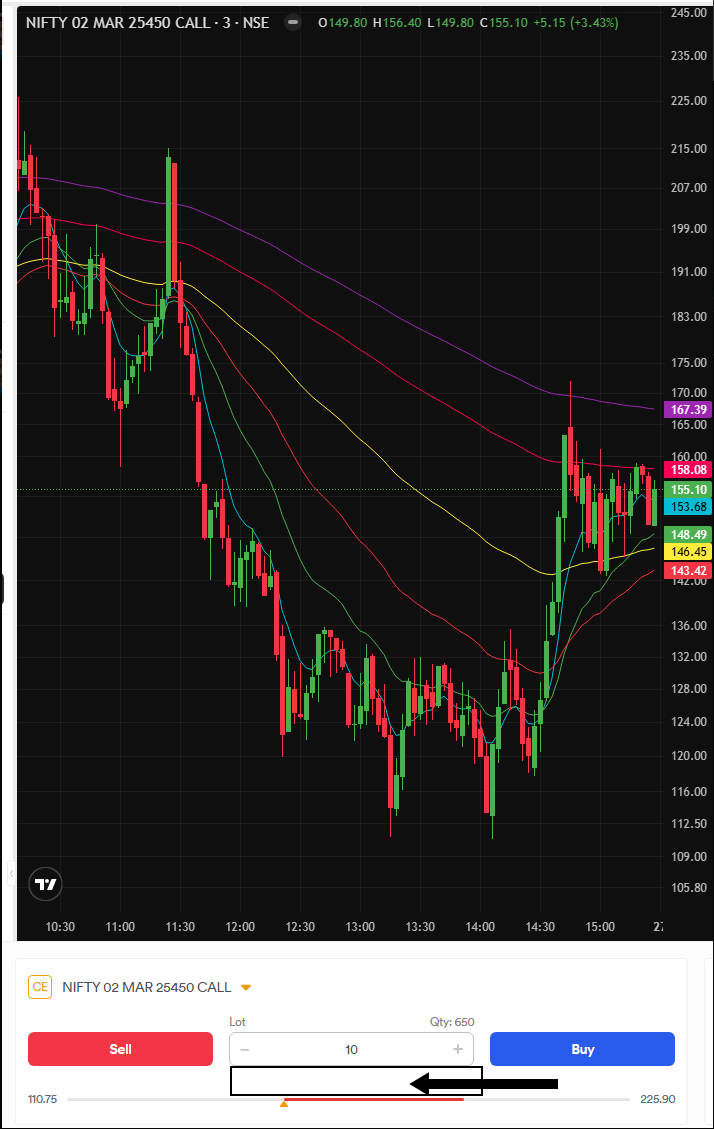
Everytime I change a strike to see the chart and return back to my selection the QTY gets restet to 1 lot Power Scalper should remember how much QTY have been entered for each strike similar Scalper on TV Dhan

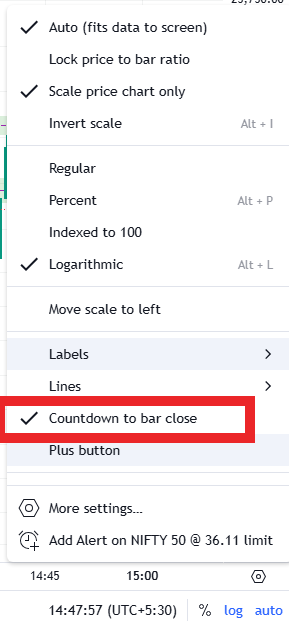
 Power Scalper should remember how much QTY have been entered for each strike similar Scalper on TV Dhan