Feature Request: Keyboard Navigation (Up/Down Arrow Keys) for Watchlist Stock Selection in Charts
When analyzing stocks using the Charts & Watchlist view, pressing the Up Arrow and Down Arrow keys on the keyboard does not navigate to the previous or next stock in the watchlist. Currently, users are required to manually click on each individual stock in the watchlist to switch and view its chart. When analyzing a large list of stocks, manual clicking becomes repetitive, tedious, and inefficient.
Requested Feature / Solution
-
Keyboard Shortcut Navigation: Enable the Up Arrow ($\uparrow$) and Down Arrow ($\downarrow$) keys to seamlessly select and switch to the previous and next stock in the current active watchlist.
-
Automatic Chart Refresh: Upon navigating using arrow keys, the chart view should automatically update to render the newly selected stock’s chart without requiring mouse interaction.
Expected Impact
Adding arrow-key watchlist navigation will significantly speed up technical analysis, daily chart scanning, and multi-stock review workflows for traders using DEXT Terminal.
Thank you for considering this enhancement. I look forward to seeing this feature implemented in an upcoming update!
Best regards,
Vaibhav Jain @Dhan @RahulDeshpande
Hello sir,
Keyboard up and down arrow is already there in tradingcharts. keep your cursor/crosshair on the chart and move up or down arrow key and the chart will change as per the stocks in your watchlist.
I AM TALKING ABOUT DEXT T3, TRADINGVIEW. CHECK HERE I HV CROSSHAIR ENABLE STILL UP DOWN ARROW IS NOT TAKING ME TO NEXT PREVIOUS STOCK IN MY WATCHLIST.
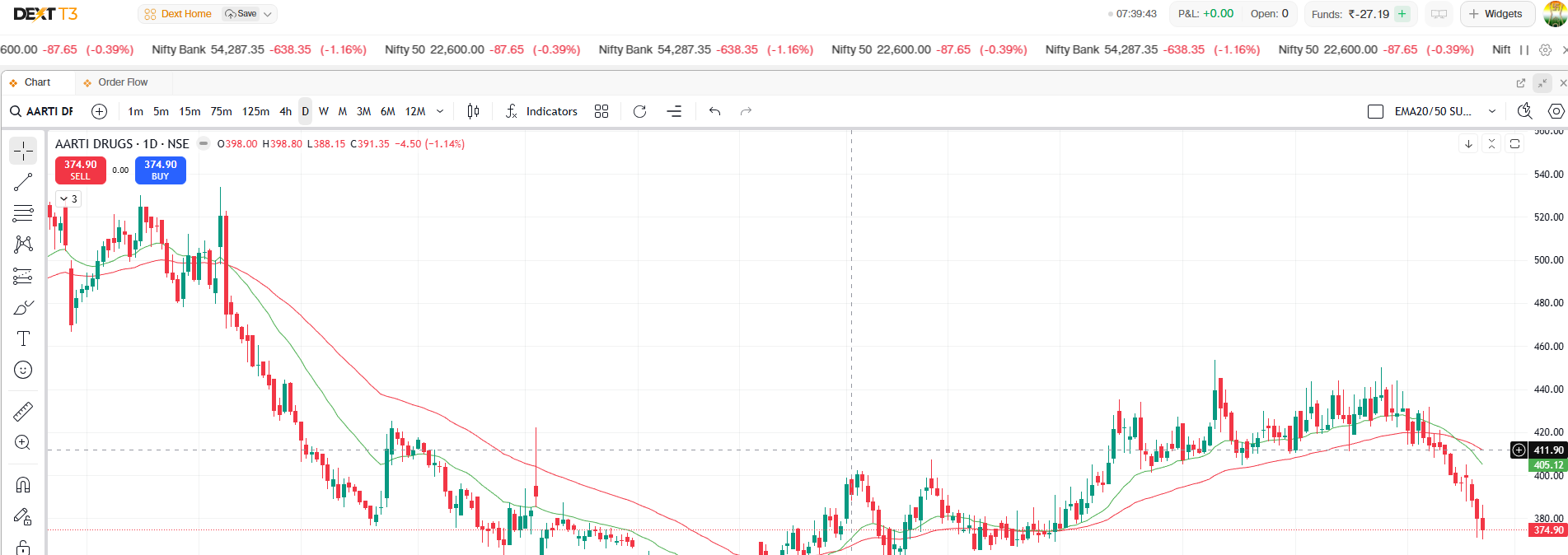
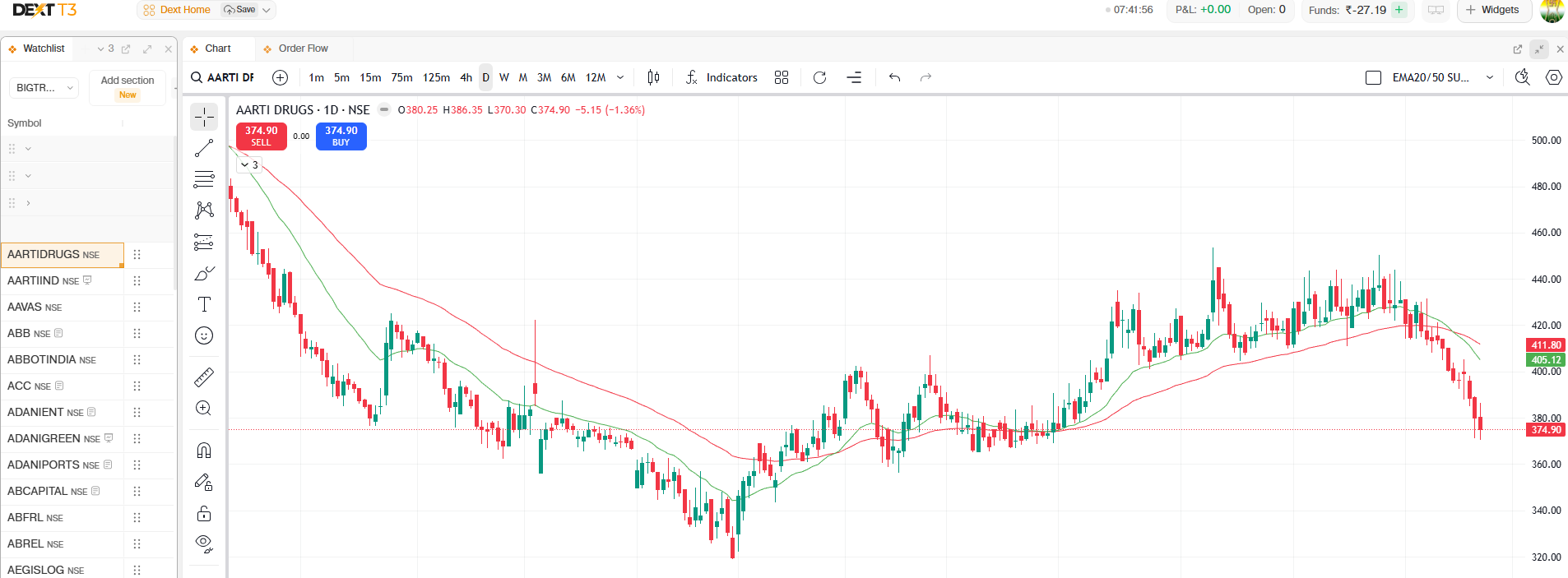
ON MY LEFT WATCHLIST IS OPEN.
I tried as u said but for this to work i must click the watchlist window first then only up down working. if iam on chart window its not working. try it & respond pls.
@Vaibhav You can already do this quickly on DEXT T3. Keep the Chart synced with your Watchlist or Scanner and enable Settings → Sync Widgets Using Arrow Keys. You can then move through the shortlisted stocks using the ↑/↓ arrow keys, and the synced Chart will automatically switch to the highlighted stock—so you can review charts one after another without opening each manually.
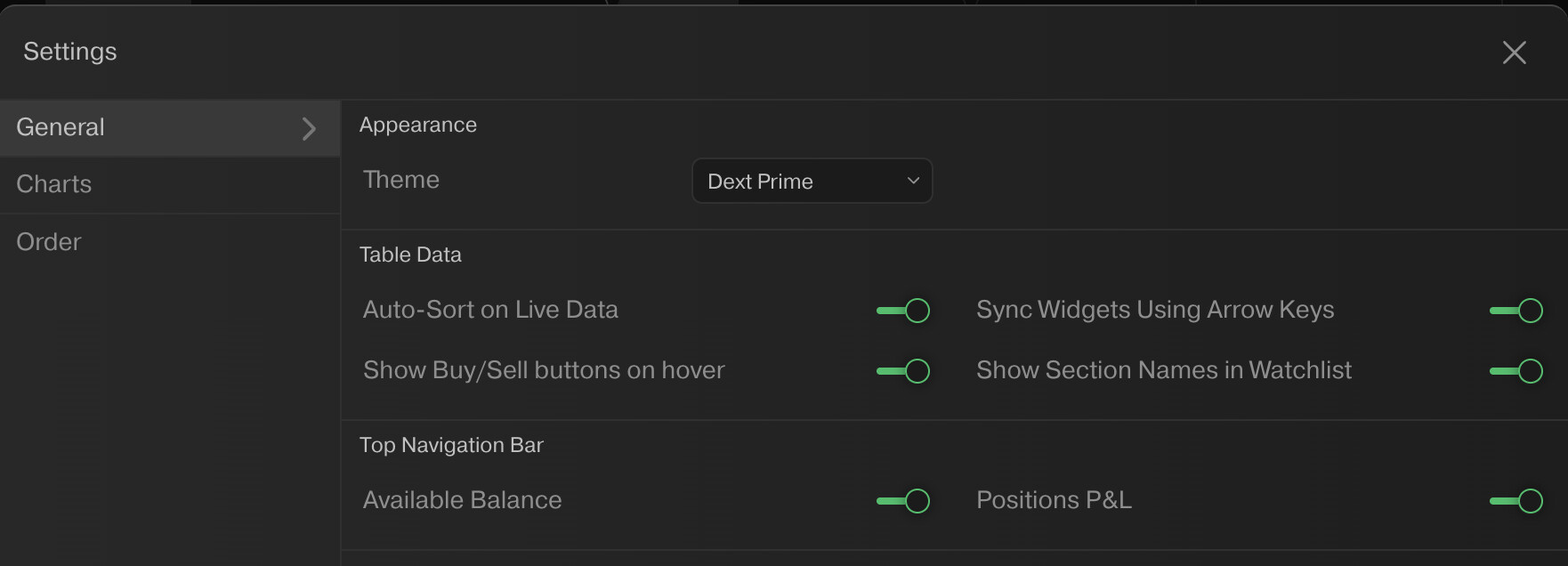
FOR THIS TO WORK THE CURSOR CLICK MUST BE ON WATCHLIST WINDOW FIRST THEN ONLY IT WIL WORK. PLAIN ON CHARTS WINDOW ACTIVE MODE BESIDE WATCH LIST IT WILL NOT WORK.strong text
Hey @Vaibhav
Following our call, we’ve noted your feedback on the sync script for the watchlist functionality via chart clicks in Dext T3.
any update on this feature request.
@Vaibhav Thanks for sharing this. We understand that you want to navigate through watchlist stocks using the ↑/↓ arrow keys while keeping the focus on the chart, as you can on tv.dhan.
On DEXT T3, Charts and Watchlist are independent widgets, unlike tv.dhan, where the watchlist is part of the same charting experience. Hence, this exact behaviour won’t be possible in DEXT T3.
You can still colour-sync the Watchlist and Chart widgets and navigate through stocks using the arrow keys when the focus is on the Watchlist.