is it even released yet? if yes, please guide the step by step prcoess ffor the same
@Mohseen_Usmani Today I can see the SLBM feature is available for me but not sure how to use it.
Above video is just for SLBM Concept…please create more videos on this topic, specially explain the dhan feature in details like explain each tab, columns, different actions (RENT, OFFER, BORROW), any strategies, order flows etc.
Is this feature available in market hours only or anytime ?
Continuing with the previous post
I just now got the Rent stocks option on Dhan app, checked it without activating.
-
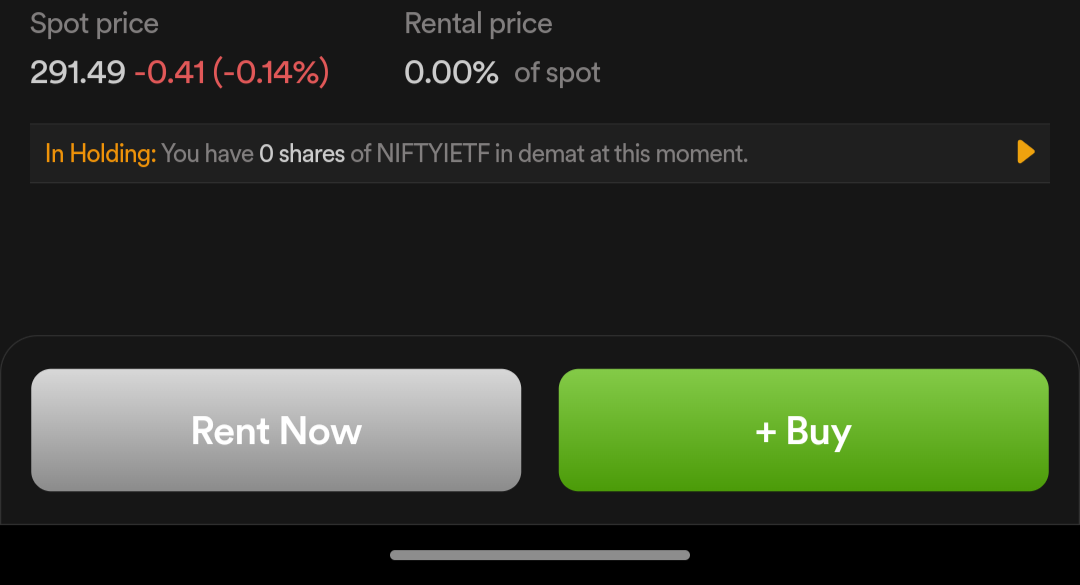
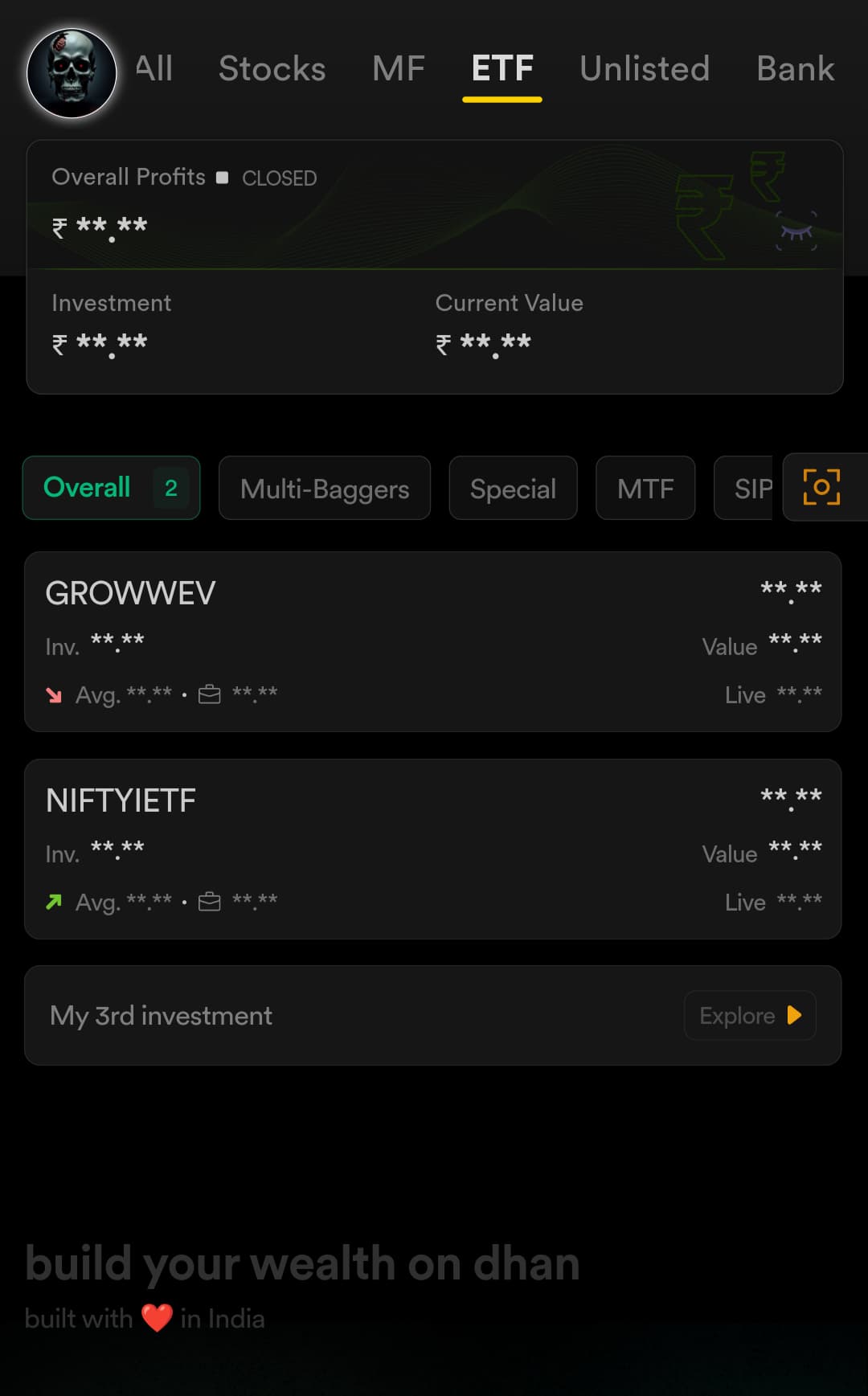
I cannot see ETFs on the Offer Page beside Market Watch section. Proof attached below
-
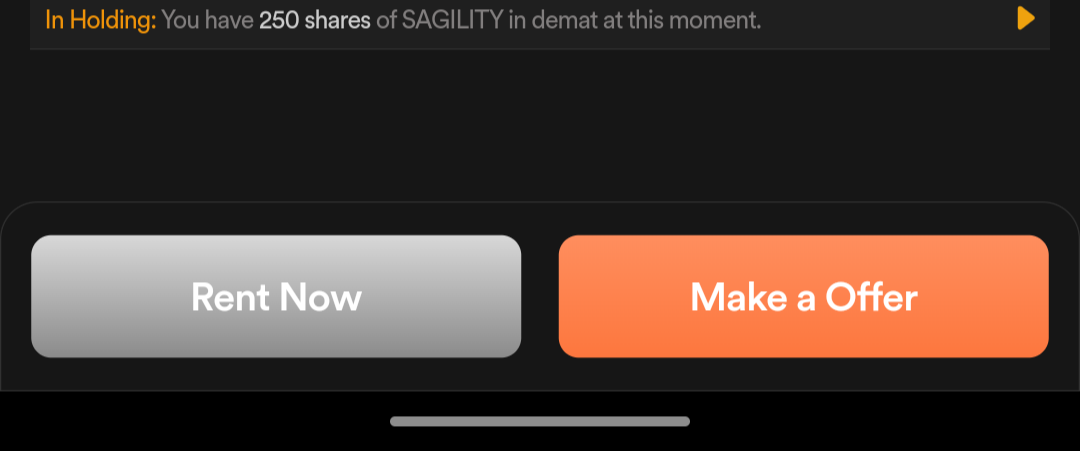
Grammatically it should be “Make an offer”. Very tiny detail (bachpan me english teacher se bahut maar khaya hu, ab har jagah english mistake dikhti)
-
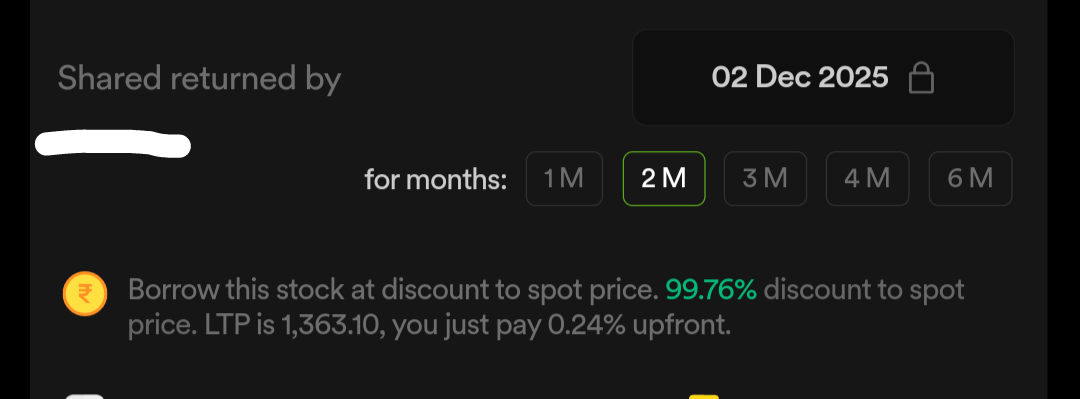
Shared Returned by nahi Shares return by
-
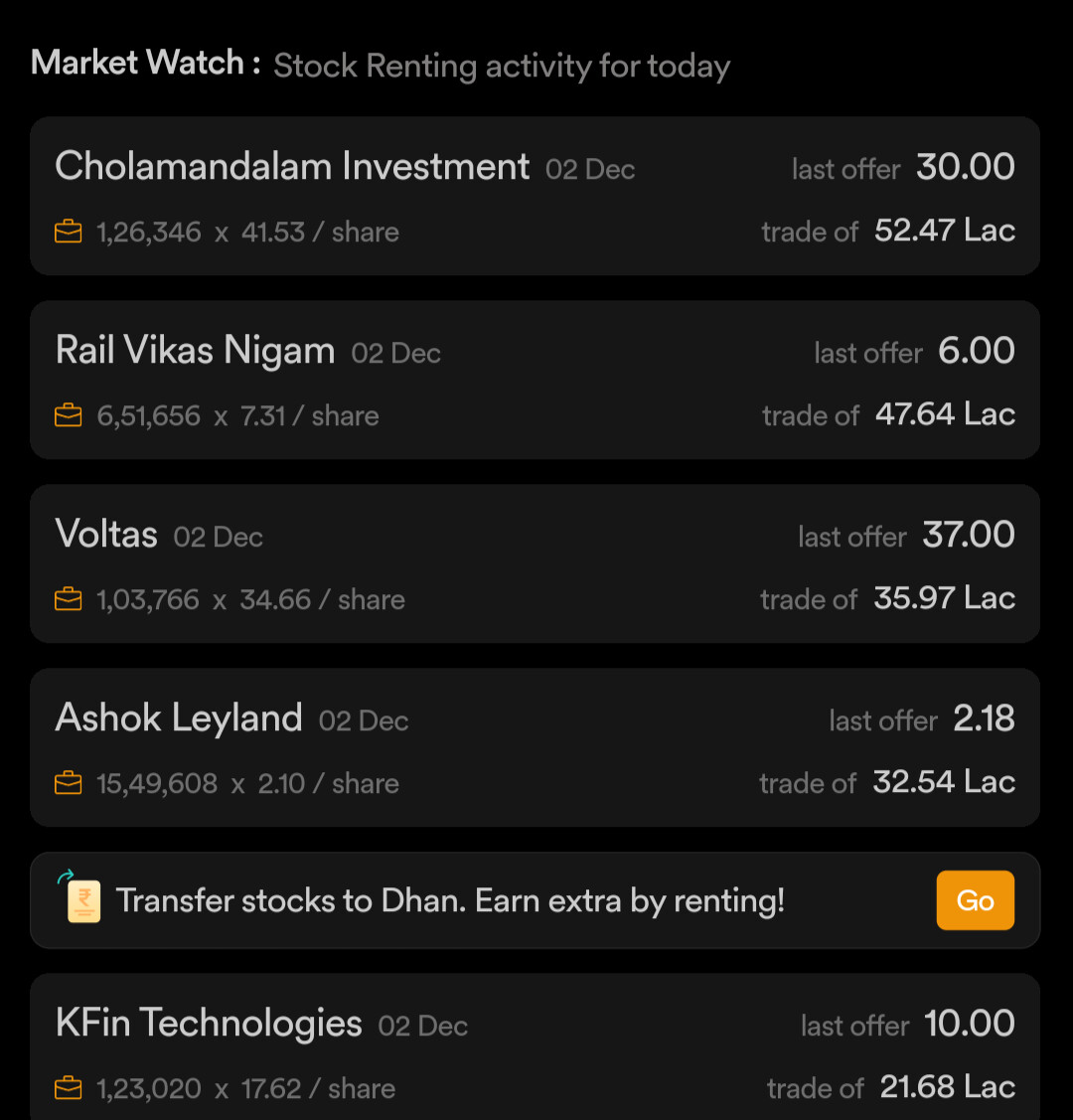
I can see option to transfer external stocks to rent on Dhan, and this Go button takes to linking external stocks via CDSL. How will this work?
-
When we click on any stock from Offer page, it shows data only for upcoming return date but if we search the same stock then in search results we get options of 3 return dates. There should be way to navigate between return dates directly without searching.
-
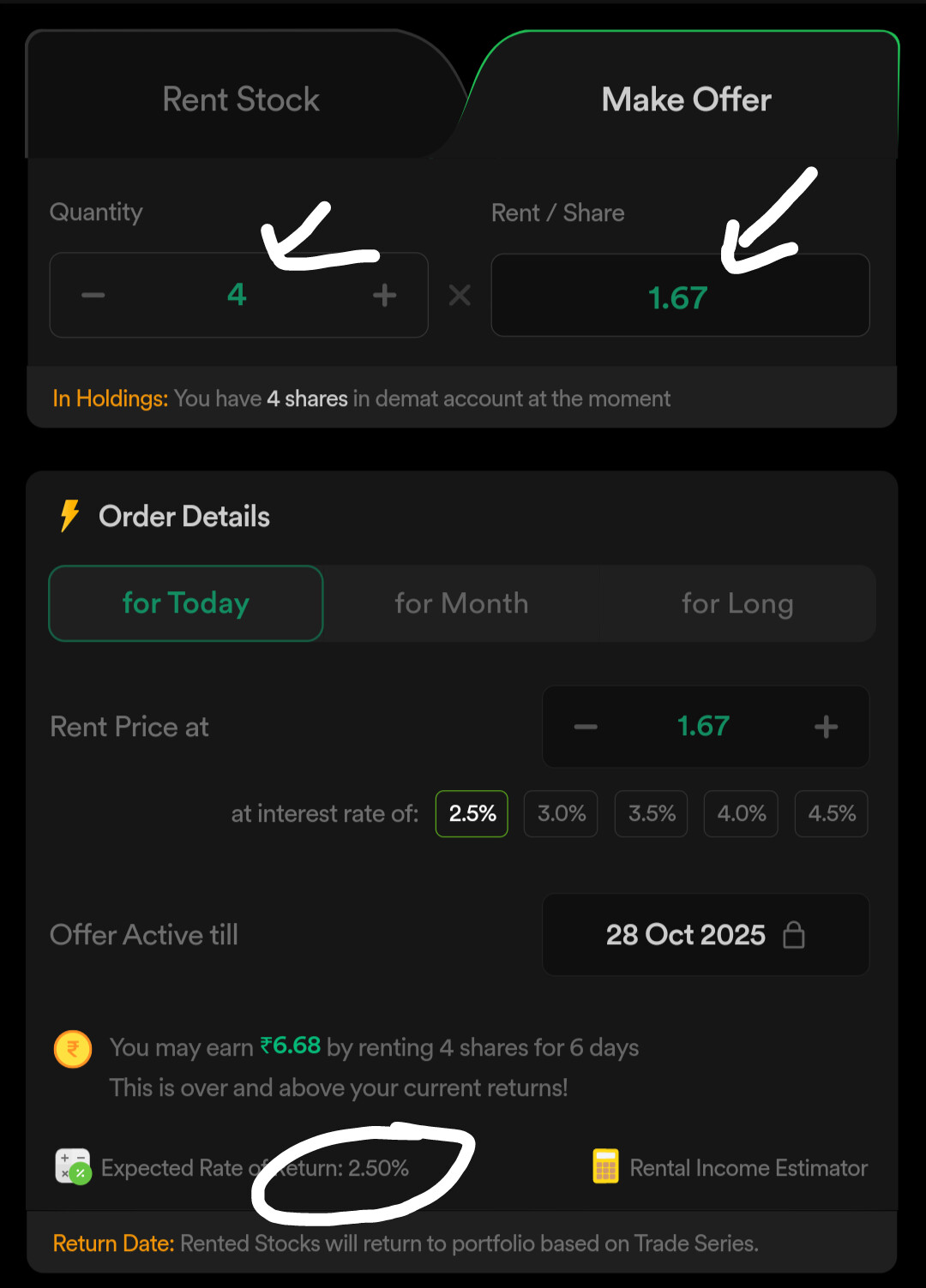
This time also math is not mathing. Below screenshots have same stock, same parameters, same values, the return percentage is 2.5% vs 2.19%. how?
-
Now coming to some confusion between Rent and Make Offer tabs. I can understand one thing that Make Offer tab can be used to place daily bids for Long duration.
What if i do same thing as in screenshots in point 6, then technically both Rent and Make offer tabs will be same ?


Aur bhi milengi chize report karne ko after i activate. Lets see
@Pradumya Few obvious ones here, are already in the works. Please hold on, these are initial roll-outs and first time a platform has made effort to take this live on self-serve mode. Idea here first is to make the product work.
2 Likes
@PravinJ offcourse sir i understand that and appreciate it as well
I know you and your team will proactively fix and explain each and every aspect of this new feature. This will work i know. And i will continue to post here whatever I feel like can be improved or fixed.
@SumanKJana We will be uploading a video on how to use this product next week. Will keep you posted!
1 Like
Hi Pradumya,
Thanks for sharing your valuable feedback. Addressing your queries one by one, please find our responses below.
- The ETF is not visible on the Offer page as it is not part of your current portfolio. The Offer dashboard is designed to display only the user’s existing holdings and their corresponding demand that can be fulfilled instantly.
- Transfer Stock Option: This feature allows you to link your external demat account with Dhan to view all your investments in one place. Once linked, you can initiate stock transfers to Dhan through CDSL. Detailed instructions for the transfer process will be shared via email when you opt for this feature.
- Also, in the current phase, exposure to far-dated expiries for renting is limited due to low liquidity. However, we plan to introduce these in future updates.
- Computation of Yield:Yield calculations factors in the underlying spot price. Any change in the spot price will accordingly impact the yield generated through renting.
- The “Make Offer” order will continue to be placed daily until execution. The price will be automatically revised each day based on the yield you’ve set.
A key difference between Rent and Offer orders is that Rent orders can be placed only when there is active demand for a stock. If there is no demand, you will need to place an Offer order instead.
I hope this clarifies your doubts, we will also be sharing a video with detailed explanation of the product soon for better understanding.
Hi @Tanvi.Vartak
ETF not a part of my portfolio?
I have GROWWEV & NIFTYIETF
You can see the proof below
Exactly, i know the steps in detail, seeing this external stocks option on the Renting page was inconclusive in its own.
Got that. We can see 3 expiries when we search for stock name but only latest expiry is shown when we go to same stock directly via homepage of SLBM. I understood your logic. Thanks
Madam the screenshot attached in point 6 was the same stock, after market close (so no change in spot price possible), same parameters, same expiry. Kindly recheck.
Sure sure i understood that, what i wanted to ask is if under Make Offer tab, For Today, all the values are kept same just as in point 6 - then both would act in same way right?
Waiting for video to understand and clear my confusion. And ap krupya

Thak gayi hogi itna type kar k

1 Like
Activation charges and forced DDPI for SLBM is discouraging! 
7 accounts * approx 300Rs = 2100Rs for me!