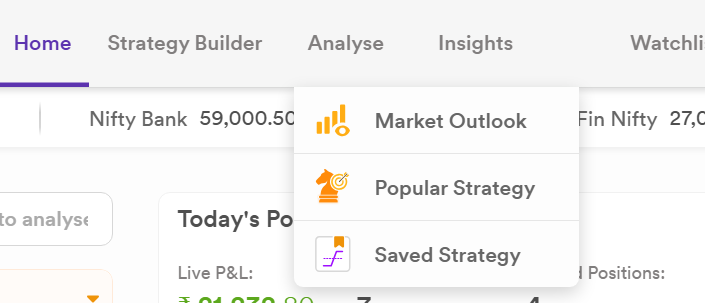
Hi @Dhan - I saved few strategies in my options web page. However, I am not able to find those in the options app on my mobile. Is the section not available or I am not able to locate?
If its not available, then it must be part of that as the access to laptop is mostly not feasible.
Thanks
Hi @Harish_Kumar3 , In the Strategy Builder, you can save up to 6 strategies. Each saved strategy is assigned a number from 1 to 6. When a slot has a saved strategy, that number will be highlighted, showing it’s in use.
These numbered strategy slots auto-sync across both the OT app and web, so your saved strategies are always available on both platforms, Options Trader App and Web.
Hi Jai,
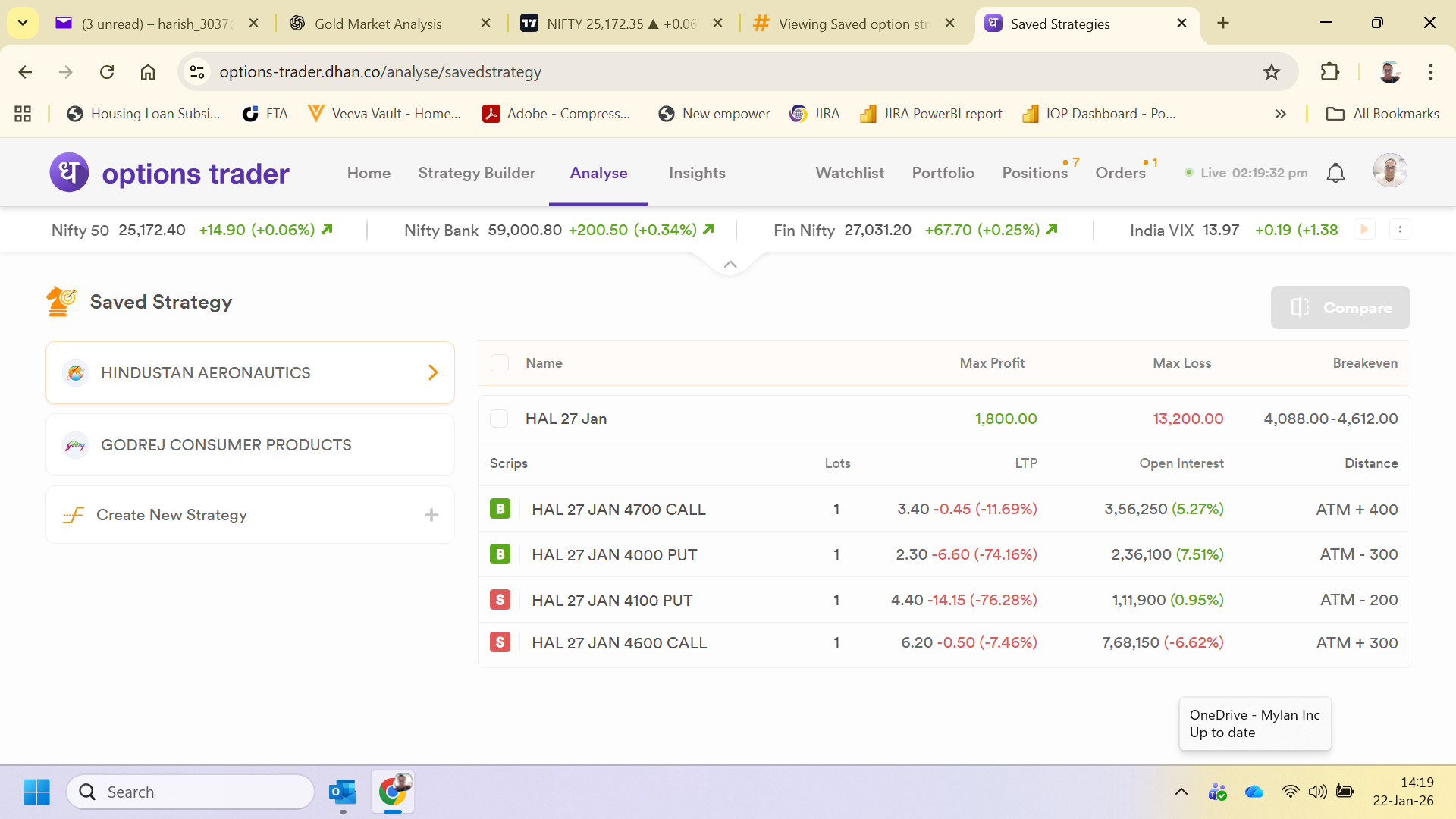
Thanks for the reply. I currently can see the saved strategy in the Analyze tab of Options web. However, this is not available in the App. I checked the tabs of 1, 2 below strategy builder in the options app and there is no strategy saved. However still available in my web.
Screenshot above.
Please let know How can I see this in my app?
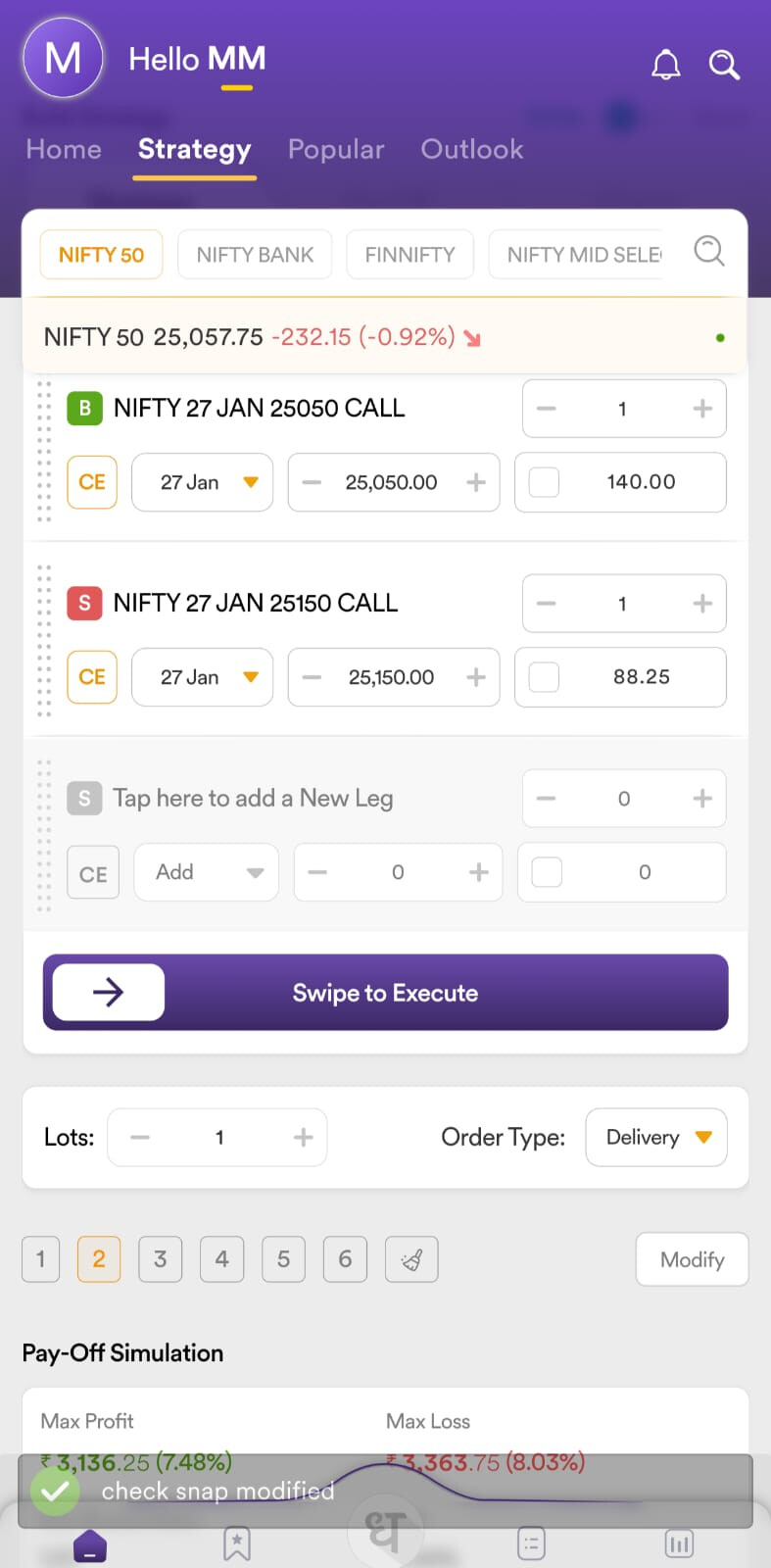
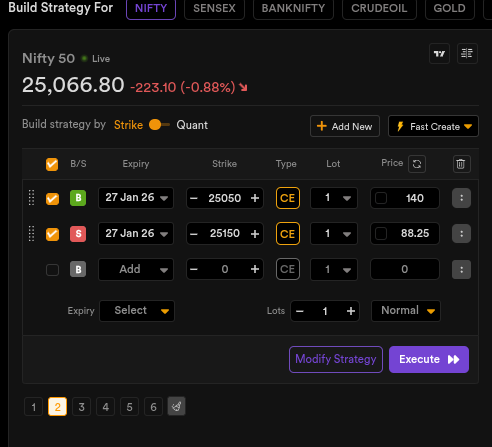
HI @Harish_Kumar3, when you save a view on OT web, you can click on the same view on OT App, and it will be synced and vice versa. We don’t provide a saved screener section specifically on the OT app at the moment. PFA screenshot below for reference.
Option Trader App :
Option Trader Web :