Is there any plan for releasing DEXT T3 for Linux users ?
Hii @yogesh86k thanks for your feedback, we’ll be taking these into consideration 
Hi @rajeevuv , there are no plans to launch for Linux users at the moment. Right now, the focus is on continuing to build features on DEXT T3 based on user requests. We may consider bringing it to Linux in the future depending on user demand. Meanwhile you can always check out DEXT T3 on – dext.dhan.co
@chinmay7 Thanks for your feedback, we’ll be taking this into consideration
2 Likes
pls add mutiple watchlist tab,right now its limited to 1
Hi @SONU3, you can create upto 20 watchlist and add 250 scrips in 1 watchlist in T3 and manage effectively. PFA screenshot for reference.
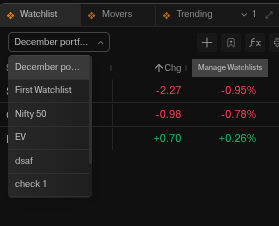
watchlist window in dext,limited to 1,cant see mutiple watchlists simultaneously,just have to remove the limit,thx
Hi @rahulm & @SONU3, we have noted your suggestion and our team will check the feasibility of adding this in future releases.
@PravinJ @Mohseen_Usmani Let’s say I have two dext layouts.
-
One to trade options (Tradingview chart layout - Index )
-
One to monitor stocks (Tradingview chart layout - Stocks)
When I move between dext layouts the chart reverts to a default tradingview layout. How to map or save each tradingview layout for respective dext layout? Is it possible?
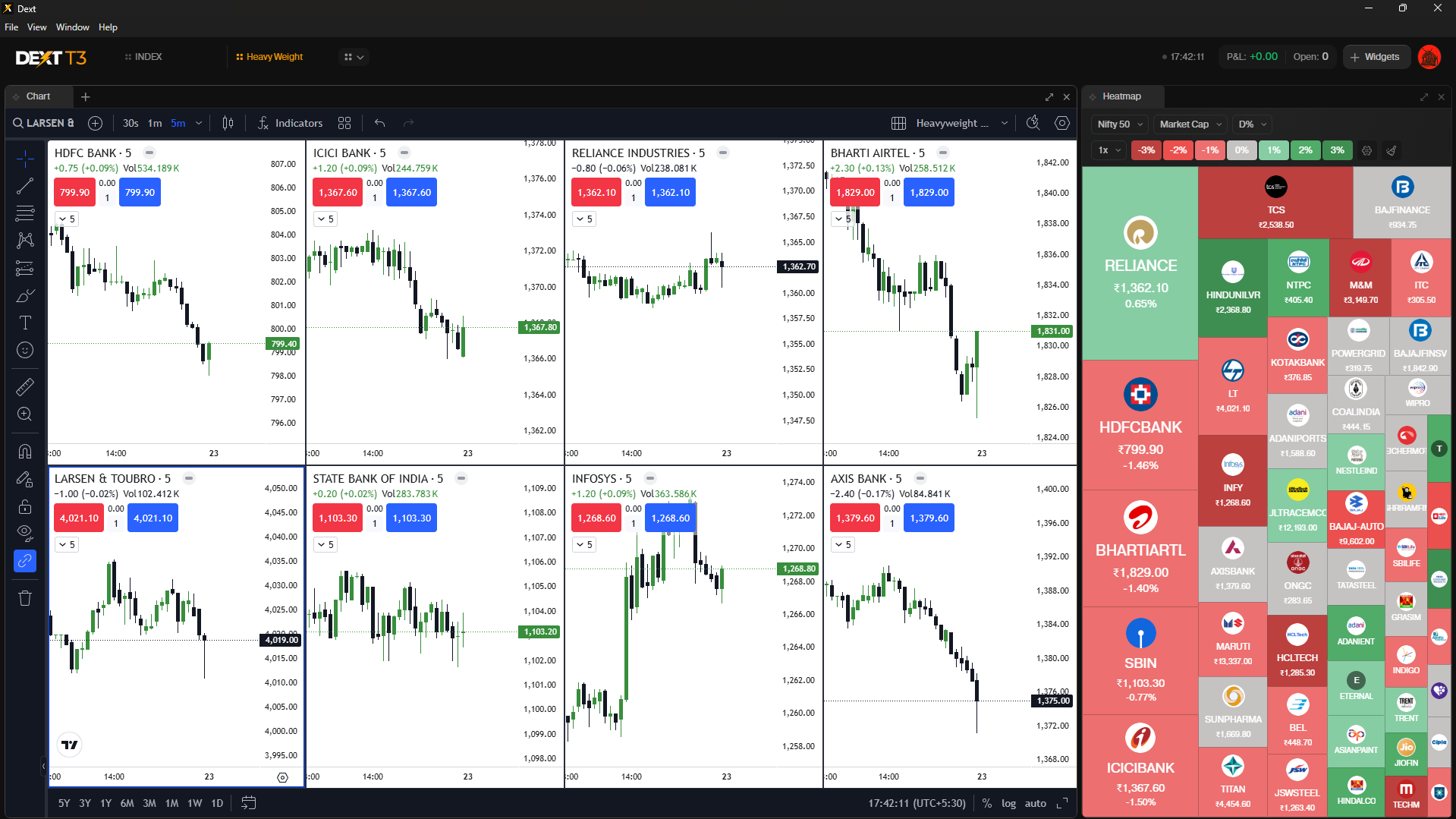
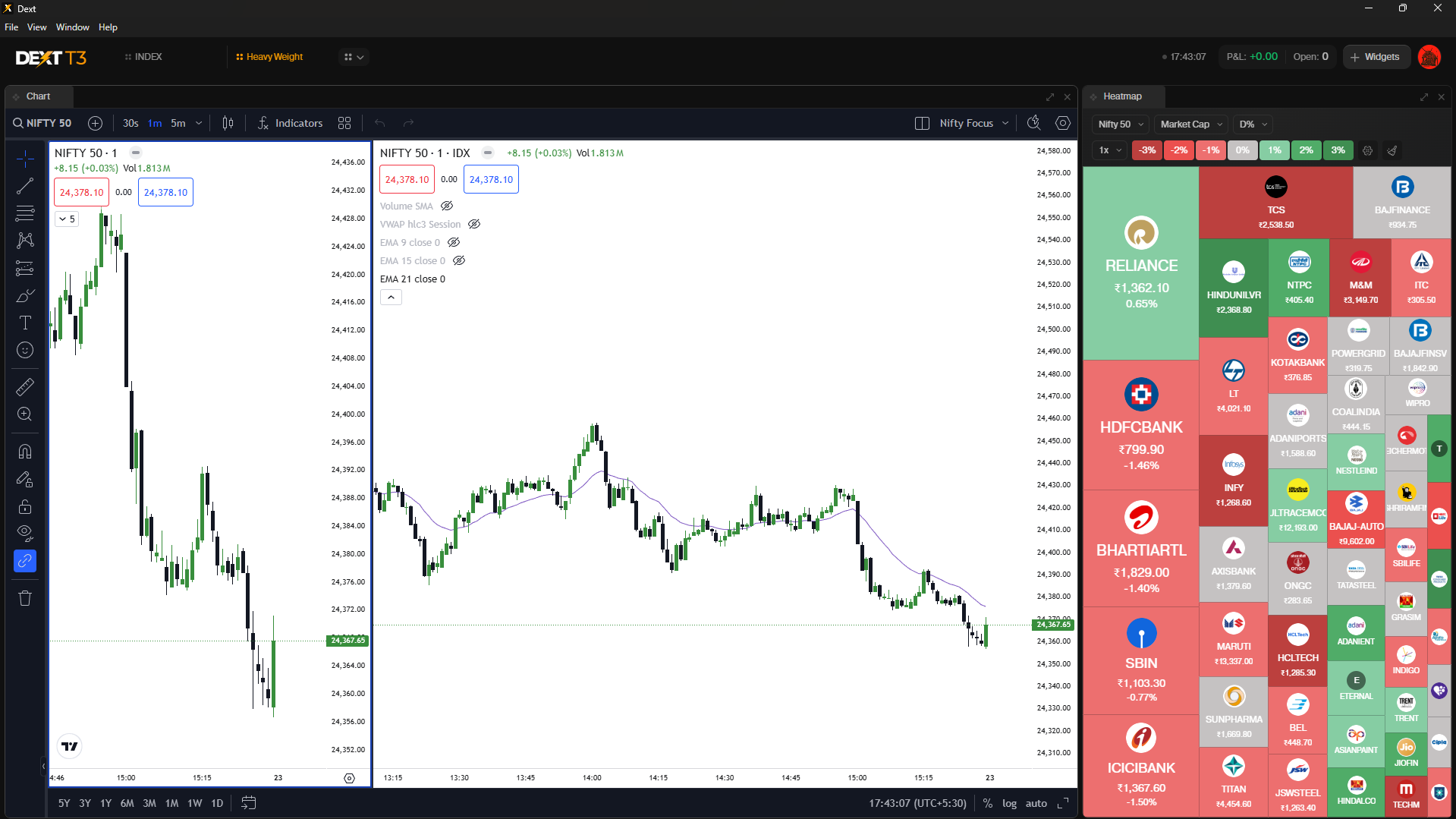
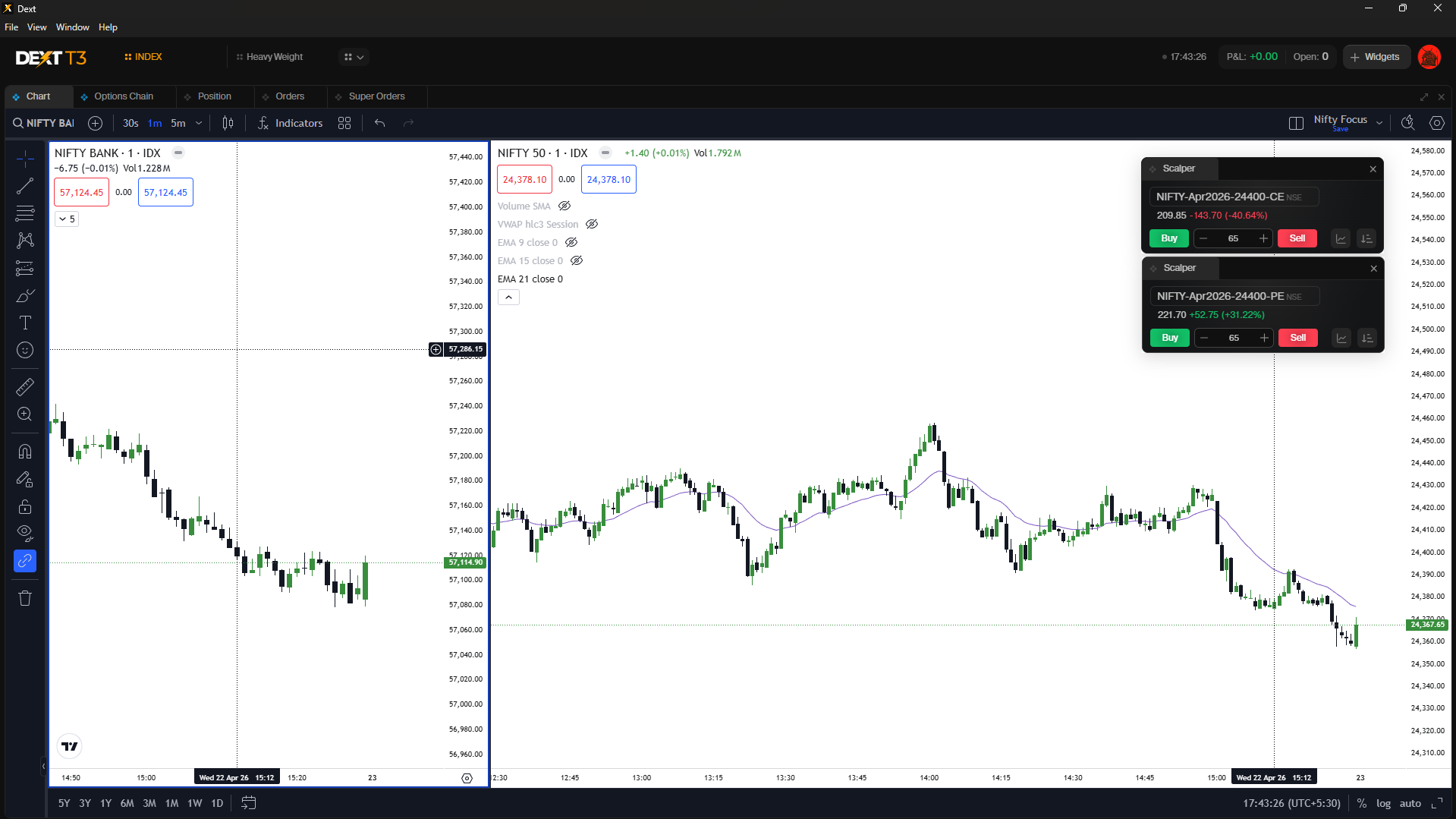
Hi @Wraith, chart layout is separate from dext’s layout , we have noted your feedback on this also you will be able to create different chart layout in different dext layout
You mean open multiple chart widgets (in my example 8 chart widgets) in dext layout instead of tradingview layout?
1 Like
My work is mostly based on live scanner. Here i am attaching screenshot. What i need here is filter for All NSE stocks and Stocks to be filtered upon my watchlist.
You have shown only f&o, nifty 50, nifty 100, nifty 200, nifty 500. Please add User watchlist and NSE all Stocks.
I have also asked you to get similar stock screener feature in scanX which will get stocks based on “5% off to 52 week high”.
If you do what i suggested in dext t3 then also it will work for me. Just you have to keep the number of stocks appeared live screener is unlimited.
Why? because we need to check which stock is going up. but if that ticker is updating fast then i may not able to check all of them. Please do this as soon as possible.
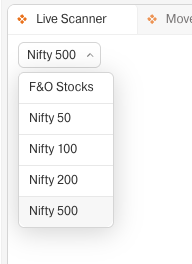
Hi @Achchha_Bachcha, thank you for sharing your detailed use case.
We’ve noted your suggestions to:
• Add All NSE stocks and user watchlist-based filtering in the live scanner
• Enable conditions like % away from 52-week high
• Allow broader stock coverage in the scanner
Your inputs have been shared with the team for evaluation.
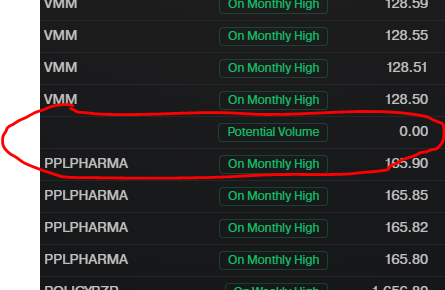
Hi @rahulm, thank you for highlighting this, we will optmize on this.
1 Like
Add All the Insights like Open Intrest, Chg.OI, Straddle Chart, IV chart, Multi Strike OI, All in to the Dext Platform and more importantly Ensure that all these Insights are Working / Updating properly before adding them into Dext,
Because even now IV chart in Dext is not being updated properly, it also lacks the Reset Zoom Option.
Bring the Open Intrest’s UI As available in Power Scalper where in Both OI & Chg.Oi can be tracked in Single widget with Intray & fullday tracking function.
IV Chart as of now allows only either CE or PE IV to be tracked, Rather i would like to have Both ATM Combined as available in Option Trader and along with that i Would like to have ATM Straddle as well in the same widget, So that i can track both ATM IV and ATM Straddle Chart both to time my entry.
Thanks
Dhan rocks..
you need more updates on this. make this terminal great. Thanks for making this. But still this needs improvement.
Hi @Achchha_Bachcha, thanks for your kind words,
We have noted your feedback on adding more insights and UI enhancements on T3 @Itradetriangles
- As of now only 3 charts can be pulled and added from widgets to the layout irrespective of the window to which is added. Please make it 4. The reason is simple, when we use the chart layout and select 4 chart interface it automatically reflects in all the different workspaces either created or the default one. By doing so, we can create a 4 window chart interface without using the default layouts from tradingview itself.
- There is a glitch in the option chain widget where the price column is always hidden behind the strike prices and when we try to scroll the title bar by placing the cursor on top it does not work. Sometimes it do get scrolled but most of the time it fails. The only rescue is to click the refresh button. Even that fails sometimes. And the last hack is to maximize the window. Its really frustrating.
@Mohseen_Usmani Please do something about the Market Watch:
- Allow us to resize all the columns as per our requirement. Only only the Scrip Name column can be resized, every other column has a hard stop - resulting in a lot of white space between the columns. Waste of precious screen space for those with single or smaller monitors
- Sort the Scrips as per our requirement
These 2 have been pending for a long time. #1 was done but in a piecemeal manner - only for script name column.
Kindly consider
1 Like
Hi @MBP1, thank you for sharing your feedback.
• We’ve kept a minimum fixed spacing between columns to ensure values (like LTP, which can vary from single digits to 5+ digits) are displayed clearly without overlap.
• Sorting options such as ascending and descending are already available. Could you please share what additional or custom sorting options you’re looking for?