Hello Traders 
At Dhan, we have always built trading experiences that are truly MadeForTrade. Whether it’s our seamless mobile app, feature-rich web platform, or powerful Dhan Charts, one thing has remained constant: our deep focus on traders.
From day one, traders have been at the centre of everything we build. Every chart, control, and speed upgrade has had one goal - to make trading better, faster, and simpler for you.
Before the era of browser-based, sleek web apps, trading began on heavy, local terminals. These .exe or .dmg files were battle stations for serious traders, packed with power, speed, and custom layouts. But they came with trade offs: system compatibility, limited updates, and inflexibility. Compatibility & regular upgrades were solved by browser-based platforms. These were lightweight, device-independent, and accessible. But even they came with their own limits, tabs clashing with spreadsheets, no multi-window setups, and often, lower customizability.
What if you could combine the power of classic terminals with the flexibility of modern trading tech? Yes, this is what we have built up for you.
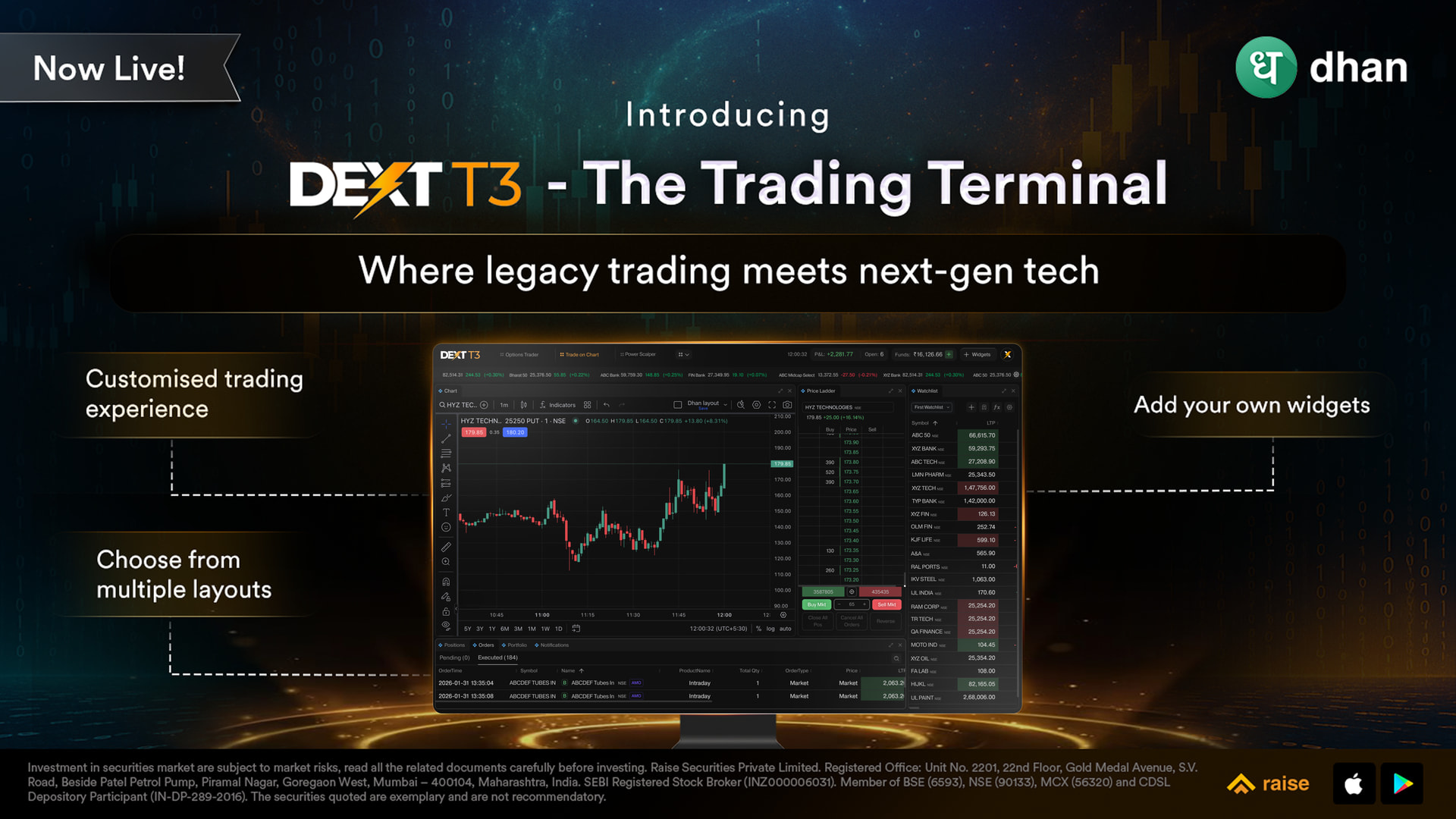
Introducing: DEXT T3 - The All-New Trading Terminal by Dhan.
DEXT T3 is a fully downloadable trading terminal for Windows (.exe) and Mac (.dmg). Built from the ground up for performance, it offers a blank canvas approach to trading that gives users complete freedom to design their ideal trading setup. Here are the links of DEXT T3 to download:
Mac - https://terminal-dext.dhan.co/Dext.dmg
Windows - https://terminal-dext.dhan.co/Dext.exe
If you prefer browser based trading, head to: https://dext.dhan.co/
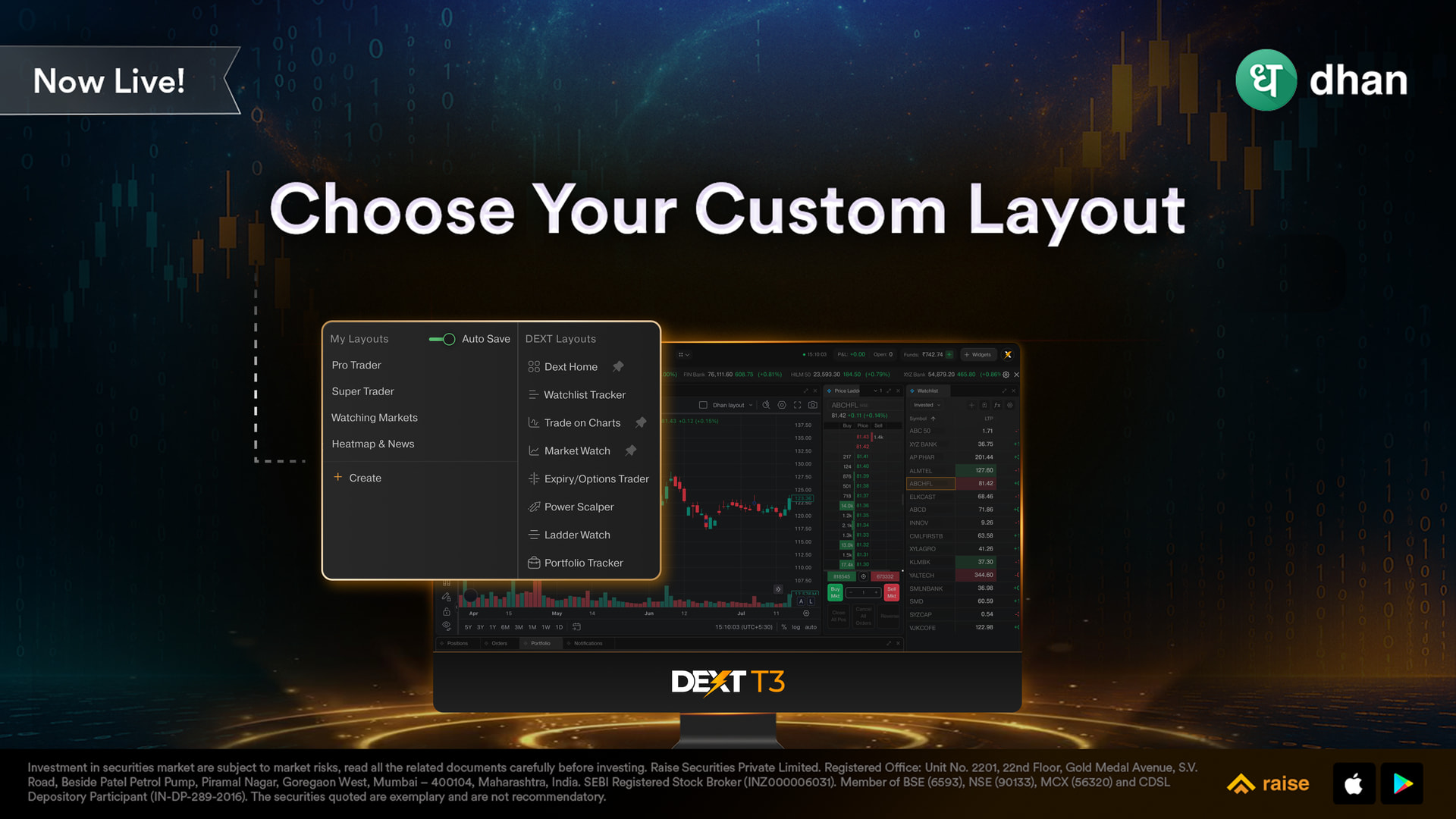
Customise your own layout:
DEXT T3 is built for Super traders, options traders managing multiple strikes, and anyone who wants to build their custom layout that matches their trading style. Since DEXT T3 is built on DEXT Trading Engine, it integrates seamlessly with the rest of the Dhan ecosystem, meaning your portfolio, open positions, and all orders are synced on DEXT T3. You can create a workspace that matches your unique style and strategy.
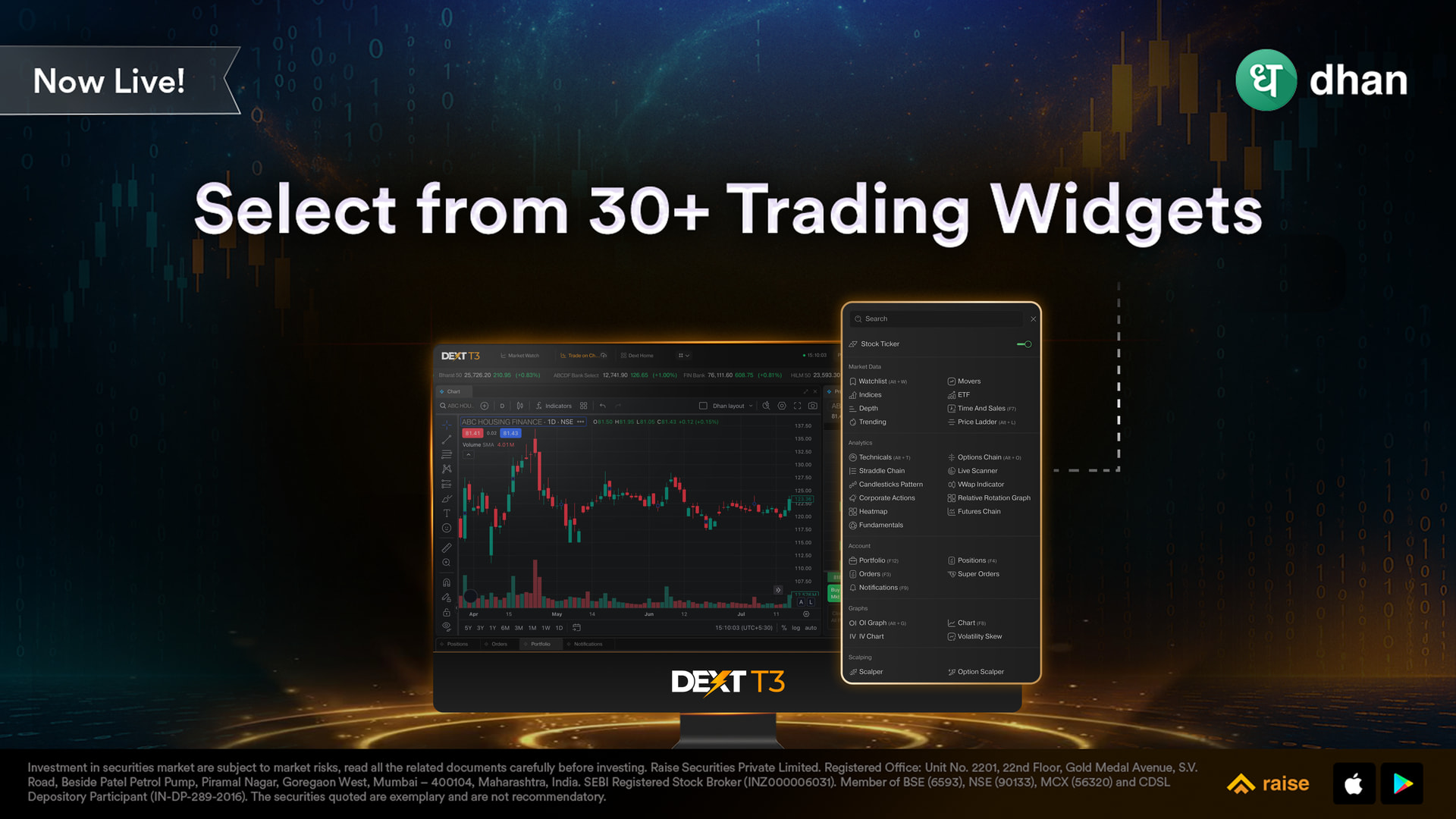
Select from 30+ Widgets designed for all types of traders:
Whether you’re a swing trader, options trader, or scalper -DEXT T3 is built for every trading style. With 30+ powerful widgets, you can create setups tailored to your approach -be it intraday, positional, chart-based, or volatility-driven trading. Choose from widgets like Charts, Order Book, Option Chain, Positions, Watchlist, Strategy Builder, and News -and arrange them to match how you think and trade. For those using multiple monitors, DEXT T3 handles it effortlessly. Simply drag and drop widgets across screens to build your ideal trading environment.
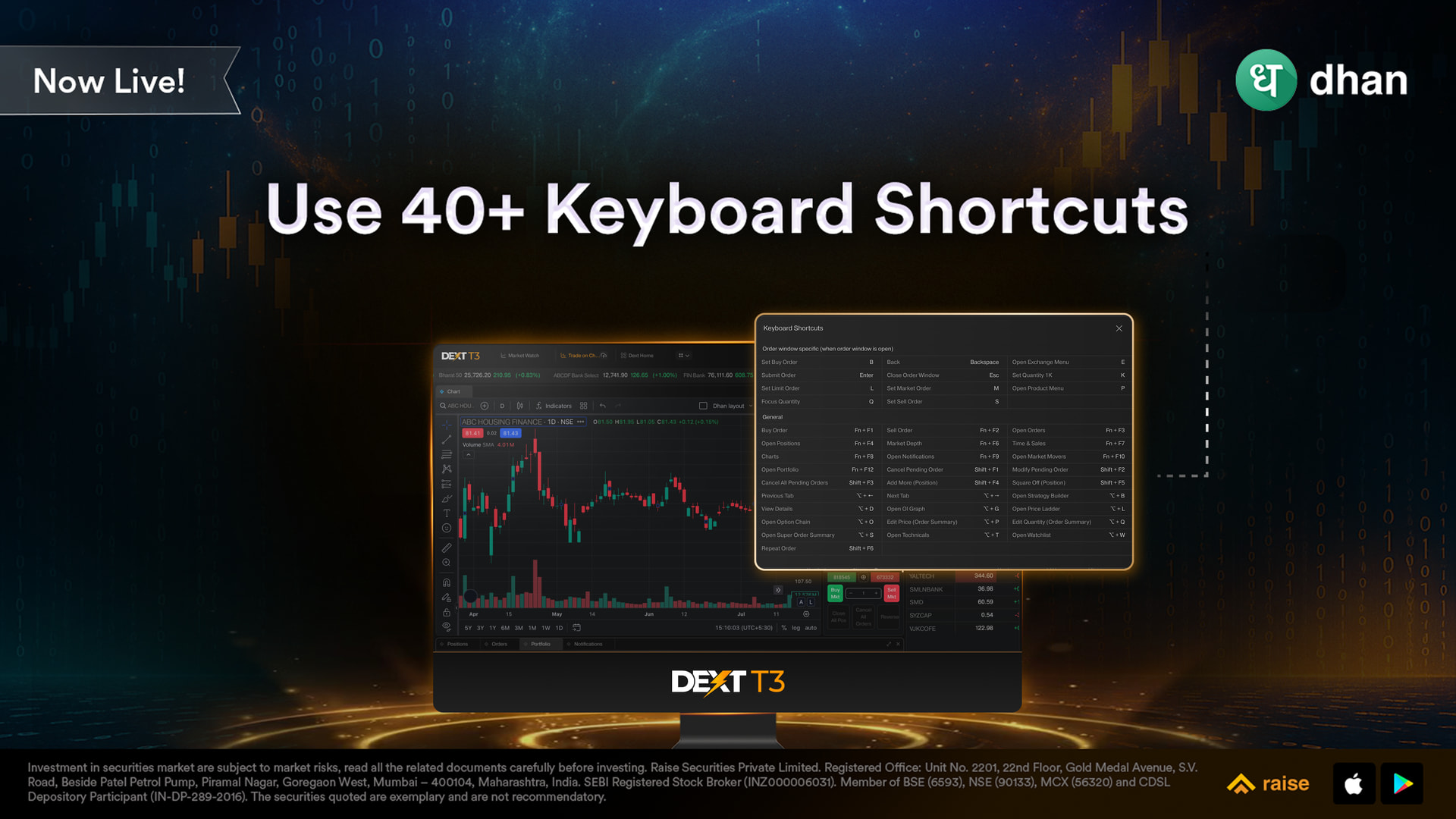
Built for Speed: 40+ Keyboard Shortcuts
Classic terminals were loved for one thing: speed.
DEXT T3 brings that back with 40+ keyboard shortcuts, allowing you to trade faster, react quicker, and operate without breaking your flow.
Features That Go Beyond the Basics
DEXT T3 also comes with some features that go beyond what most platforms offer:
→ Price Ladder
→ Time & Sales
→ Volatility Skew
→ Heatmap directly on Charts
→ Colour Sync Across Widgets
→ Custom Formula Creation on Watchlist & Positions.
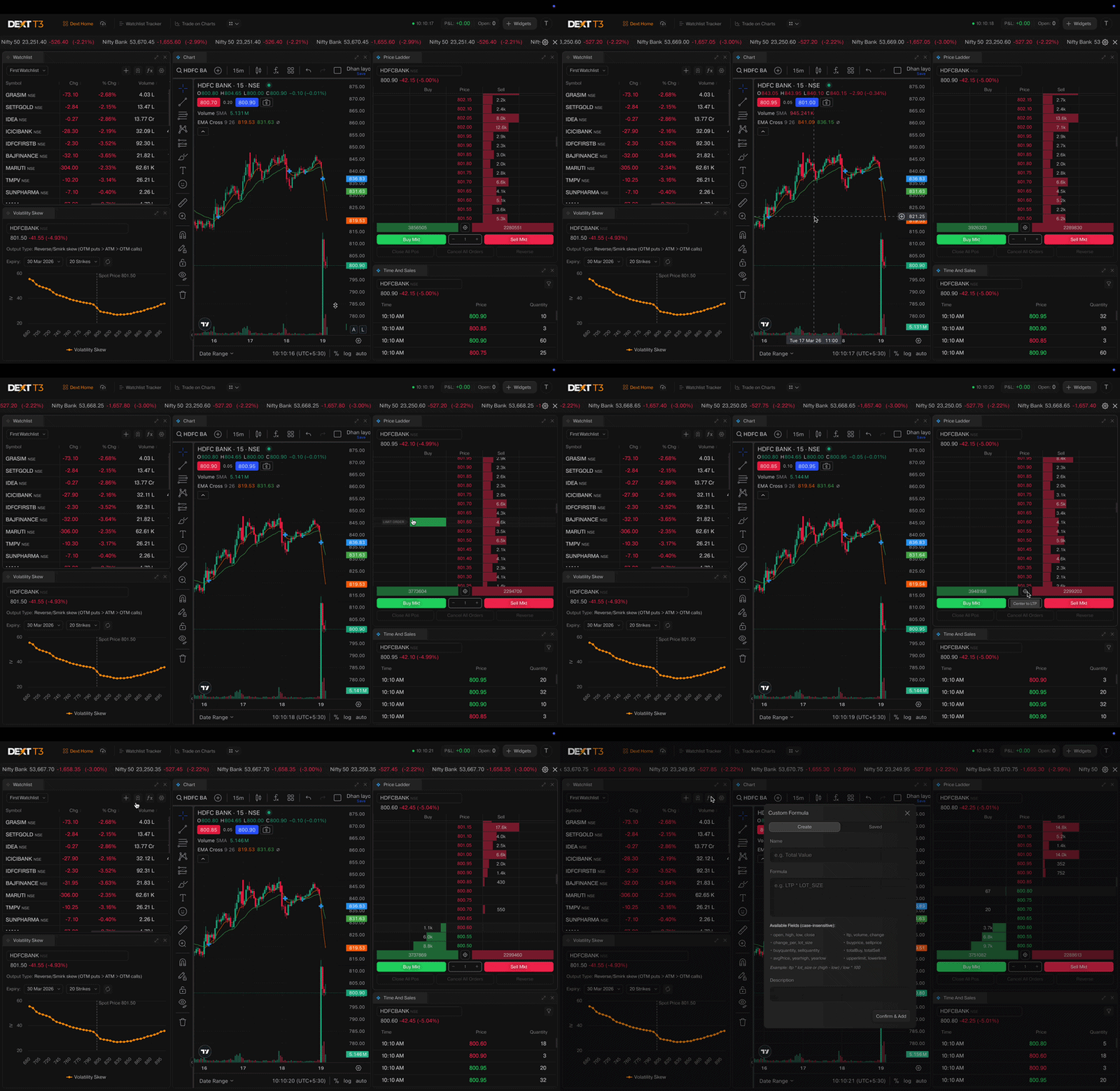
Running on the powerful DEXT engine (the same technology that drives all Dhan platforms), DEXT T3 ensures native performance with ultra-low latency, real-time updates, and an experience free from browser limitations. It integrates seamlessly with the rest of the Dhan ecosystem, meaning your existing Dhan login works out of the box and all orders, positions, and portfolios stay perfectly in sync across Dhan Web, App, Options Trader, and now, DEXT T3.
This terminal is purpose-built for super and power traders who demand a high-performance, native experience; options traders who work with multi-strike views and need focused workspaces; strategy-first traders who rely on layout flexibility and custom setups; and those who thrive with multi-screen configurations without browser limitations slowing them down.
Getting started is simple: download DEXT T3 [ Mac (IOS) and Windows ] - for your operating system, install it, log in with your existing Dhan credentials on dext.dhan.co , and begin crafting your personalised trading environment. There is no additional setup, no need to create new accounts, just plug in and trade with full power.
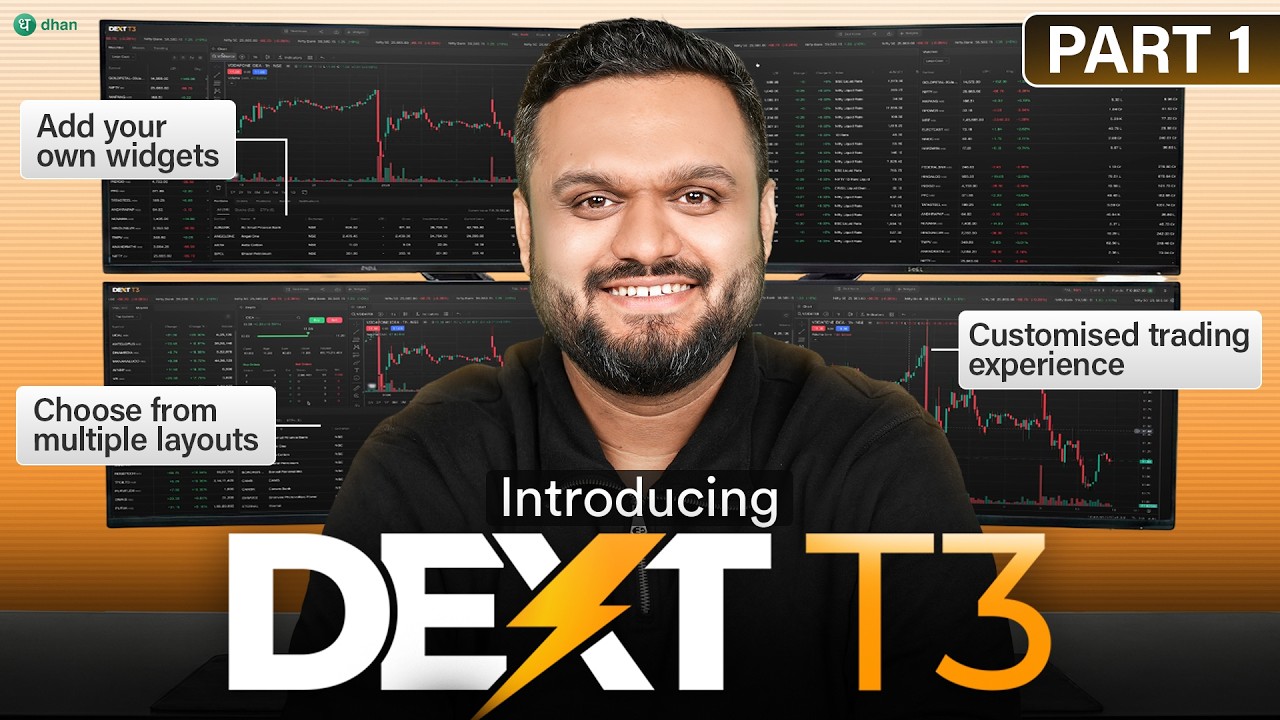
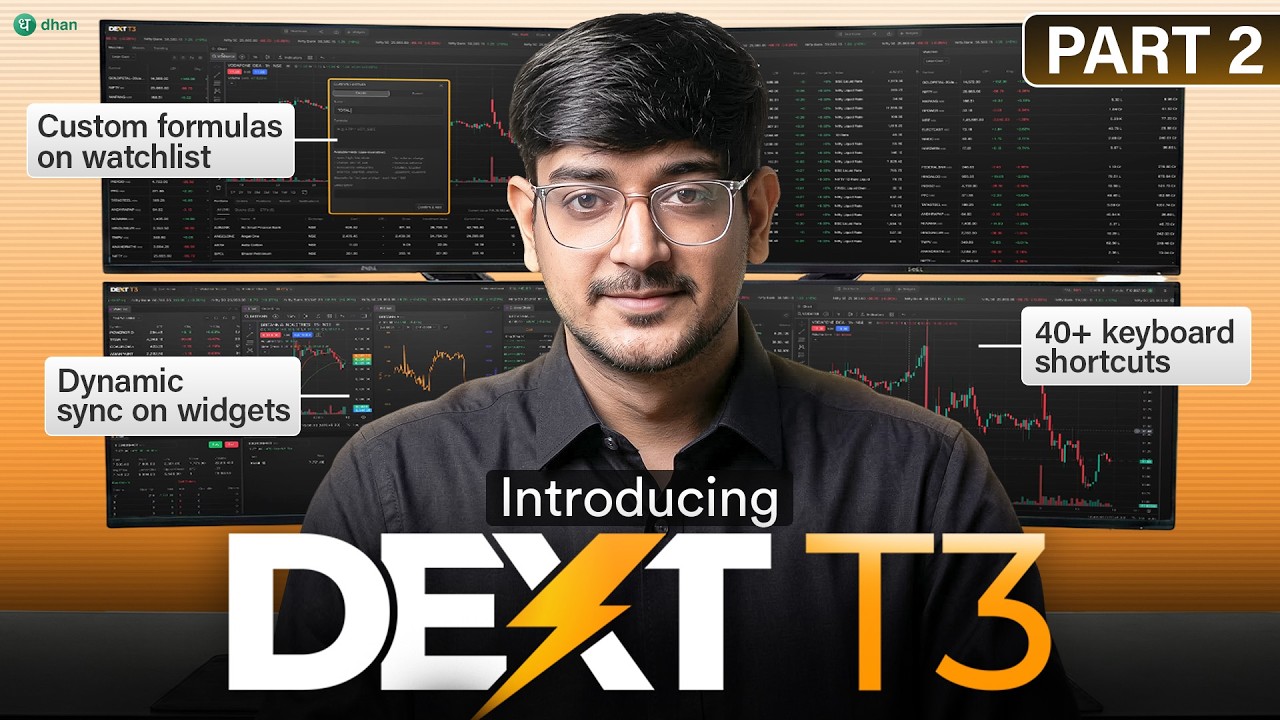
To help you get started with DEXT T3, we’ve created a detailed walkthrough covering everything you need to use the platform seamlessly 
Part 1:
Part 2:
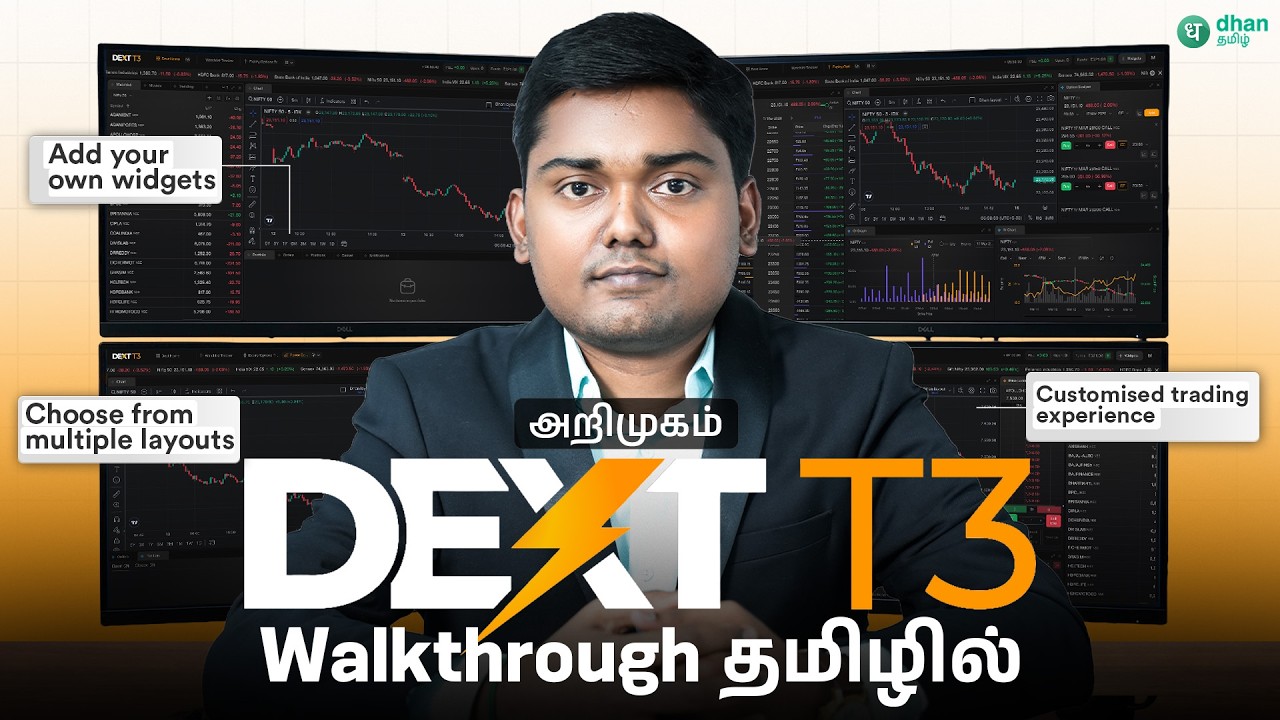
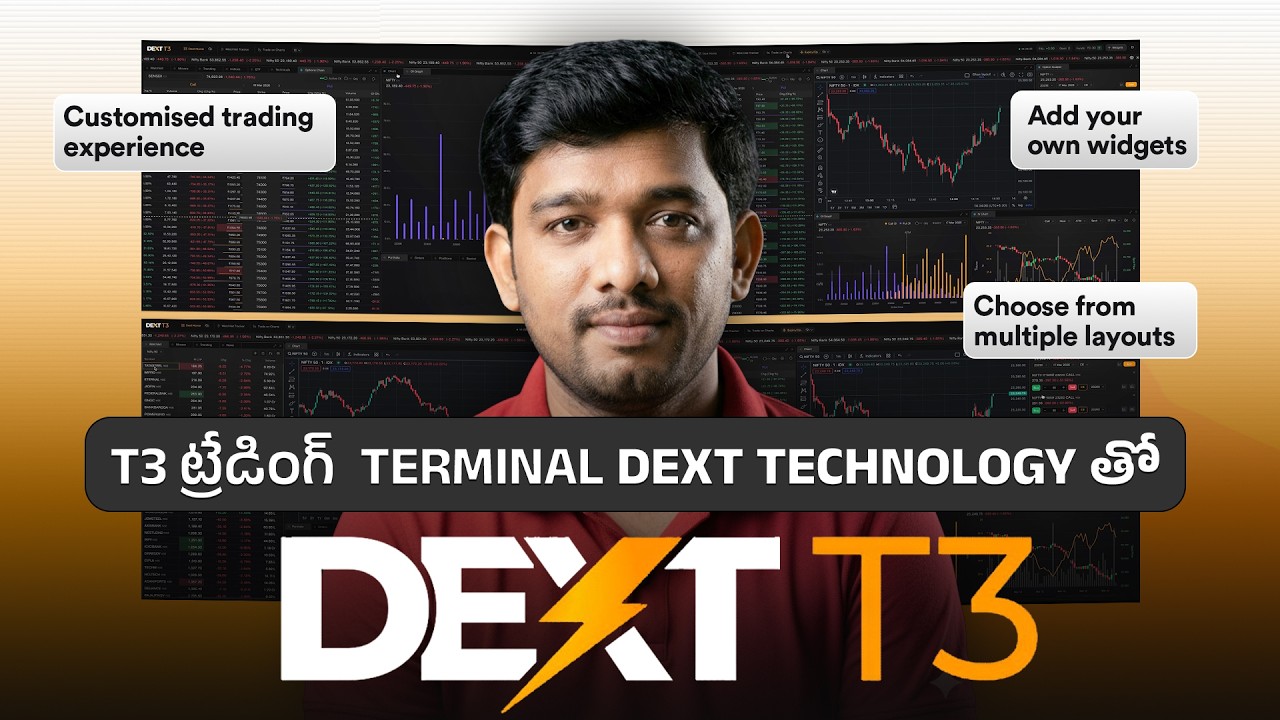
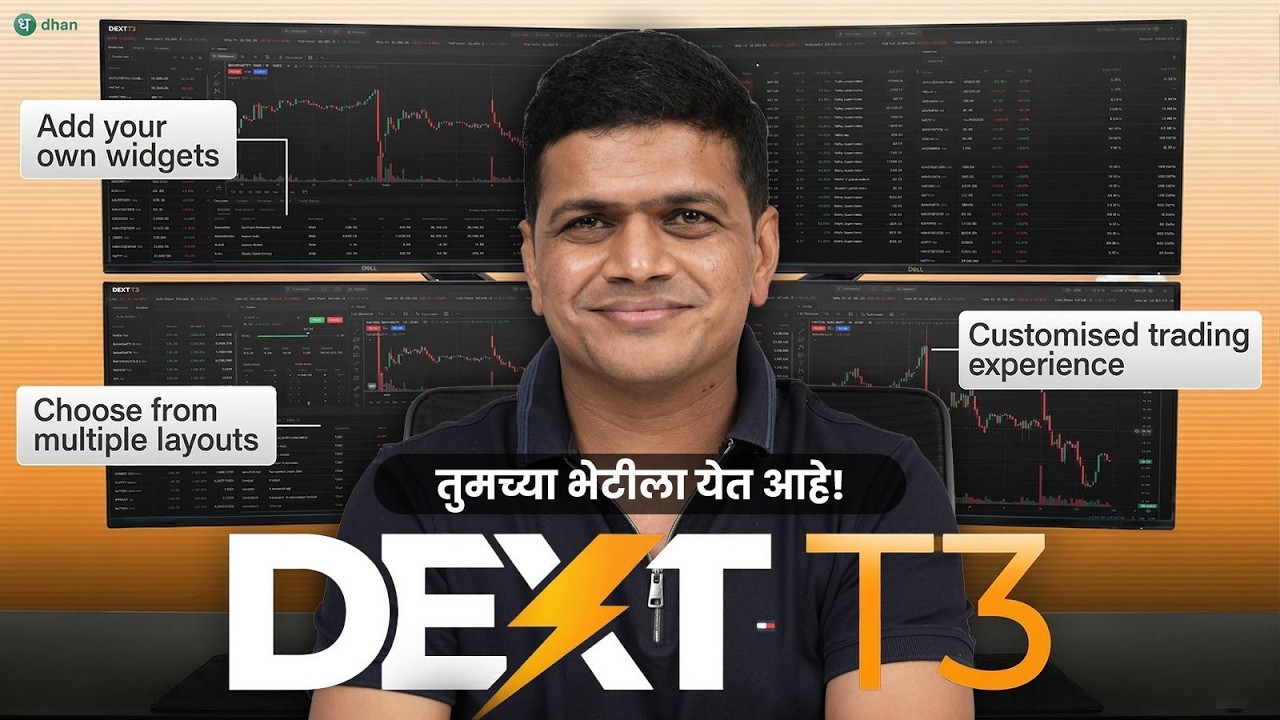
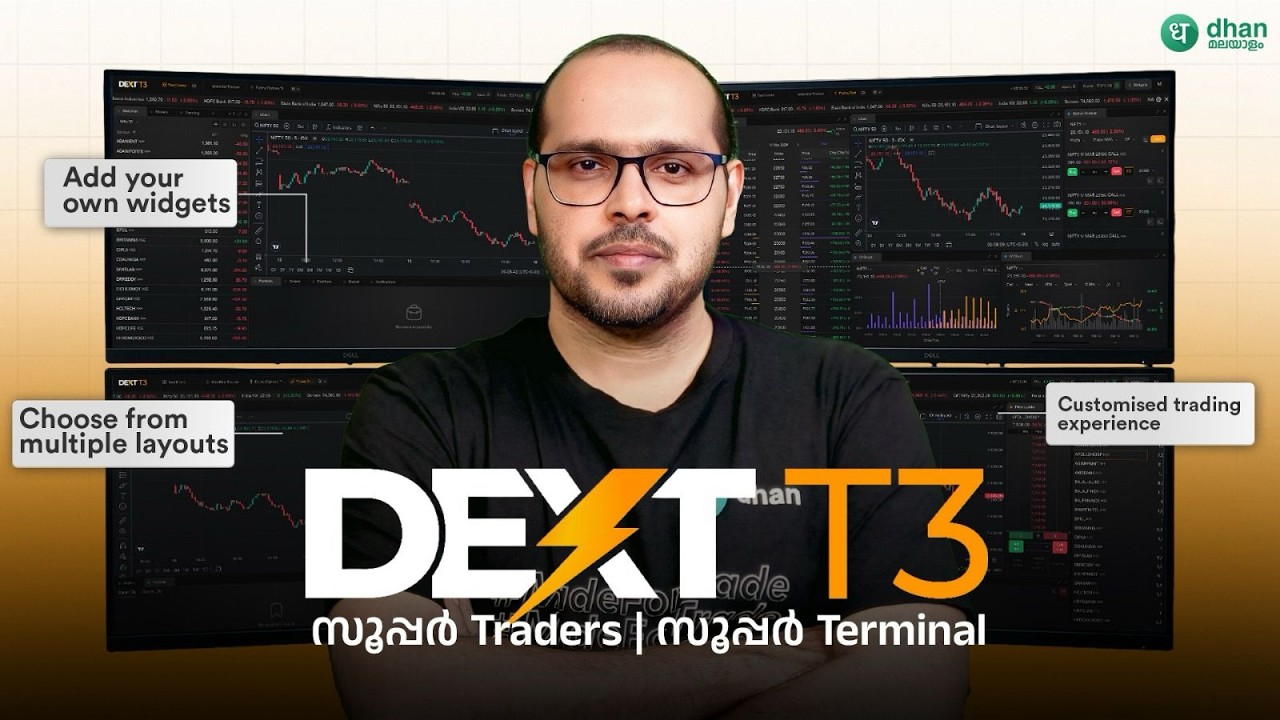
We’ve also created walkthrough videos in regional languages on our Dhan Tamil, Dhan Marathi, Dhan Malyalam and Dhan Telugu channels.
Dhan Tamil:
Dhan Telugu:
Dhan Marathi:
Dhan Malayalam:
If you’re already using DEXT T3, a few related launches below that might be useful alongside it:
- Position Analyzer on DEXT T3 — shows you the risk and exposure profile of your live DEXT T3 positions
- Conditional Alerts on DEXT T3 — set an alert, and have your trade auto-execute the moment the condition is met
- Power Scalper on DEXT T3 — a dedicated scalping terminal with the underlying, CE and PE charts, option chain, market depth, and position management all in one view
- Floating Scalper on DEXT T3 — a lightweight pop-up that floats over your workspace, drag-and-drop wherever you need it, stays open until you close it
We are excited to bring DEXT T3 to your desktops & laptops. This is more than just a terminal, it’s a trading operating system, built for traders who want total control and top-tier performance. As always, we would love to hear your feedback. Share your layouts, suggestions, and thoughts with us in the comments.
Happy Trading!
PJ