@Mahi Glad you share the use case. Let us get back to you on this, as to how we implement this as you rightly mentioned it should not get cluttered
Hotkeys are also available for partial orders as Shift + 1- 100%, Shift + 2 - 50%, Shift +3 - 30%, Shift + 4 - 25% in the order form but not yet for scalper widget
You had highlighted two related problems: having to calculate the correct F&O Quantity manually and wanting a simple switch between Lots and Quantity.
The core toggle you requested is now live on the Dhan app. For F&O orders, you can choose between Quantity and Lots directly from the order window.
Your original request was specifically for the DEXT T3 and Floating Scalper experiences, so this is not complete closure yet. The web experience is coming soon, and we’ll return to your thread when it is available there.
Thank you for repeatedly explaining how this affected execution during fast-moving markets.
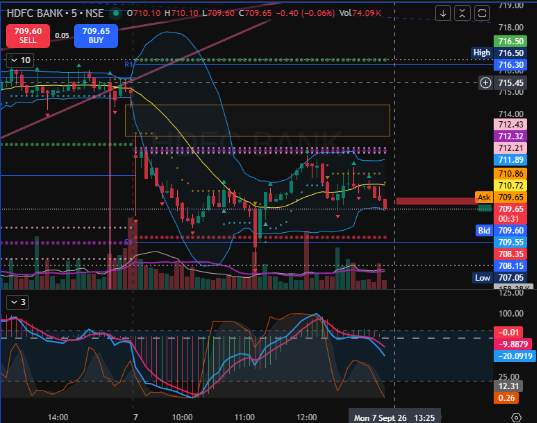
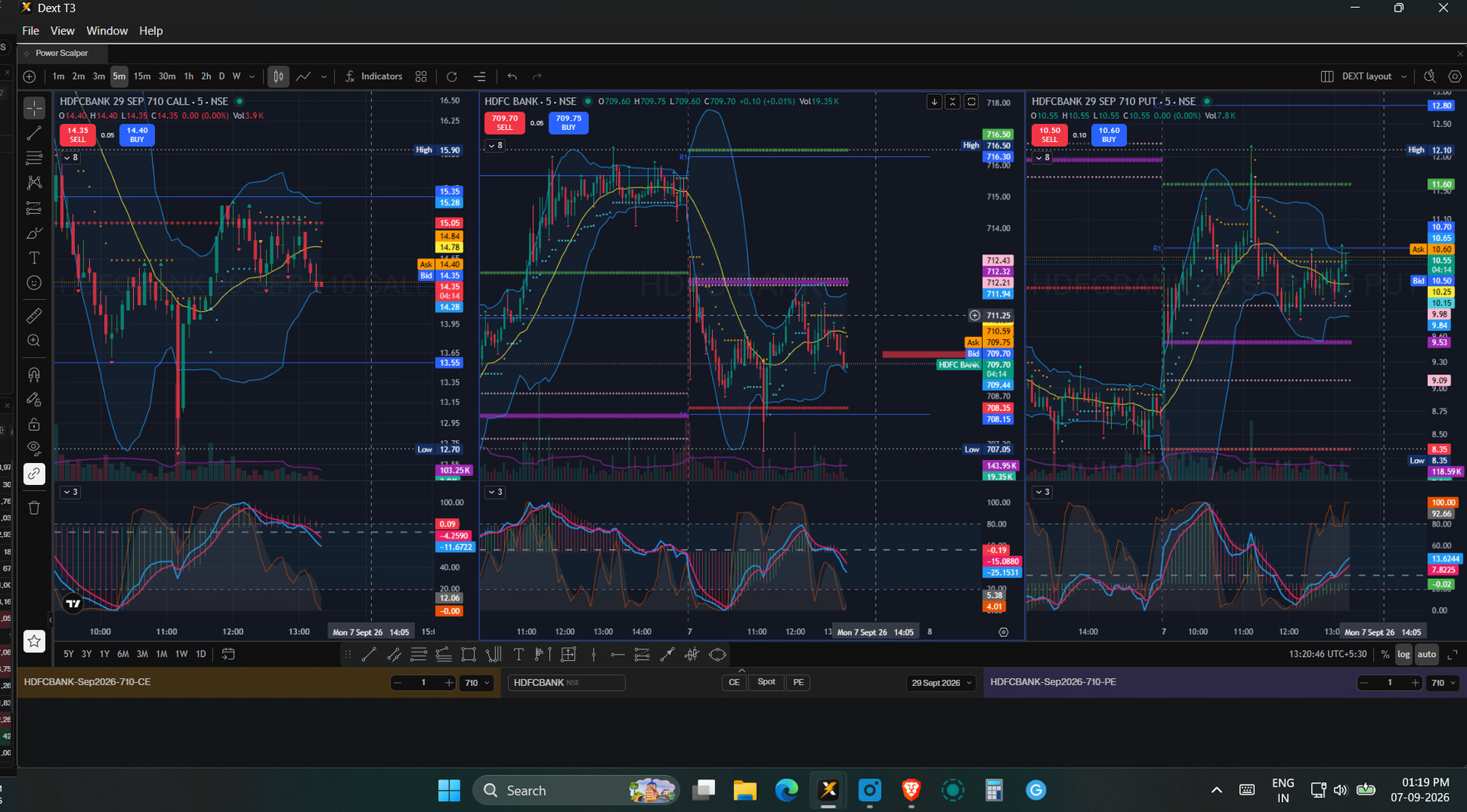
My Chart analysis Studies (Drawings) are not being shown in Power Scalper. I have enabled the Dext T3 Sync Settings across Layouts for Chart from Settings..
But when i open the Stocks from my watchlists on Power Scalper chart they don’t show up there.. Is this is a sync issue ? Or by design Power scalper will Not show any studies done outside of it?
Eg. Hdfcbank from my EQ_Watch Layout on Dext T3 has all the drawings, But when its opened in Power scalper there, none is shown.
Power Scalper has a different layout from the regular view, and the sync option is currently unavailable. We appreciate your suggestion and will explore this for future enhancements.