Hi Investor,
Back in April, we Introduced Demat Mutual Funds on Dhan - and the response was phenomenal. With just a few taps, investors could start pledging their Mutual Fund units to get margin benefits - a smarter way to make the most of their holdings.
Naturally, this led to a common question from many of you:
Why aren’t my transferred Mutual Funds showing in my portfolio?
Transfered my demat Mutual Funds not reflecting in my portfolio
Will these work like any other investment - can I redeem, invest more, or pledge them too?
We heard you and we’re excited to share that the answer to all of the above is YES.
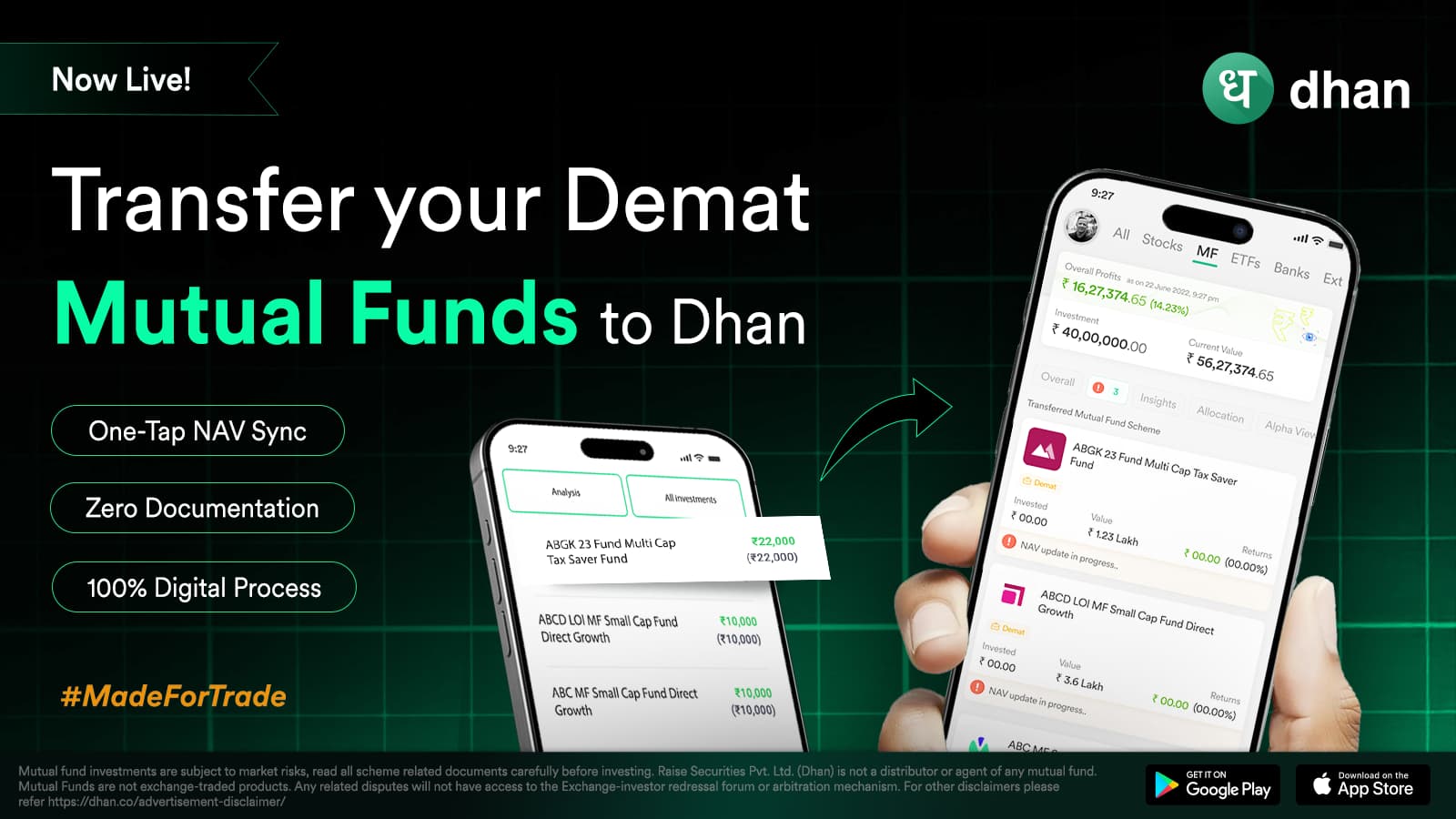
You can now digitally transfer, track, and pledge your existing Demat Mutual Funds from any broker to Dhan - completely paperless, with no follow-ups, and with full access the moment they reflect in your account. Make the switch & take full control.
But before we dive deeper, let’s take a look at the traditional vs digital process which completely eliminates the need for any physical to & fro.
We’ve built this ability with three clear goals in mind: simplicity, speed, and control.
Real-Time Portfolio Update: Once transferred, units automatically appear under the “Transferred” section in your Mutual Fund portfolio, as soon as they land in your Dhan Demat.
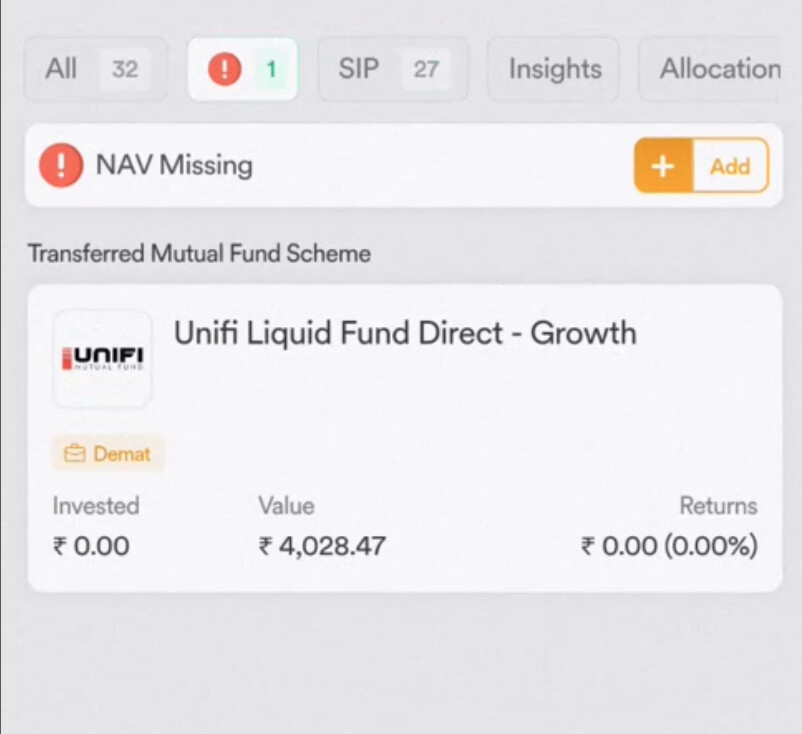
One-Tap NAV Sync: So, when Transferred Mutual fund units arrive without historical buy NAV from CDSL. That means your portfolio shows no invested value, no P&L, and no % returns - and your capital gain reports remain incomplete.
While most platforms nudge users to manually input the NAV, the process is tedious, prone to errors, and often skipped.
Dhan removes the guesswork. With just one tap, your NAV is auto-synced and updated, giving you complete visibility of your investment performance. Just clean and accurate data.
Full control: Top-up or start SIPs, or even pledge them for margin - your transferred units are fully usable from Day 1.
Getting Started is Easy
Update to the latest Dhan app
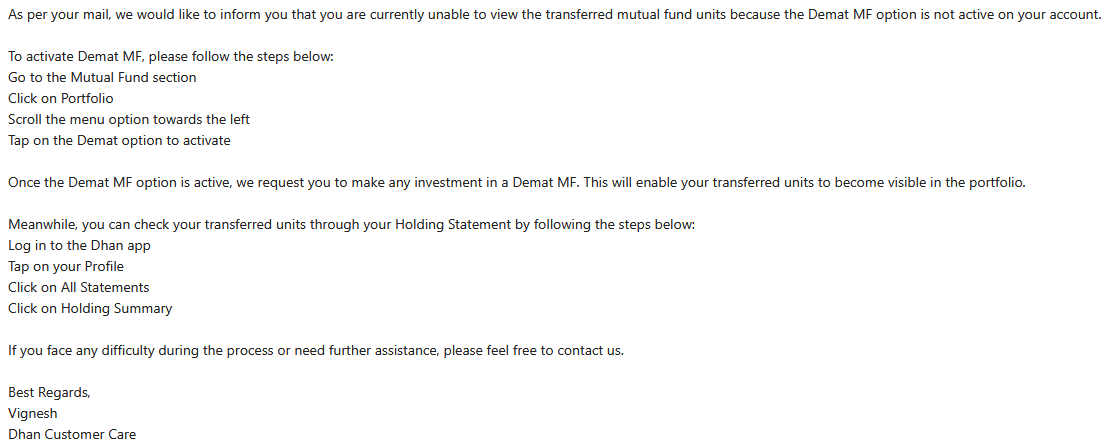
Go to Mutual Fund Portfolio → Activate Demat Mutual Funds
No charges from Dhan for the transfer. It’s completely free on our side.
Just a standard CDSL charge of ₹12.50 + GST per ISIN (that’s collected by the depository, not us). No AMC or platform fees apply for this process.
No tax is triggered during the transfer. Since it’s a shift in custody (not a sale), your holding period and capital gains remain intact.
So yes - full tax continuity is maintained post-transfer.
I initiated the transfer yesterday. When I checked today, I do not see those MFs under the CDSL profile.
Is this normal? I checked under the Dhan app too, nothing found there as well.
Upon sharing the screenshots, I have been asked to refresh external MF. I wonder how the transferred units are considered as external?!?
Anyways, when I checked just now, I could see the fund under the portfolio tab.
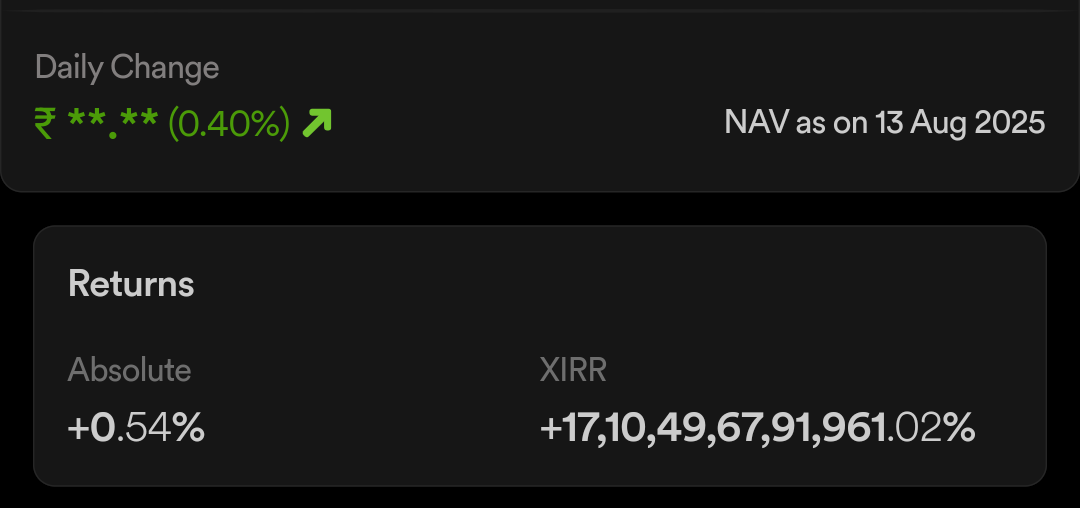
Only thing I am unable to figure out is NAV value. I guess today’s NAV is being considered. Any chance of recording transactions and average NAV automatically? If not, atleast manually?
Thanks for your attention @Saurav.P !
I checked just now and I could see the average NAV as expected. However, purchase history/past orders are still not visible. But atleast I can see invested amount and the current returns as it should.
Again, I still don’t understand the point of refreshing Ext MF. Transferred MFs should be the part of MF on Dhan right?
I refreshed it and there is nothing (correct behaviour in my opinion).
Here’s some context: when you transfer Mutual Funds from another broker to Dhan, CDSL only confirm the units you’ve moved, but they don’t share your past transaction history or order details from the old broker. That’s why historical SIPs or purchase logs aren’t visible on Dhan after a transfer at this moment. (we are planning include in the future)
To solve this, we’ve built the one-tap sync. With your consent via MF Central, we fetch verified external Mutual Funds transaction records and reconcile them against your transferred holdings. This way, your invested value and returns show up accurately - without you having to manually key in NAVs (which most other platforms ask you to do, and that often leads to errors or incomplete tracking).
So while the raw transfer itself doesn’t carry past orders, Dhan uses MF Central to stitch things together for you - making your portfolio cleaner, faster, and less error-prone.
I am okay to initiate one-tap sync. I was unable to locate this option though. Could you please guide me with the process?
I tried syncing Ext MF but that didn’t work.
We tried calling you on your registered number, which seems switched off. We request you to please reach us at help@dhan.co to assist you better. or you can connect with us on 9930861000.
Yes, the One-Tap NAV Sync feature exists.
Once CDSL confirms your transfer, a “NAV Missing” tab appears automatically in your MF Portfolio. Just tap the button, verify via MF Central OTP, and we’ll auto-sync your NAV and invested value instantly.
In your case, the option didn’t appear right away - a rare sync gap we’ve already flagged to our tech team. We’ve taken care of it from the backend for you.