We always welcome feedback from our users. Yes - Super Orders are set-and-forget in every sense.
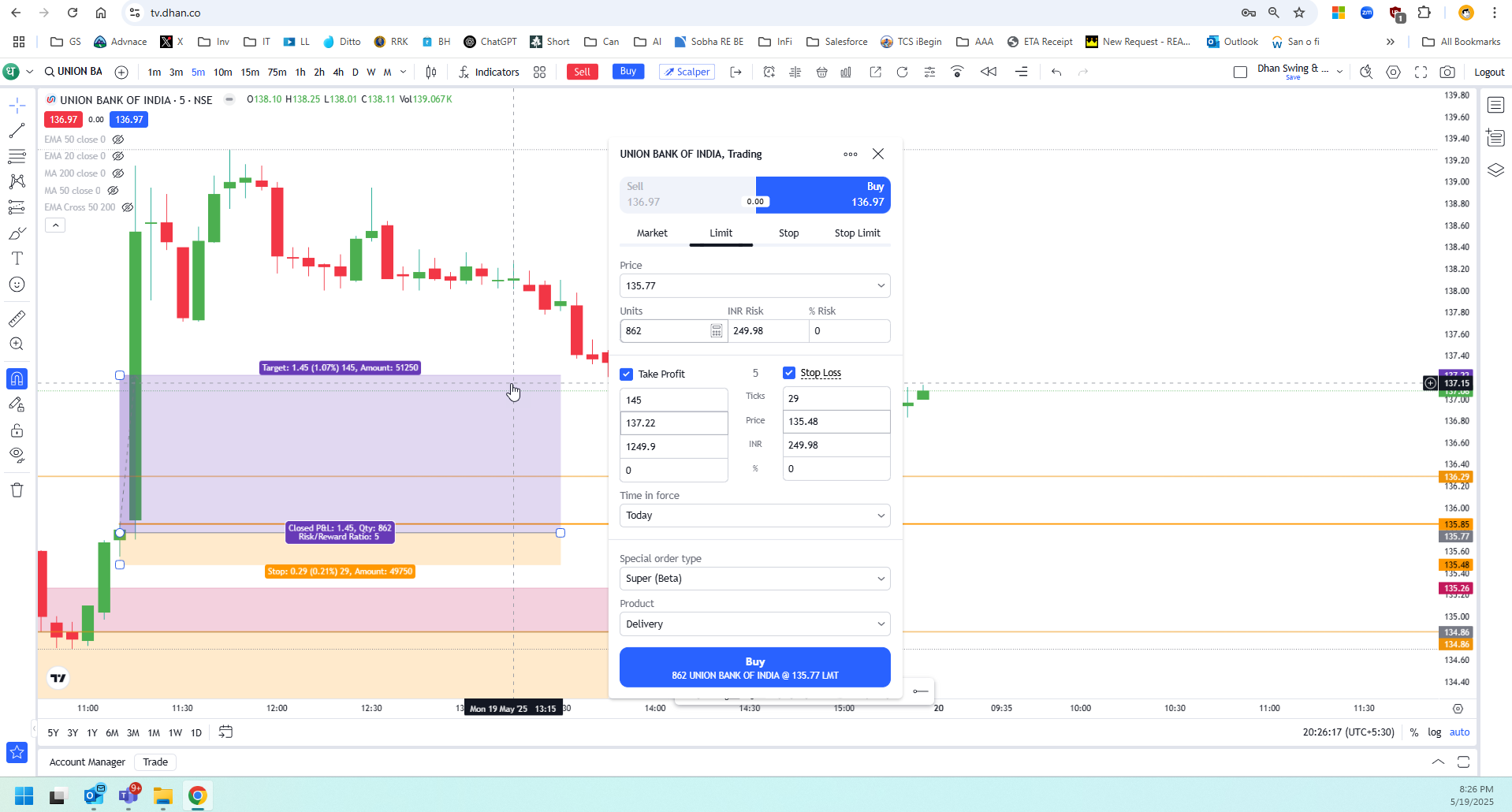
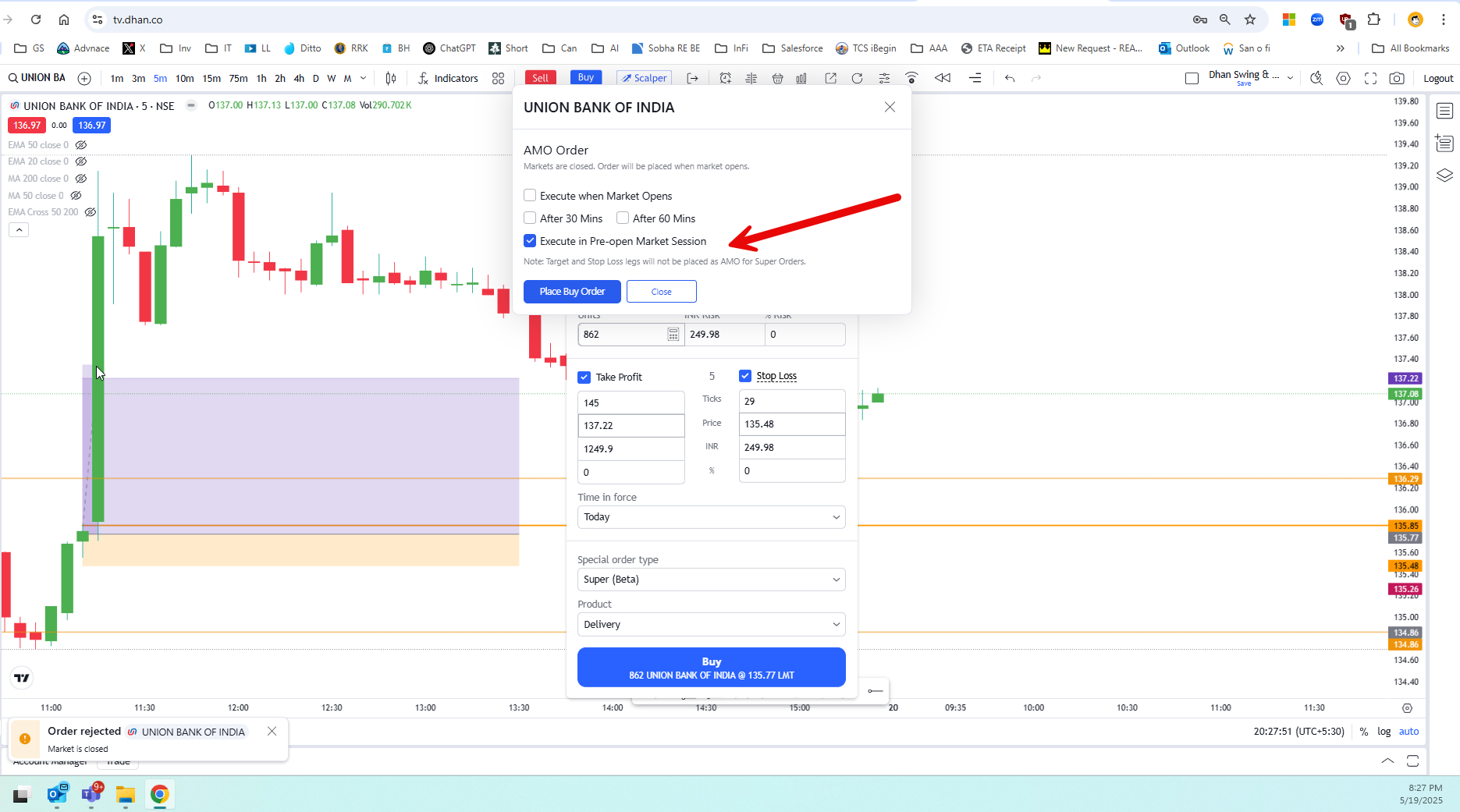
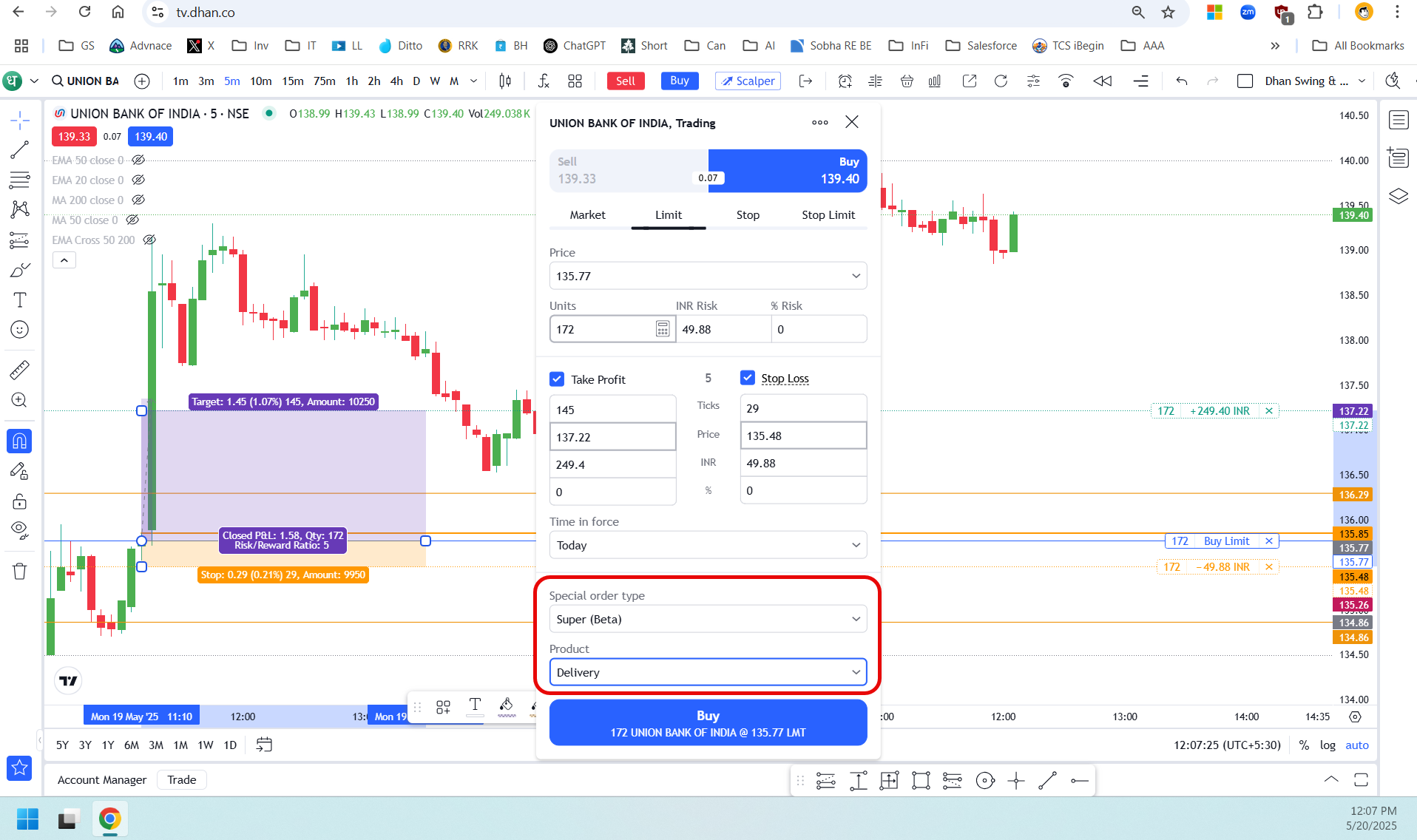
On the first part: Please note you select Super Orders under Intraday / Delivery or Normal of every order. If a Super Order is set for the day, it will get cancelled at the end of the day. If you have a placed it for a Delivery / Normal - it will continue until the orders are not executed or cancelled manually.
On this - please await till we announce upgrades to Super Order. We have received lot of a feedback on this and many updates are planned.
As suggest checking the order type that you are placing and modifications you are making. It is a very very powerful tool for many Swing Traders and even other use-cases.
Additional notes from our side for your feedback:
Usage of Super Orders have far exceeded that of Bracket Orders and Cover Orders combined, and by multiple times. Dhan will remove bracket and cover orders completely over the next few weeks or months.
While many additional capabilities are being introduced to Super Orders, they are truly built from scratch. Many users are using trial-jump with Super Orders and covering for their losses, and and almost 2/3rd of users are using them as Set and Forget.
It’s indeed powerful tool but there are many confusions in trading from chart .
For example - Also please note as per my understanding there is no option to carry your cash short trades but in chart still the delivery option appears. Ideally in case of short positions only intraday option should be visible.
I have discussed the same with someone from your team previously over call .
Please implement these on priority. Once the basics implemented properly maybe I can think about how to enhance the Super Order. Till then is just a 3 leg order or Bracket order.
So as per your words this order should remain there for at least few days right ? If this order entry leg is not executed today then the order should not get cancelled tomorrow right ?
In the scenario you mentioned, buying Union Bank of India using a Super Order, since this is a Delivery product type, the position from entry leg will move to Holdings on the next trading day. Meanwhile, the Target and Stop Loss legs will remain active and visible under the Super Orders tab.
These Target and Stop Loss legs will persist until either one is triggered. Once triggered, the order is sent to the exchange as a Market Order. At that point, all applicable exchange and Dhan RMS rules come into effect, including the time validity conditions of the order on the exchange.
Typically, market orders are executed successfully unless they violate any risk parameters. In some cases, due to Market Price Protection (MPP) , the order may be converted into a Limit Order. If the limit order remains unfilled, the exchange may cancel it at the end of the trading day.
What about the entry leg ? Every day the entry leg will be placed before the market opens or not ? Currently What is happening is I am placing the order manually everyday before the market opens.
Bhaiya sidha shabd m bolo Super Order m Delivery type select kar ke order laga ke bhul jau to execute hoga ki nahi price entry pe ane ke bad ?
Globally, if you are referring to US, or Crypto or Forex - the trading happens outside of exchange and is later reported to exchange. Most Crypto or Forex service providers are actually exchanges and not brokerage firms.
Life changes significantly when trades happen outside or regulatory purview, we do not have that freedom here in India. Stock trading is highly regulated, with guard-rails for retail investors that are time-proven - and more importantly all trades happen in exchanges.
Hello Team - Let’s say I placed a super order with only Target price. Once the TP is reached will the position be closed at market price or the TP acts as limit price for closing the position?
TP & SL price are trigger price. Once the trigger price is achieved, the order will go as market order. Therefore, TP & SL are sent to exchange as Market Order once triggered. {You can say both of these work as SL-M}.
Iceberg or slicing is not enabled on top of Super Orders as of now. These are two different algorithms, and combining them is little complex. Be assured, we will find out the solutions for this.
Yes @Naman
If someone is placing large OPTIONS orders (but below the Freeze Limit ) and set TP and SL since the SL is Trigger only in super order How it will handle because For Options we can’t place SLM order in exchange. Is there any Limit inbuilt Super order ?
Thank you for sharing your requirement for the Super order via webhooks, we appreciate the input and will explore how we can implement this effectively!