Hello Traders and Investors,
At Dhan, we understand the smallest of product experiences we make for you make a huge difference. They may be small, but these help you manage your trading setups and make your overall experience better.
Your watchlist brings all the opportunities you want to track into one place, helping you stay organized and make informed decisions with confidence. That’s why we’ve continuously invested in improving the watchlist experience on Dhan.
We innovated a lot with watchlists - big and small changes and updates from the time we started. Few of the unique features that Dhan brings to you are invested watchlist, scan and add to watchlist, color coding the stocks, expanding to 20 x 250 stocks in watchlists, mini-view of stocks, F&O stock lists, corporate actions on stocks in watchlist, market analytics on watchlist and also the full-screen view of watchlists on Dhan web.
Today, we’re excited to introduce one of the most requested features from the Dhan community:
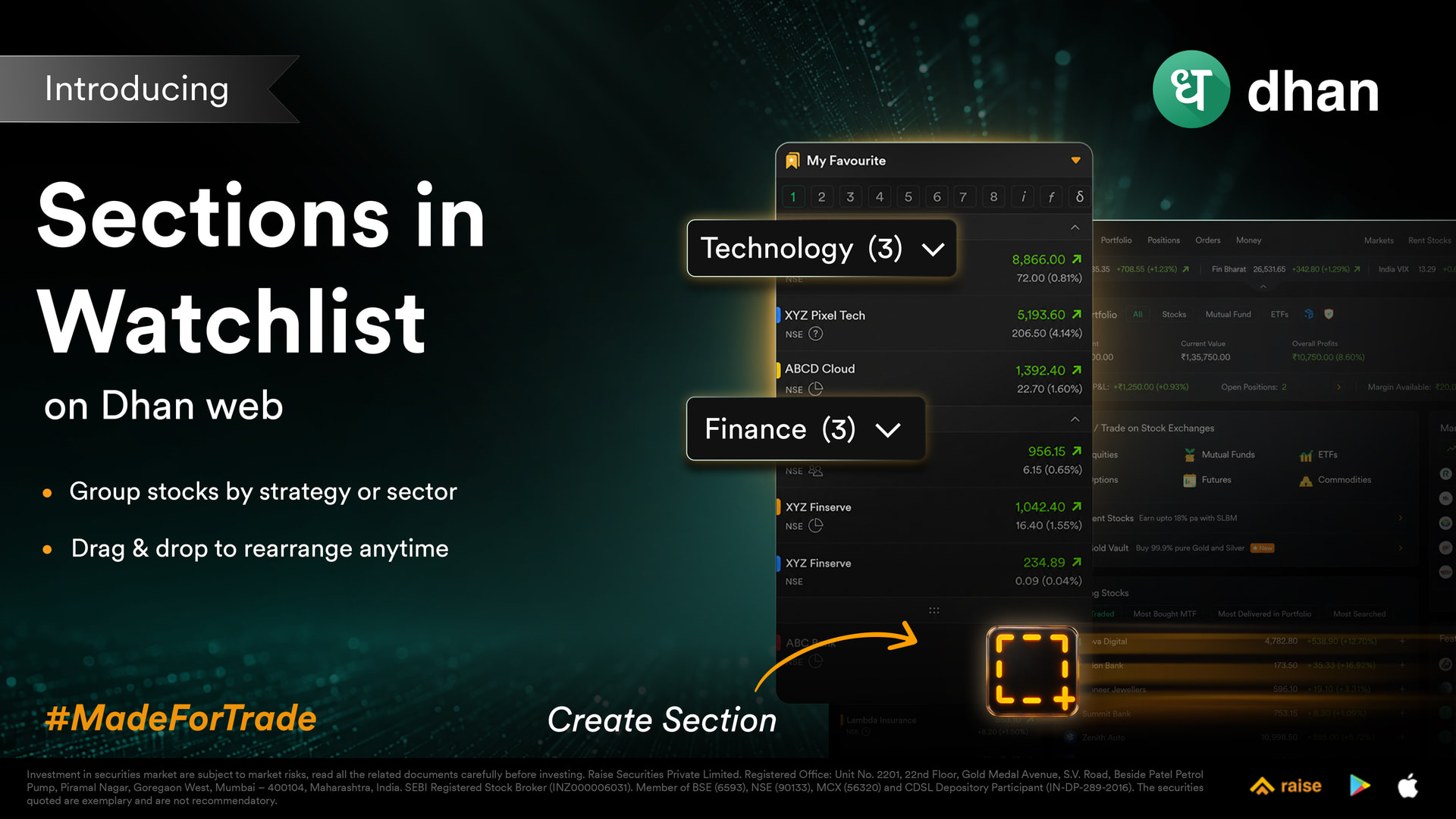
Introducing Sections in Watchlist
Why Watchlist Sections?
As watchlists grew larger from 100 to 250 stocks, many of you told us it was becoming harder to organize instruments across different sectors, themes, and strategies within a single list. Finding what you were looking for during market hours often meant scrolling through everything.
The only real workaround was creating multiple watchlists for different categories. While that worked, it fragmented your view and quickly used up your available watchlist tabs. With sections, you can now organize everything within a single watchlist.
What you can do:
- Create named sections within a watchlist to group stocks by sector, theme, or strategy.
- Move stocks into, out of, and between sections using drag and drop.
- Reorder sections and the stocks within them anytime.
- Delete a section without losing your stocks — they simply move back to your unsectioned list.
- Create up to 20 sections in a single watchlist, and rename them anytime.
How it works:
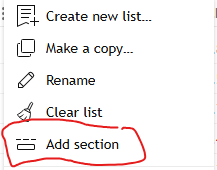
- Open any watchlist and click “Create Section” from the watchlist footer.
- Name your section and add stocks using drag and drop, or use the “Add to Section” option from the stock menu.
- Any new stocks you add to the watchlist will be visible in the unsectioned list.
Note: Sections in Watchlists are now live on Dhan Web and TradingView, with Dhan App, Options Trader, ScanX, and DEXT to follow soon. Please note that sections created on the web will not reflect on the app at the moment.
This feature comes directly from your feedback, and we’re glad to finally bring it to you. As always, we’d love to hear your thoughts — your feedback continues to shape what we build next.
Happy Trading,
Jahnvi