Dear Traders & Investors,
One of the core things that all of us at Dhan have focused on is building our own technology stack from scratch. It helps us in many ways - we run our core proprietary trading engine - DEXT, we are able to provide low latency APIs on DhanHQ, are able to merge software and infra capabilities to offer you DEXT T3 - The Trading Terminal, bring newer product segments like Stock Renting via SLBM or ability to buy Gold directly from Exchanges with Gold Vault, and so much more.
Benefits of our own tech stack helps us also on the data processing side, are able to bring things like full market depth on NSE & later for commodities via MCX, introduce Order Flow data on Charts, and much more that you have seen on Dhan, ScanX and more.
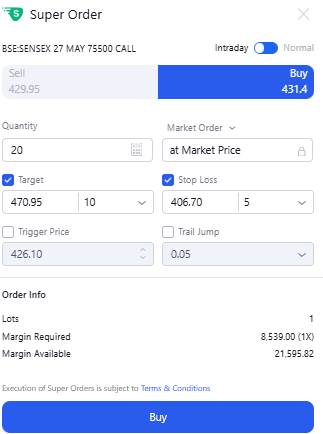
One of the most important things we have built on our trading engine DEXT - are proprietary order flows with Forever Orders, SIP in Stocks, Trigger SIPs for Stocks & ETFs, Super Orders, Trade Plans and similar.
When we introduced Super Orders back in March 2025, the response from this community was incredible. You tried it, pushed it, gave us detailed feedback, and told us exactly where it could go further. We have been reading every single thread, every comment, and every suggestion since then, and continue to do so every day.
We have introduced a few updates to Super Orders since then and shared with this community how traders are utilising the Super Order. The snippet of the post is here :
Today, we are back with a significant set of upgrades to Super Orders. These are major improvements and enhancements that we are able to bring and upgrade to Super Order v2.0, some of these are capabilities that do not exist anywhere else in the industry today.
Here are the big updates on Super Orders V2.0:
Set Multiple Targets on a Single Super Orders
One of the most requested features of users, be it investors or traders is the ability to get more out of a single order. When you buy or get into a trade, is there a way to set multiple targets - so you can book partial profits / exit and stay on for the final exit to happen.
Yes, now Super Order makes you do that - a single order that can set more than one exit target.
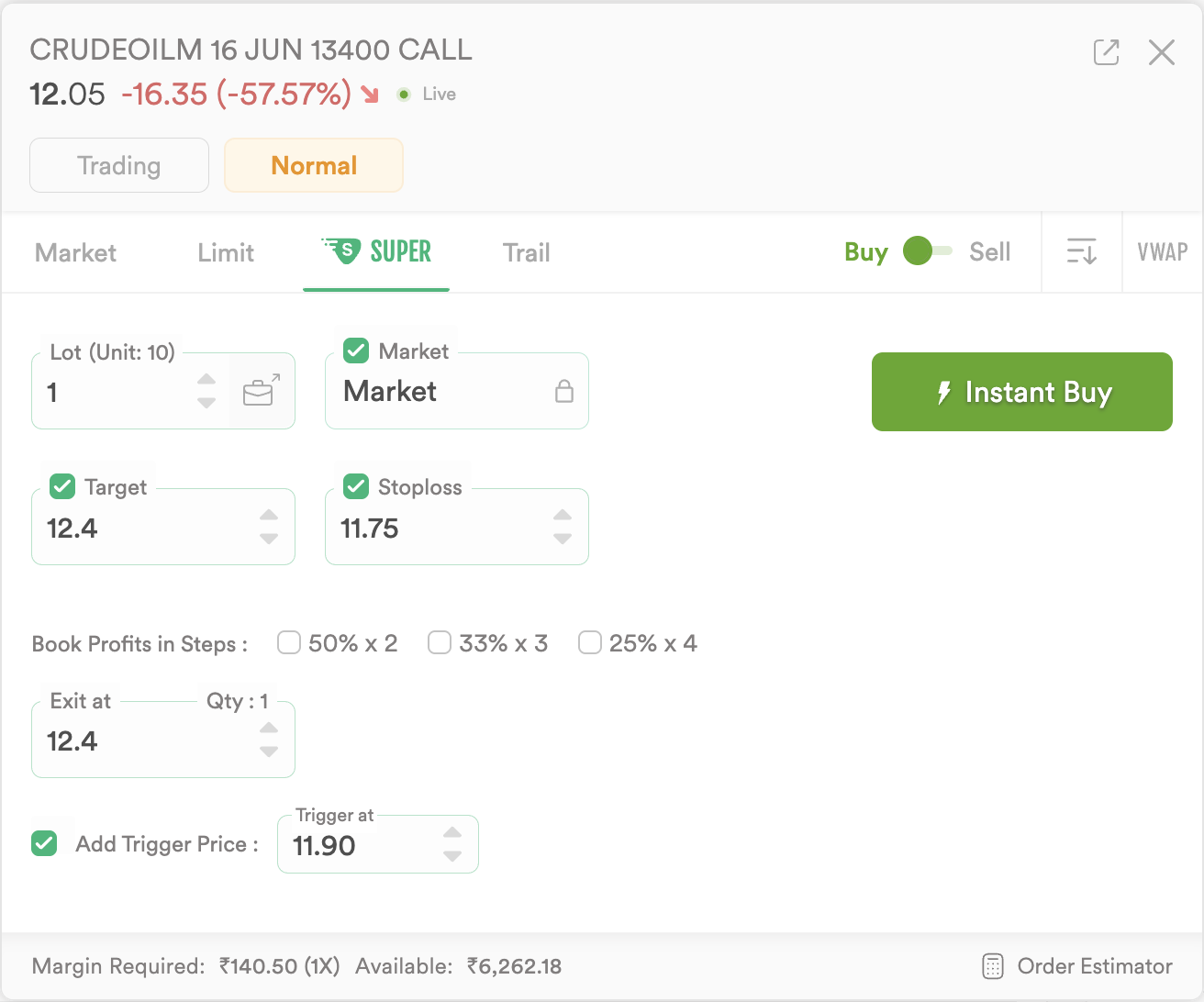
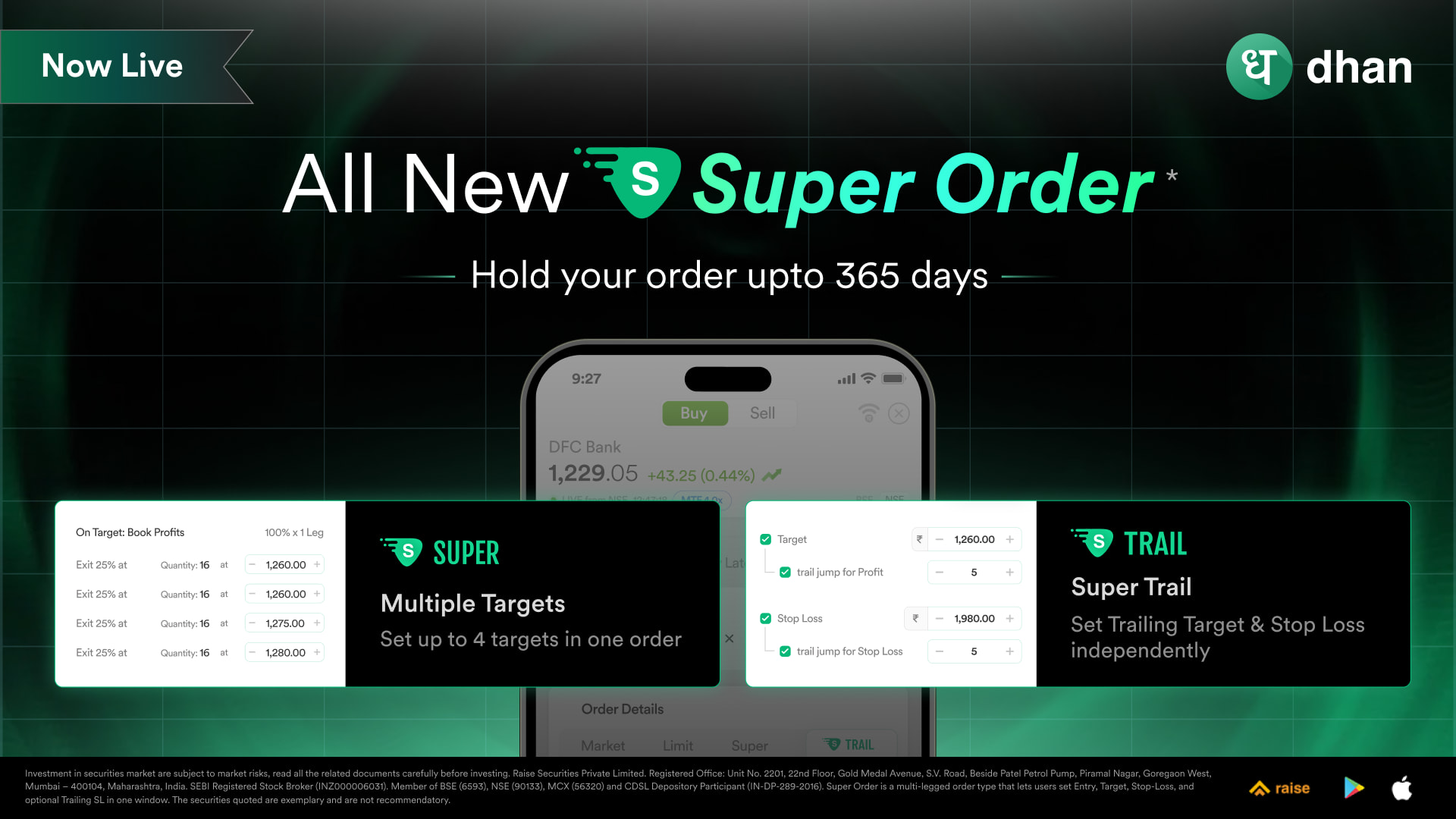
Until now, you could set a single target and a single stop loss within a Super Order. Starting today, you can set multiple (up to four) targets within a single Super Order, along with a stop loss. This means you can now define your complete trade plan within a single order, partial exits at multiple levels, while your stop loss holds firm.
For swing traders, positional traders, and anyone who manages trades in tranches, this changes how you place and manage orders on Dhan.
Super Trail - Introducing Dual Trail for Stop Loss and also for Target
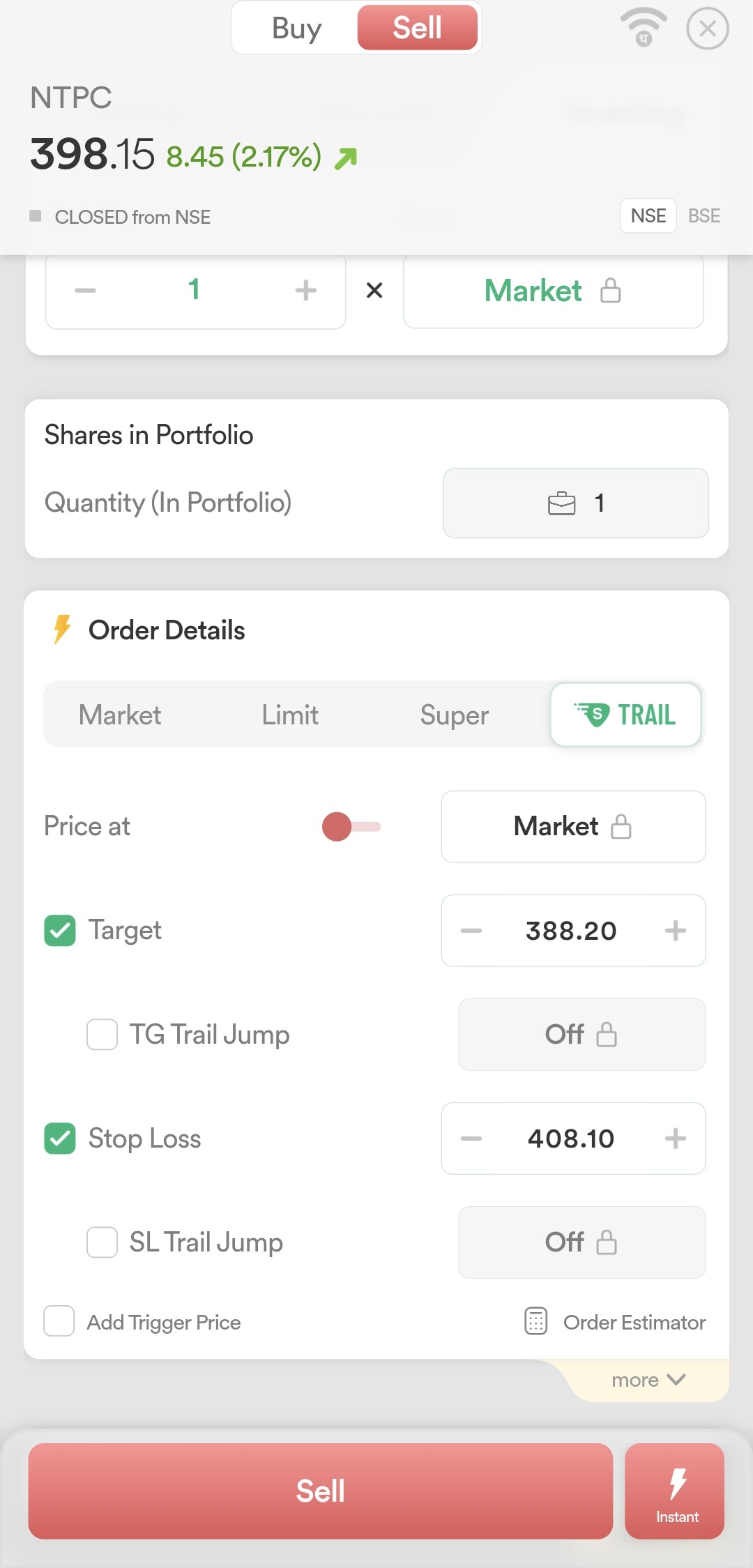
The second, and arguably the bigger announcement today, is Super Trail. We have separated out the trailing functionality from Super Order and built it as its own dedicated order type - Super Trail is now a standalone order type on Dhan.
Super Trail gives you an Entry, a Target, and a Stop Loss, and on top of that, you can now enable trailing independently for both your Stop Loss and your Target.

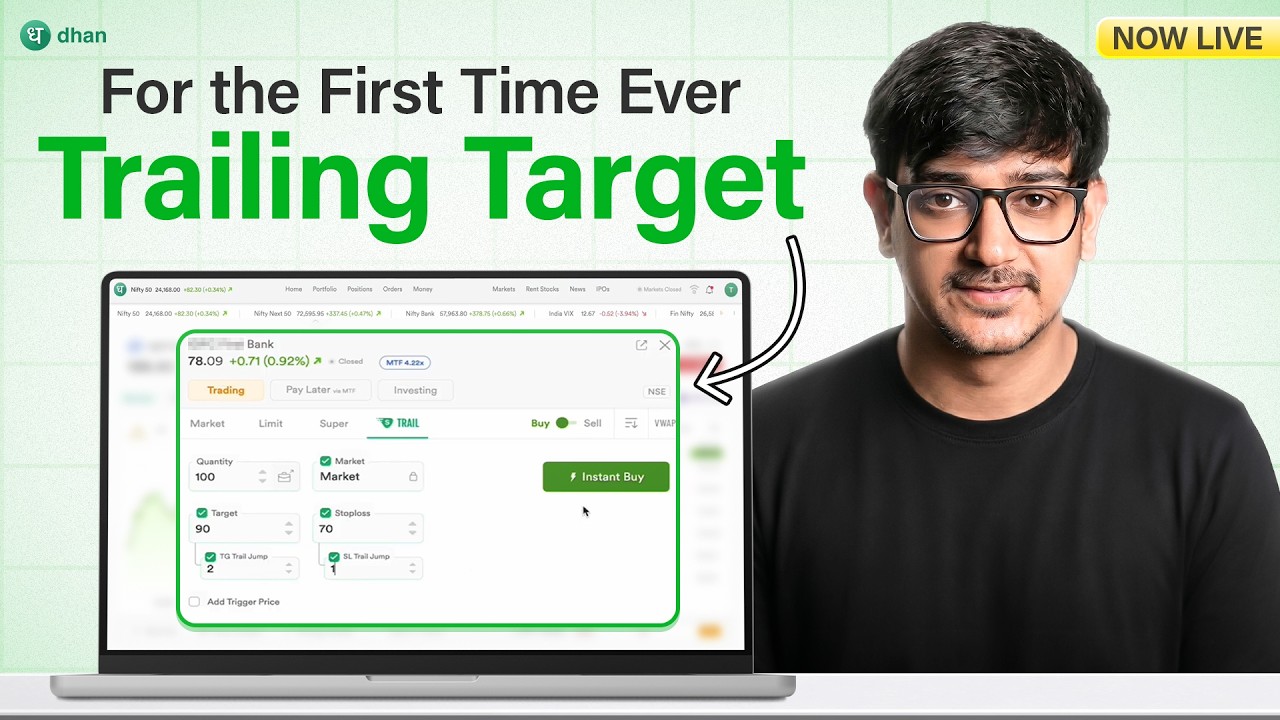
What is new, and what is an industry-first, is the Trailing Target. When the market spikes sharply in the direction of your trade, the Trailing Target moves with the LTP, tracking the high of that spike. It does not execute immediately. It waits. It only hits the market when the price ticks below the high of that spike.
This means instead of your target getting hit at a pre-set price while the move is still running, Trailing Target lets you stay in the trade and capture more of that spike. No other platform offers this to you today. We built this because many of you have experienced the frustration of watching a target execute just as the real move was beginning. Super Trail with Trailing Target is our solution to that.
Trailing Stop Loss, as many of you know, moves the stop loss in the favourable direction of the trade as the LTP moves. That has been available on Dhan for a while and continues to work the same way within Super Trail.
Now Super Orders are valid for 365 Days
The next upgrade addresses a gap that many of you pointed out since the launch of Super Orders. When you placed a Super Order for Delivery, MTF, or a Normal carry-forward position, the Target and Stop Loss legs were already valid for up to 365 days.
However, the main entry leg, the first leg of the order, was only valid for the day. This meant pending entry orders for positional trades had to be re-placed every day. That limitation is now removed.
The main entry leg of Super Orders for Delivery, MTF, and Normal order types can now be set with a 365-day validity. Your entire Super Order, entry, target, and stop loss, now stays active until it triggers or until you choose to cancel it.
Any Order can become Super: Add a Target & Stop Loss on an Existing Position
We have also made it possible to place a Target and Stop Loss directly on any open position. If you already have a position open and want to apply a target, a stop loss, a trailing stop loss, or a trailing target on it, you can now do that directly from the positions.
You do not need to have placed the original order as a Super Order. Any order or open position can now become Super Order.
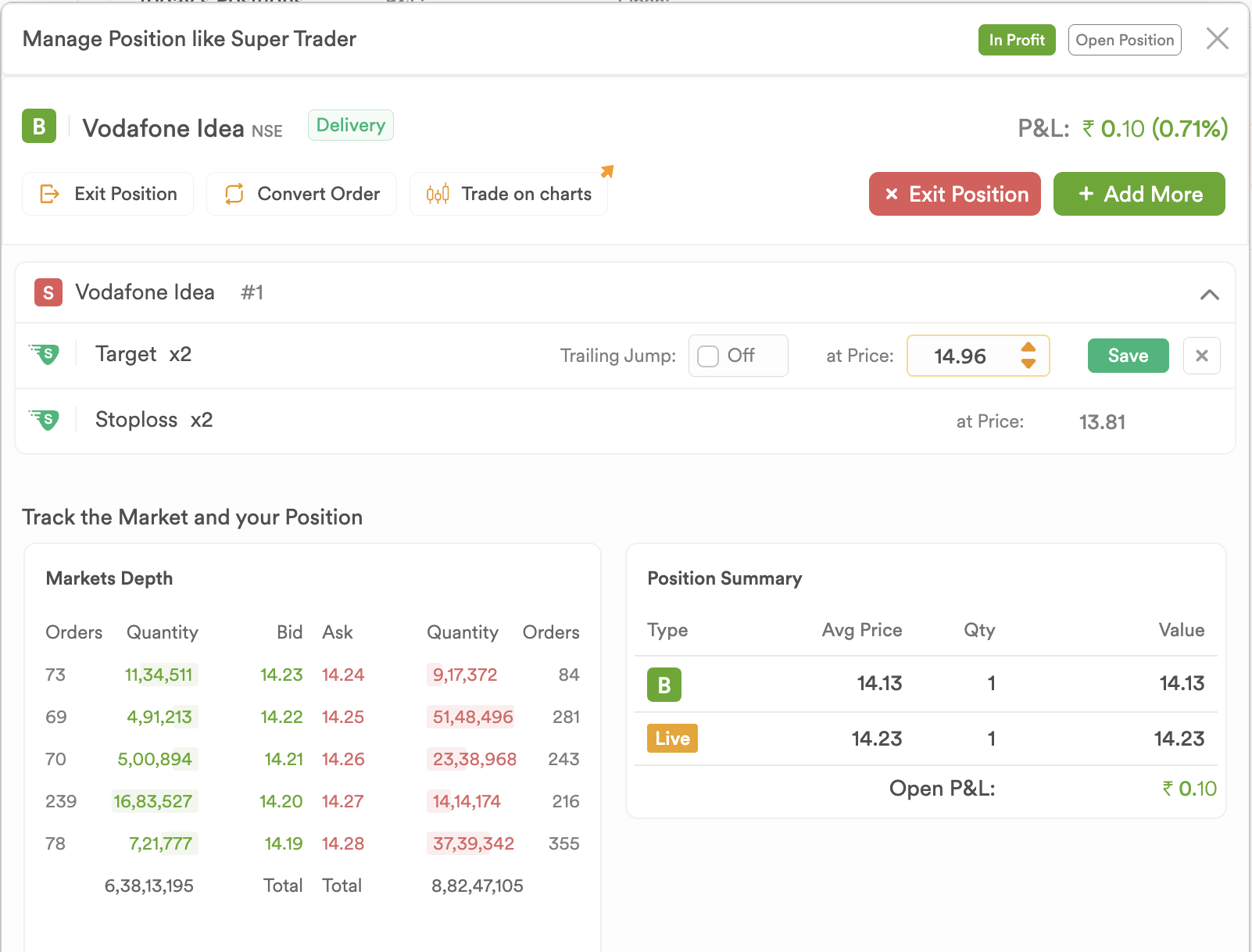
You know what’s the best thing - this is also available on Dhan Charts, where you can simply drag and drop your TP and SL levels from the positions panel directly onto the chart.
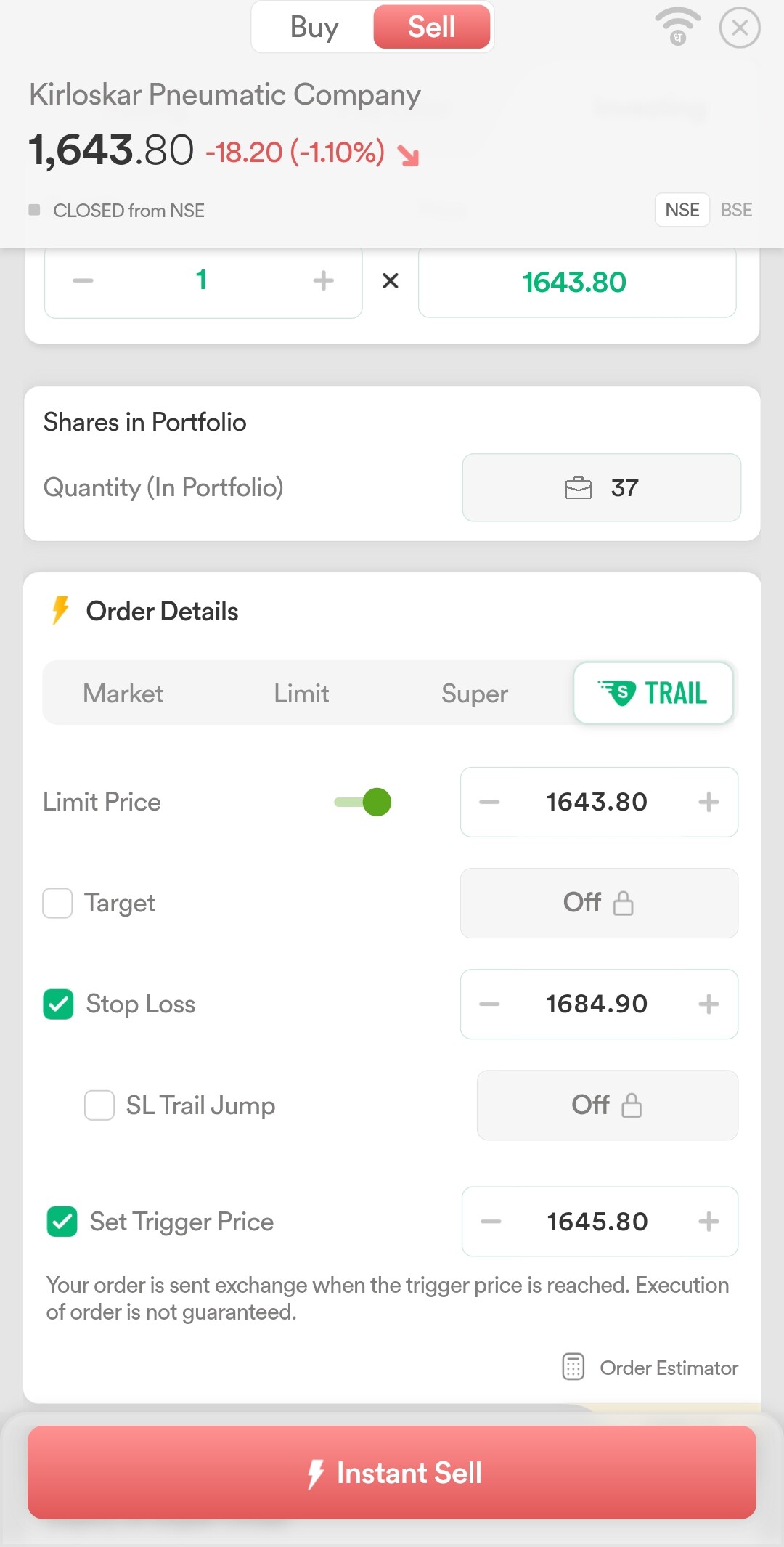
Trigger Order is now part of Market & Limit Orders
Finally, we have simplified how trigger-based orders work across the platform. Earlier, the trigger functionality lived in a separate tab within the order window. We have now moved it directly into each order type.
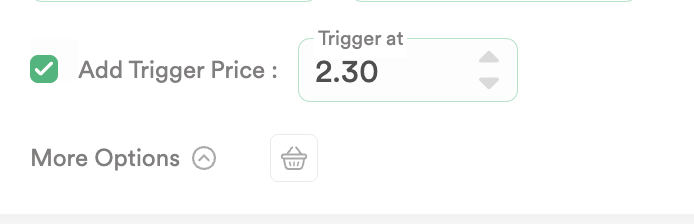
Whether you are placing a Market, Limit, Super, or Trail order, the option to add a trigger is right there within the same order type. This makes the order placement flow cleaner and more intuitive, particularly for traders who use trigger-based entries regularly. And to place a stop loss order, you need to first decide whether you want to place SL-Limit or SL-Market. Click on the Limit or Market based on your Stop Loss type and then add the trigger price.
We have made an Explainer YouTube video to understand how trailing target works :
Summarising updates to Super Orders
To summarise what is live today, Multiple Targets in Super Order with up to four target levels, Super Trail as a new standalone order type with an industry-first Trailing Target, 365-day validity for the main entry leg of Super Orders, Place a Target / Stop Loss on open positions, Add Target and Stop Loss on Dhan Charts based on drag and drop, and trigger functionality built directly into every order type.
All of this continues to be powered by DEXT, our in-house trade execution platform, which gives us the speed and architectural flexibility to build capabilities like these without compromise.
As always, please try these, share your feedback below, and tell us what you want us to build next. This community has shaped Super Orders from day one, and these new major upgrades are proof of building more right and intuitive tools for you to improve your investing & trading experience.
Happy Trading!
Naman